Create Telegram podcast digests from Apple Podcasts with BrowserAct and Gemini
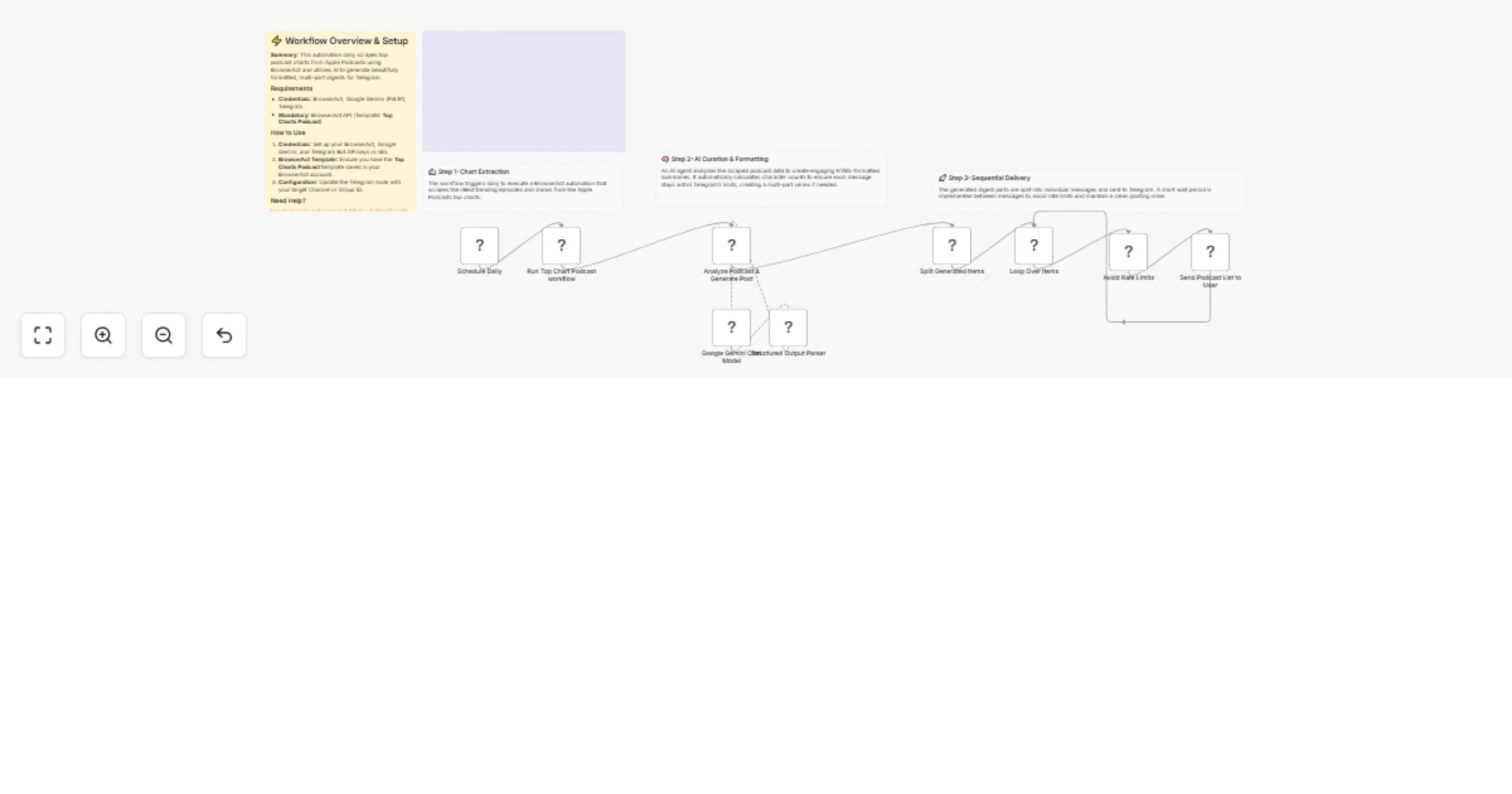
Workflow preview

$20/month : Unlimited workflows
2500 executions/month

THE #1 IN WEB SCRAPING
Scrape any website without limits
HOSTINGER  Early Deal
DISCOUNT 20% Try free
Early DealDISCOUNT 20%
Self-hosted n8n
Unlimited workflows - from $4.99/mo

#1 hub for scraping, AI & automation
6000+ actors - $5 credits/mo
Overview
Create Telegram podcast digests from Apple Podcasts using BrowserAct & Gemini
This workflow automates the creation of engaging podcast summaries for your Telegram channel. It scrapes a podcast feed (like Apple Podcasts Top Charts), uses AI to format the episodes into a clean, readable HTML list with emojis, and publishes the digest directly to your subscribers.
Target Audience
Podcast curators, news aggregators, and community managers who want to share daily or weekly updates.
How it works
- Scheduled Fetch: The workflow runs on a set schedule (e.g., daily).
- Scrape Feed: BrowserAct visits the podcast chart or RSS feed URL to extract episode titles, show names, and descriptions.
- Format Digest: An AI Agent (using Google Gemini) processes the raw list. It formats each item into HTML (bold titles, italic show names), adds visual separators, and splits the digest into multiple messages if it exceeds Telegram's character limit.
- Publish: The workflow loops through the formatted message parts and sends them sequentially to your Telegram channel.
How to set up
- Configure Credentials: Connect your Telegram, BrowserAct, and Google Gemini accounts in n8n.
- Prepare BrowserAct: Ensure the Top Charts Podcast template is saved in your BrowserAct account.
- Configure Telegram: Ensure your bot is an admin in the target channel and add the Chat ID to the Send a text message node.
- Activate: Turn on the workflow.
Requirements
- BrowserAct account with the Top Charts Podcast template.
- Telegram account (Bot Token).
- Google Gemini account.
How to customize the workflow
- Change Source: Update the BrowserAct template to scrape Spotify charts or a specific RSS feed URL.
- Adjust Format: Modify the system prompt in the AI Agent node to change the emoji style or layout of the digest.
- Add Filters: Add a Code node before the AI step to filter out episodes based on keywords (e.g., only show "Tech" podcasts).
Need Help?
- How to Find Your BrowserAct API Key & Workflow ID
- How to Connect n8n to BrowserAct
- How to Use & Customize BrowserAct Templates