Handle Vietnamese SME customer care on Zalo Bot with Gemini and Google Sheets
# AI customer care chatbot for Vietnamese SMEs with Zalo Bot, Gemini and Google Sheets CRM
A production ready Zalo Bot chatbot that handles the full customer journey for Vietnamese small and medium businesses: greeting new customers with a sticker, listening for their first reply, routing the message to the right handler, generating AI fallback answers in Vietnamese, escalating to a human agent when needed, and logging every conversation to Google Sheets as a lightweight CRM.
This template uses **every operation** of the `n8n-nodes-zalo-platform` community node (`zaloBotTrigger`, `sendMessage`, `sendPhoto`, `sendSticker`, `getUpdates`) combined with Google Gemini and Google Sheets to deliver a real conversational flow, not a one shot reply.
## Who is this for
Vietnamese SMEs, e-commerce shops, restaurants, clinics, real estate brokers, training centers, and any business already using Zalo Bot Platform that wants to:
- Reply 24/7 in natural Vietnamese without hiring more staff
- Track every customer in a free Google Sheets CRM
- Showcase products and pricing on demand
- Escalate complex requests to a human agent
- Use AI to handle long tail questions
## How it works
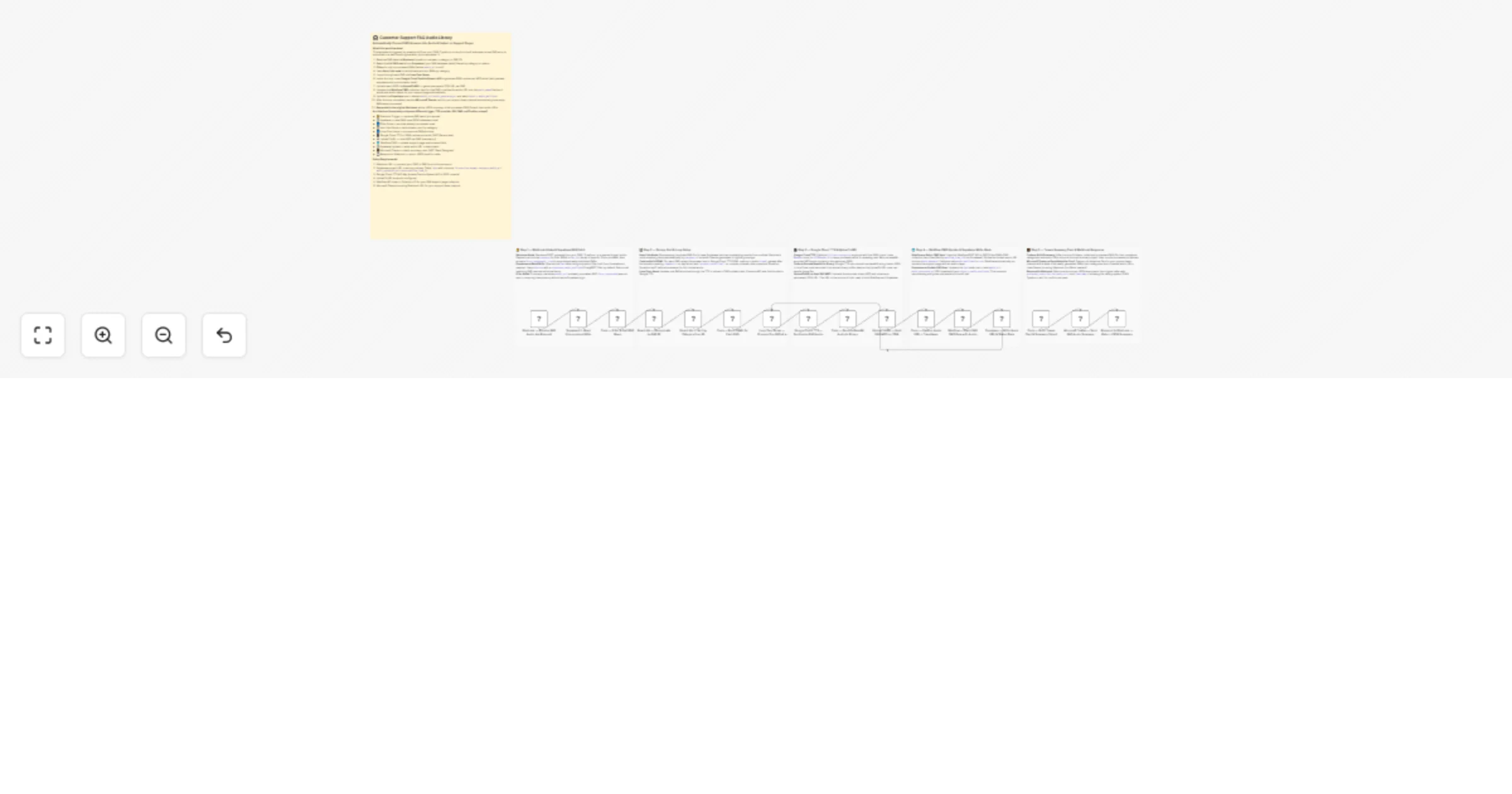
1. **Receive Zalo Message** triggers on every text message sent to your bot.
2. **Set Configuration** holds your business name, hotline, product photo URL, pricing, sheet ID, and admin Zalo ID (plug and play).
3. **Extract Customer Info** parses the Zalo payload (`message.from.id`, `message.chat.id`, `message.from.display_name`, `message.text`, `message.message_id`) into clean fields.
4. **Lookup Customer in CRM** reads the Google Sheets `Customers` tab and filters by `senderId` to detect new vs returning customers.
5. **Is New Customer?** branches the flow:
- **New customer:** append a row to `Customers`, send a welcome sticker (`sendSticker`), send a Vietnamese welcome message (`sendMessage`), then **Listen Welcome Reply** uses `getUpdates` to wait for the user's first response.
- **Returning customer:** route directly to intent detection.
6. **Normalize After Listen** and **Normalize Returning** unify both paths into a single `messageText` and `messageOriginal` field, so downstream nodes work regardless of source.
7. **Detect Intent** is a Switch node with 4 keyword rules plus an AI fallback. Each rule matches both Vietnamese with diacritics and unaccented variants:
- `menu` (menu, dịch vụ)
- `products` (sản phẩm, demo, giải pháp)
- `pricing` (giá, báo giá, chi phí)
- `human` (người thật, tư vấn, liên hệ, hỗ trợ)
- **default** routes to Gemini AI reply
8. **Send Menu**, **Send Product Photo**, and **Send Pricing** handle the matched intents using `sendMessage` and `sendPhoto`.
9. **Log Escalation** writes a row to `Conversations` and **Acknowledge Escalation** confirms receipt to the customer.
10. **Gemini AI Reply** generates a friendly Vietnamese reply using Google Gemini 2.0 Flash with full business context.
11. **Send AI Reply** delivers the response back via Zalo Bot.
12. **Log Conversation** appends every message and reply to the `Conversations` sheet so you can review chats and improve the bot.
## What makes this template different
- **Full conversational flow**, not just a one shot auto reply
- **Two path normalization**: the welcome reply path and the returning customer path converge into a single intent router
- **Vietnamese first**: keyword matching, AI prompts, and replies all handle Vietnamese with diacritics natively
- **Free CRM**: ready to copy Google Sheets template included, no database setup required
- **Uses every operation** of the Zalo Bot community node
- **Production patterns**: customer state tracking, conversation logging, human escalation, and AI fallback, all in one workflow
## Requirements
- Self hosted n8n (community nodes are not available on n8n Cloud)
- Community node: `n8n-nodes-zalo-platform`
- A Zalo Bot created via **Zalo Bot Manager** inside the Zalo app (gives you a Bot Token in the format `bot_id:secret_key`). This is **not** Zalo Official Account.
- Google account with access to Google Sheets and Google Gemini (free tier from Google AI Studio)
## How to set up
1. Install the community node via **Settings > Community Nodes**: `n8n-nodes-zalo-platform`
2. Create credentials for Zalo Bot, Google Sheets OAuth2, and Google Gemini
3. **Get the Google Sheets CRM template** (ready to copy):
- Open: [Google Sheets CRM template](https://docs.google.com/spreadsheets/d/1e9155FKWikWTADXWssAdYvOq7g8l3N4NvhnxQXo9EFc/edit?usp=sharing)
- **File > Make a copy**
- The template already contains both tabs:
- `Customers`: `senderId | name | firstSeen | lastSeen | messageCount`
- `Conversations`: `timestamp | senderId | name | messageId | message | intent | reply`
4. Copy your new Sheet ID from the URL (between `/d/` and `/edit`) and paste it into the **Set Configuration** node `googleSheetId` field
5. Edit **Set Configuration** with your business name, hotline, product photo URL, and pricing text
6. Activate the workflow. The webhook is auto registered with Zalo Bot Platform.
7. Send a message to your bot to test. Try keywords: `menu`, `sản phẩm`, `giá`, `người thật`, or any free form question.
## How to customize
- Add more intents to the Switch node (booking, refund, shipping, address lookup)
- Replace Google Sheets with Airtable, Notion, Postgres, or Supabase for a real database
- Send order confirmations with `sendPhoto` (QR code, invoice image)
- Send promotional stickers on Tet, Black Friday, or seasonal events
- Add a Schedule Trigger to broadcast daily promotions to all customers in the CRM
- Plug in your website knowledge base via Retrieval Augmented Generation
- Switch Gemini for OpenAI, Claude, or a self hosted local model
- Add an Hours Of Operation check to send a different reply outside business hours
## Need help
- [Zalo Bot node setup guide](https://thenexova.com/n8n-zalo-bot-node-complete-setup-and-operations-guide/)
- Email: `[email protected]`
- Built by **THE NEXOVA**, automation and AI partner for Vietnamese businesses


 Early Deal