Bulk enrich CSV contact lists with Lusha
Workflow preview

$20/month : Unlimited workflows
2500 executions/month

THE #1 IN WEB SCRAPING
Scrape any website without limits
HOSTINGER  Early Deal
DISCOUNT 20% Try free
Early DealDISCOUNT 20%
Self-hosted n8n
Unlimited workflows - from $4.99/mo

#1 hub for scraping, AI & automation
6000+ actors - $5 credits/mo
Overview
How it works
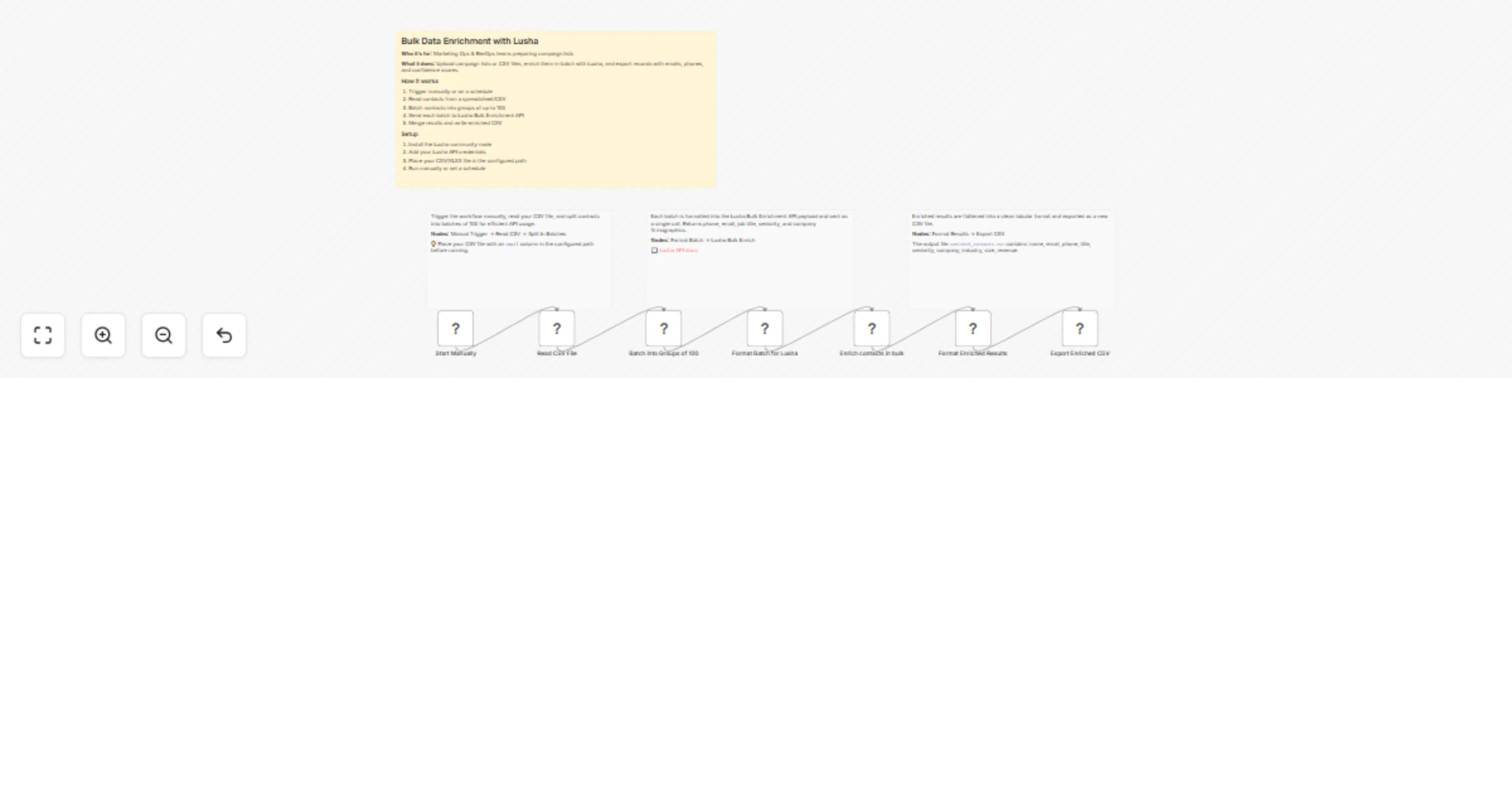
- Reads a CSV file and splits contacts into batches of 100
- Each batch is sent to Lusha's bulk enrichment API in a single call
- Enriched results (phone, email, title, company data) are formatted and exported as a new CSV
Set up steps
- Install the Lusha community node
- Add your Lusha API credentials
- Place your CSV file with an
emailcolumn in the configured path - Run the workflow manually — the enriched CSV is saved to the output path