Build a private Llama chatbot with Ollama, Groq, Slack and Google Sheets
Workflow preview


 Early Deal
DISCOUNT 20%

Overview
This workflow builds a fully private, self-hosted AI chatbot using Meta Llama models. Unlike cloud-based AI APIs, every conversation stays on your infrastructure — no data leaves your environment. The chatbot remembers conversation history per session, routes different query types to specialized Llama prompts, logs all interactions, and can escalate unresolved queries to a human agent via Slack.
Powered by Ollama (local) or Groq/Together AI (cloud Llama endpoints) — configurable in one node.
What's the Goal?
To give businesses a production-grade private AI chatbot that:
- Runs on their own servers with zero data exposure
- Handles customer support, internal helpdesk, sales FAQs, and onboarding
- Remembers context across a full conversation session
- Routes intelligently: support vs sales vs general vs escalation
- Logs every turn for quality review, training, and compliance
Why Does It Matter?
Most businesses cannot send sensitive conversations to OpenAI or Anthropic due to:
- GDPR, HIPAA, SOC2, or internal data governance policies
- Confidential customer data in support queries
- Proprietary internal knowledge that must stay private
Llama models run fully on-premise. This workflow gives those businesses the same quality AI chatbot experience with complete data sovereignty.
Monetization: sell this as a private AI chatbot deployment package to enterprises. Setup fee plus monthly hosting — recurring revenue.
How It Works
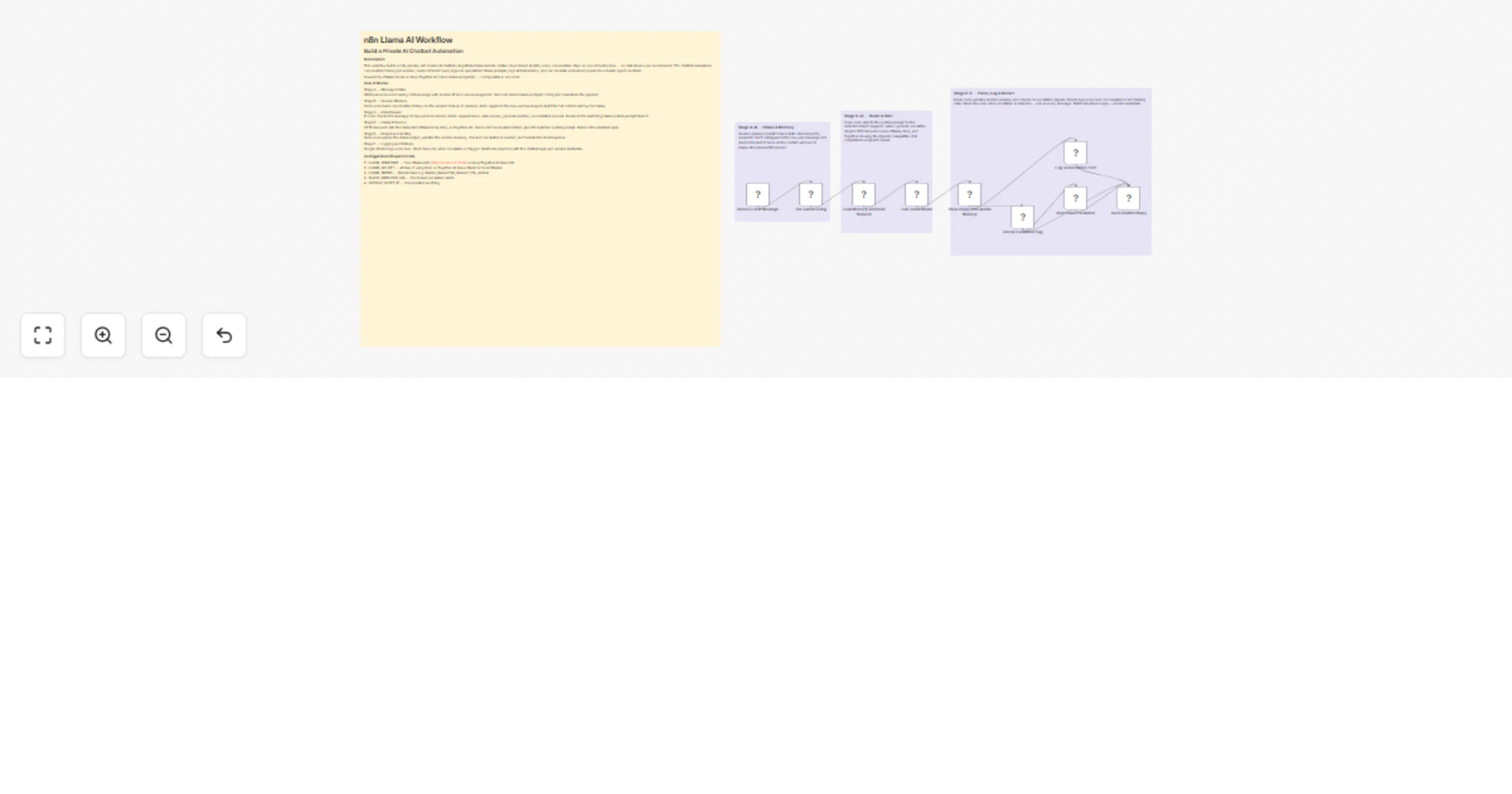
Stage A — Message Intake Webhook receives incoming chat message with session ID and user message text. Set node stores Llama endpoint config and normalizes the payload.
Stage B — Session Memory Code node loads conversation history for the session from an in-memory store. Appends the new user message to build the full context window for Llama.
Stage C — Intent Router IF node checks the message for keywords to classify intent: support issue, sales inquiry, general question, or escalation request. Routes to the matching Llama system prompt branch.
Stage D — Llama Inference HTTP Request calls the Llama API (Ollama local, Groq, or Together AI). Sends full conversation history plus the matched system prompt. Returns the assistant reply.
Stage E — Response Handling Code node parses the Llama output, updates the session memory, checks if escalation is needed, and formats the final response.
Stage F — Logging and Delivery Google Sheets logs every turn. Slack fires only when escalation is flagged. Webhook responds with the chatbot reply and session metadata.
Configuration Requirements
- LLAMA_ENDPOINT — Your Ollama URL (http://localhost:11434) or Groq/Together AI base URL
- LLAMA_API_KEY — API key if using Groq or Together AI (leave blank for local Ollama)
- LLAMA_MODEL — Model name e.g. llama3, llama3.1:8b, llama3.1:70b, mixtral
- SLACK_WEBHOOK_URL — For human escalation alerts
- GOOGLE_SHEET_ID — Conversation audit log
Setup Guide
Option A (Local / Private):
- Install Ollama: curl -fsSL https://ollama.ai/install.sh | sh
- Pull model: ollama pull llama3.1
- Set LLAMA_ENDPOINT to http://localhost:11434
- Leave LLAMA_API_KEY blank
Option B (Cloud Llama via Groq — fastest):
- Sign up at groq.com and copy your API key
- Set LLAMA_ENDPOINT to https://api.groq.com/openai/v1
- Set LLAMA_MODEL to llama-3.1-8b-instant or llama-3.1-70b-versatile
- Paste your Groq API key in LLAMA_API_KEY
Option C (Together AI):
- Sign up at together.ai
- Set endpoint to https://api.together.xyz/v1
- Set model to meta-llama/Llama-3.1-8B-Instruct-Turbo
Steps for all options: 5. Open Set Llama Config node — fill in all values 6. Set SLACK_WEBHOOK_URL and GOOGLE_SHEET_ID 7. Activate and POST to /webhook/llama-chat
Sample Payload
{ sessionId: user-abc-123, message: My order arrived damaged and I need a refund, userId: user_123, botPersona: support, userName: Sarah }
Explore More Automation: Contact us to design AI-powered lead nurturing, content engagement, and multi-platform reply workflows tailored to your growth strategy.