Block 1 - Main Overview
- Type / Role
- n8n-nodes-base.stickyNote - stickyNote
- Config choices
- Version 1


 Early Deal
This workflow builds a fully private, self hosted AI chatbot using Meta Llama models. Unlike cloud based AI APIs, every conversation stays on your infrastructure — no data leaves your environment. ...
n8n-nodes-base.stickynote, n8n-nodes-base.webhook, n8n-nodes-base.set, n8n-nodes-base.code, n8n-nodes-base.httprequest, n8n-nodes-base.googlesheets, n8n-nodes-base.if, n8n-nodes-base.respondtowebhook
This workflow is cataloged by N8N Workflows and links back to its original n8n.io source page by Oneclick AI Squad.
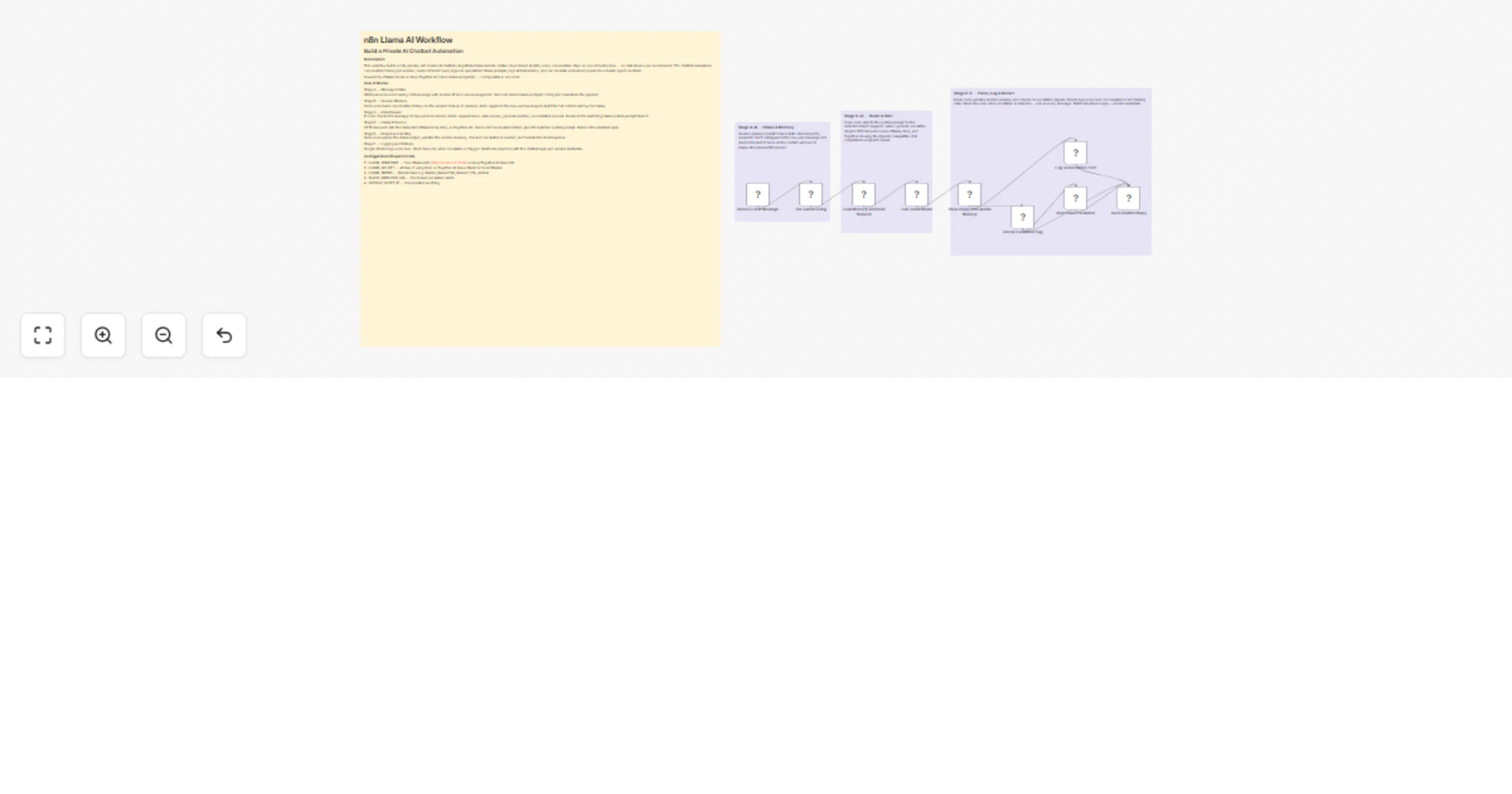
Original n8n.io sourceThis workflow builds a fully private, self-hosted AI chatbot using Meta Llama models. Unlike cloud-based AI APIs, every conversation stays on your infrastructure — no data leaves your environment. The chatbot remembers conversation history per session, routes different query types to specialized Llama prompts, logs all interactions, and can escalate unresolved queries to a human agent via Slack.
Powered by Ollama (local) or Groq/Together AI (cloud Llama endpoints) — configurable in one node.
To give businesses a production-grade private AI chatbot that:
Most businesses cannot send sensitive conversations to OpenAI or Anthropic due to:
Llama models run fully on-premise. This workflow gives those businesses the same quality AI chatbot experience with complete data sovereignty.
Monetization: sell this as a private AI chatbot deployment package to enterprises. Setup fee plus monthly hosting — recurring revenue.
Stage A — Message Intake Webhook receives incoming chat message with session ID and user message text. Set node stores Llama endpoint config and normalizes the payload.
Stage B — Session Memory Code node loads conversation history for the session from an in-memory store. Appends the new user message to build the full context window for Llama.
Stage C — Intent Router IF node checks the message for keywords to classify intent: support issue, sales inquiry, general question, or escalation request. Routes to the matching Llama system prompt branch.
Stage D — Llama Inference HTTP Request calls the Llama API (Ollama local, Groq, or Together AI). Sends full conversation history plus the matched system prompt. Returns the assistant reply.
Stage E — Response Handling Code node parses the Llama output, updates the session memory, checks if escalation is needed, and formats the final response.
Stage F — Logging and Delivery Google Sheets logs every turn. Slack fires only when escalation is flagged. Webhook responds with the chatbot reply and session metadata.
Option A (Local / Private):
Option B (Cloud Llama via Groq — fastest):
Option C (Together AI):
Steps for all options: 5. Open Set Llama Config node — fill in all values 6. Set SLACK_WEBHOOK_URL and GOOGLE_SHEET_ID 7. Activate and POST to /webhook/llama-chat
{ sessionId: user-abc-123, message: My order arrived damaged and I need a refund, userId: user_123, botPersona: support, userName: Sarah }
Explore More Automation: Contact us to design AI-powered lead nurturing, content engagement, and multi-platform reply workflows tailored to your growth strategy.
This catalog entry is organized from the workflow JSON. The node-level section below shows the executable blocks available for review before importing the template.
| Workflow | Build a private Llama chatbot with Ollama, Groq, Slack and Google Sheets |
|---|---|
| Complexity | intermediate |
| Nodes | 13 |
| Categories | Support Chatbot, AI Chatbot |
| Author | Oneclick AI Squad |
| Published | 02 Mar 2026 |
Use the JSON export at /data/workflows/13811/13811.json as the source template for this automation.
Open n8n, import the downloaded JSON, and review each node before activating the workflow.
Replace placeholder credentials, API keys, webhook URLs, account IDs, and environment-specific values with your own settings.
Run the workflow manually or in a staging workspace, inspect node output, and confirm downstream systems receive the expected data.
Enable the workflow only after testing, then monitor executions, errors, and rate limits during the first production runs.
Review imported nodes carefully before activation. This catalog entry is intended to help you inspect the workflow structure, understand required services, and find related templates faster.
Node names, credentials, schedules, webhook paths, and external service limits may need adjustment for your workspace.
This workflow builds a fully private, self hosted AI chatbot using Meta Llama models. Unlike cloud based AI APIs, every conversation stays on your infrastructure — no data leaves your environment. ...
Review the workflow JSON, configure any required credentials in n8n, and test the automation in a safe workspace before using it in production.
Yes. Use the block-by-block analysis and the downloadable JSON to inspect each node, then adjust credentials, prompts, schedules, filters, or destinations for your Support Chatbot, AI Chatbot use case.