Automated MIT AI news delivery to Discord with deduplication
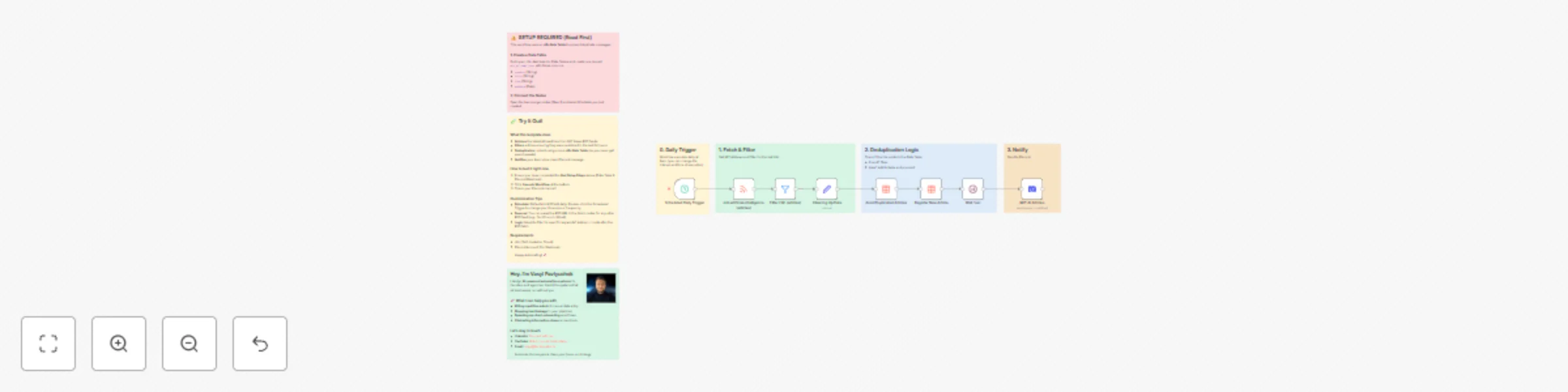
Workflow preview

$20/month : Unlimited workflows
2500 executions/month

THE #1 IN WEB SCRAPING
Scrape any website without limits
HOSTINGER  Early Deal
DISCOUNT 20% Try free
Early DealDISCOUNT 20%
Self-hosted n8n
Unlimited workflows - from $4.99/mo

#1 hub for scraping, AI & automation
6000+ actors - $5 credits/mo
Important notice
This workflow is provided as-is. Please review and test before using in production.
Overview
Stay ahead of the curve with the latest Artificial Intelligence research from MIT, delivered directly to your Discord server—clean, filtered, and duplicate-free.
This workflow is perfect for AI agencies, researchers, and tech teams who want to stay informed without the noise.
How it works
This workflow runs automatically every day (default 9:00 AM) to:
- Fetch the official MIT News RSS feed for the "Artificial Intelligence" topic.
- Filter articles to keep only those published in the last 24 hours.
- Deduplicate content using an internal n8n Data Table. It checks if the article link has already been sent to prevent spamming old news.
- Notify your team on Discord with a clean, formatted message including the Title, Author, Date, and Link.
Setup steps
1. Create the Data Table (Mandatory)
This workflow relies on n8n Data Tables to track sent articles. Before running:
- Go to your n8n Dashboard > Data Tables.
- Create a new table named:
mit_ai_news_sent - Add these exact columns:
creator(Type: String)title(Type: String)link(Type: String)pubDate(Type: Date)
2. Connect the Table
- Import this template.
- Open the orange nodes named "Avoid Duplicated Articles" and "Register New Article".
- Select the
mit_ai_news_senttable you just created from the list.
3. Configure Discord
- Create a Webhook in your Discord Server (Server Settings > Integrations > Webhooks).
- Open the "MIT AI Articles" node.
- Create a new Credential and paste your Webhook URL.