Automate lead management from website forms to Google Sheets and Slack
Workflow preview

$20/month : Unlimited workflows
2500 executions/month

THE #1 IN WEB SCRAPING
Scrape any website without limits
HOSTINGER  Early Deal
DISCOUNT 20% Try free
Early DealDISCOUNT 20%
Self-hosted n8n
Unlimited workflows - from $4.99/mo

#1 hub for scraping, AI & automation
6000+ actors - $5 credits/mo
Important notice
This workflow is provided as-is. Please review and test before using in production.
Overview
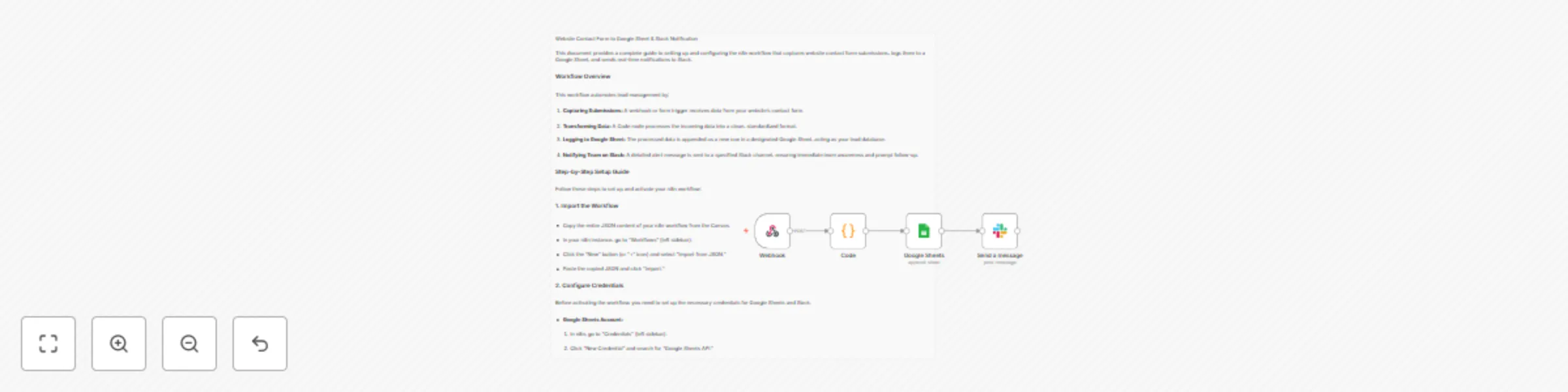
🧠 Workflow Summary
Automates lead management by:
- 🔗 Webhook Trigger: Captures form data from your website.
- 🧼 Code Node: Standardizes the data format.
- 📄 Google Sheets: Appends a new row with lead info.
- 🔔 Slack Notification: Alerts your team instantly.
⚙️ Quick Setup
1. Import Workflow
- In n8n, go to Workflows → + New → Import from JSON.
2. Add Credentials
- Google Sheets: Use OAuth2 to connect your account.
- Slack: Create a Slack App → Add bot scopes → Connect via OAuth2.
3. Google Sheet Prep
- Create a sheet with these columns in row 1:
- Full Name
- Email Address
- Business Name
- Project Intent/Needs
- Project Timeline
- Budget Range
- Received At
4. Configure Nodes
- Webhook: Use the generated URL in your form settings.
- Code: Cleans and maps form fields.
- Google Sheets Node:
- Set to Append
- Map fields using expressions like
={{ $json.email }}
- Slack Node:
- Choose your channel
- Send a templated lead alert message with form data
5. Activate & Test
- Click Activate
- Send a test POST to the Webhook
- Confirm:
- New row in Sheet ✅
- Slack alert sent ✅
🎯 Use this automation to capture leads, log data, and notify your team—all hands-free.