Automate Job applications 🧑🏻💼📄with Chatbot, PredictLeads and ScrapegraphAI
Workflow preview


 Early Deal
DISCOUNT 20%

Overview
This Chatbot automates the process of discovering job openings and generating tailored job application emails.
It combines AI agents, web scraping, and email drafting to streamline job applications.
This workflow transforms job applications from a manual, repetitive process into an intelligent AI-assisted automation system that:
- Saves time
- Improves email quality
- Reduces errors
- Maintains human oversight
- Scales across multiple job postings
It represents a strong example of combining conversational AI, external data tools, structured parsing, and workflow automation into a production-ready solution.
How it works
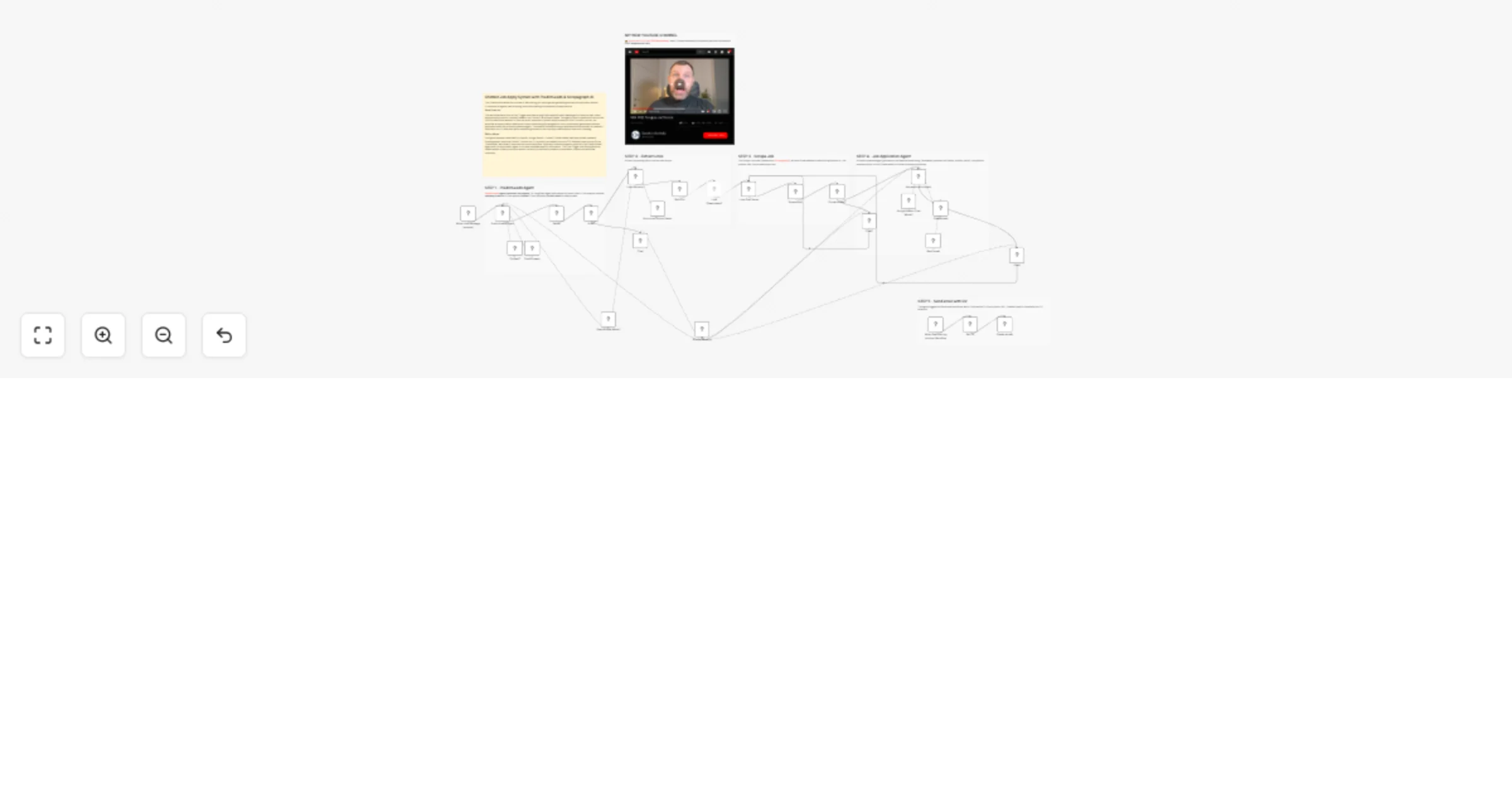
User starts a chat – The workflow begins when a user sends a message via the chat trigger.
PredictLeads Agent processes the request – A LangChain agent determines the user's intent. If the request involves company research, it first queries Context7, then optionally PredictLeads for deeper data.
Response parser – The agent's output is cleaned and parsed into a structured JSON format with
list(boolean) andoutputfields.List check – If
lististrue(e.g., a list of job URLs), the workflow extracts links and passes them to the next stage. Iffalse, the agent responds directly to the user.Link extraction – The
Links Extractornode uses OpenAI to extract job posting URLs from the user's input.Loop through each link – Each URL is processed individually using a
Loop Over Itemsnode.Scrape job details – The
Scrape Jobnode (powered by ScrapegraphAI) extracts:
- Email address to send the application to
- Job position title
- Full job description text
Email presence check – If an email is found, the workflow proceeds to generate an application email. If not, it informs the user that no email is available and provides the job link.
Job Application Agent – A Gemini-powered agent generates a professional email using:
- Candidate's personal info (name, location, skills)
- Job position and description
- A tool (
Create email) to format the subject and body
- Send email tool – The agent triggers the
Send emailworkflow, which:
- Fetches the CV from a public URL
- Creates a draft in Gmail with the CV attached
- User response – The final output is sent back to the user via chat, confirming the draft creation or notifying them of missing information.
Setup steps
To use this workflow, you need to configure the following credentials and nodes:
1. Chat Trigger
- No setup required. This is the entry point for user messages.
2. OpenAI Chat Model
- Add your OpenAI API key.
3. Google Gemini Chat Model
- Add your Google AI API key.
4. Context7 MCP Tool
- Credential:
Context7 - Add your API key as a header (e.g.,
Authorization: Bearer XXX).
5. PredictLeads MCP Tool
- Credential:
Multiple Headers PredictLeads - Add required headers (e.g.,
X-API-Keyor similar).
6. ScrapegraphAI
- Add your ScrapegraphAI API key.
7. Gmail
- Authorize access to Gmail (OAuth2) to create drafts.
8. HTTP Request (Get CV)
- Ensure the CV is publicly accessible at the URL in the node (
https://XXX/cv.pdf) or update it with your own.
9. Simple Memory
- No setup needed. Used to maintain conversation context.
10. Agent Prompt Customization (Optional)
- Review the system prompts in the
PredictLeads AgentandJob application Agentnodes. - Update candidate personal information (name, location, etc.) in the
Job application Agentprompt.
11. Workflow ID for "Send email"
- The
Send emailtool calls another workflow by ID . Ensure this ID matches the current workflow (it should be self-referential).
Key Advantages
1. ✅ End-to-End Automation
It automates the entire job application lifecycle:
- Job discovery
- Job data extraction
- Email writing
- CV attachment
- Draft preparation
No manual copy-paste required.
2. ✅ AI-Orchestrated Tool Usage
The system intelligently decides when to use:
- Company research tools (Context7)
- PredictLeads data
- Scraping services
- Email drafting workflows
This makes it dynamic and adaptable rather than static.
3. ✅ Structured & Reliable Data Handling
- Uses JSON schema validation
- Cleans malformed AI outputs
- Ensures consistent structured results
- Reduces errors in automation flows
4. ✅ Human-in-the-Loop Safety
Before sending any email:
- The system requires double approval
- The email is saved as a draft, not automatically sent
This prevents accidental or incorrect applications.
5. ✅ Personalized & Tailored Applications
Each application is:
- Context-aware
- Position-specific
- Professionally formatted
- Generated using candidate-specific data
This increases response quality compared to generic templates.
6. ✅ Scalability
Because of:
- Split-in-batches logic
- Looping over multiple job listings
- Structured parsing
The workflow can process multiple job opportunities efficiently.
7. ✅ Modular Architecture
The workflow is cleanly modular:
- AI agents
- Scraper
- Parser
- Email tool
- CV fetcher
👉 Subscribe to my new YouTube channel. Here I’ll share videos and Shorts with practical tutorials and FREE templates for n8n.

Need help customizing?
Contact me for consulting and support or add me on Linkedin.