Automate Job applications πŸ§‘πŸ»β€πŸ’ΌπŸ“„with Chatbot, PredictLeads and ScrapegraphAI

Workflow preview

Workflow preview
100%
Automate Job applications πŸ§‘πŸ»β€πŸ’ΌπŸ“„with Chatbot, PredictLeads and ScrapegraphAI preview
Open on n8n.io

1. Workflow Overview

This Chatbot automates the process of discovering job openings and generating tailored job application emails. It combines AI agents, web scraping, and email drafting to streamline job applications...

Best for

  • Personal Productivity automation workflows
  • AI Chatbot automation workflows
  • advanced n8n builders looking for reusable templates

Tools used

@n8n/n8n-nodes-langchain.chattrigger, @n8n/n8n-nodes-langchain.lmchatopenai, @n8n/n8n-nodes-langchain.mcpclienttool, @n8n/n8n-nodes-langchain.memorybufferwindow, @n8n/n8n-nodes-langchain.outputparserstructured, n8n-nodes-base.splitinbatches, @n8n/n8n-nodes-langchain.lmchatgooglegemini, @n8n/n8n-nodes-langchain.chat

Source and attribution

This workflow is cataloged by N8N Workflows and links back to its original n8n.io source page by Davide Boizza.

Original n8n.io source

1.1 Workflow description

Title
Automate Job applications πŸ§‘πŸ»β€πŸ’ΌπŸ“„with Chatbot, PredictLeads and ScrapegraphAI
Workflow name
Automate Job applications πŸ§‘πŸ»β€πŸ’ΌπŸ“„with Chatbot, PredictLeads and ScrapegraphAI

This Chatbot automates the process of discovering job openings and generating tailored job application emails.

It combines AI agents, web scraping, and email drafting to streamline job applications.

This workflow transforms job applications from a manual, repetitive process into an intelligent AI-assisted automation system that:

  • Saves time
  • Improves email quality
  • Reduces errors
  • Maintains human oversight
  • Scales across multiple job postings

It represents a strong example of combining conversational AI, external data tools, structured parsing, and workflow automation into a production-ready solution.


How it works

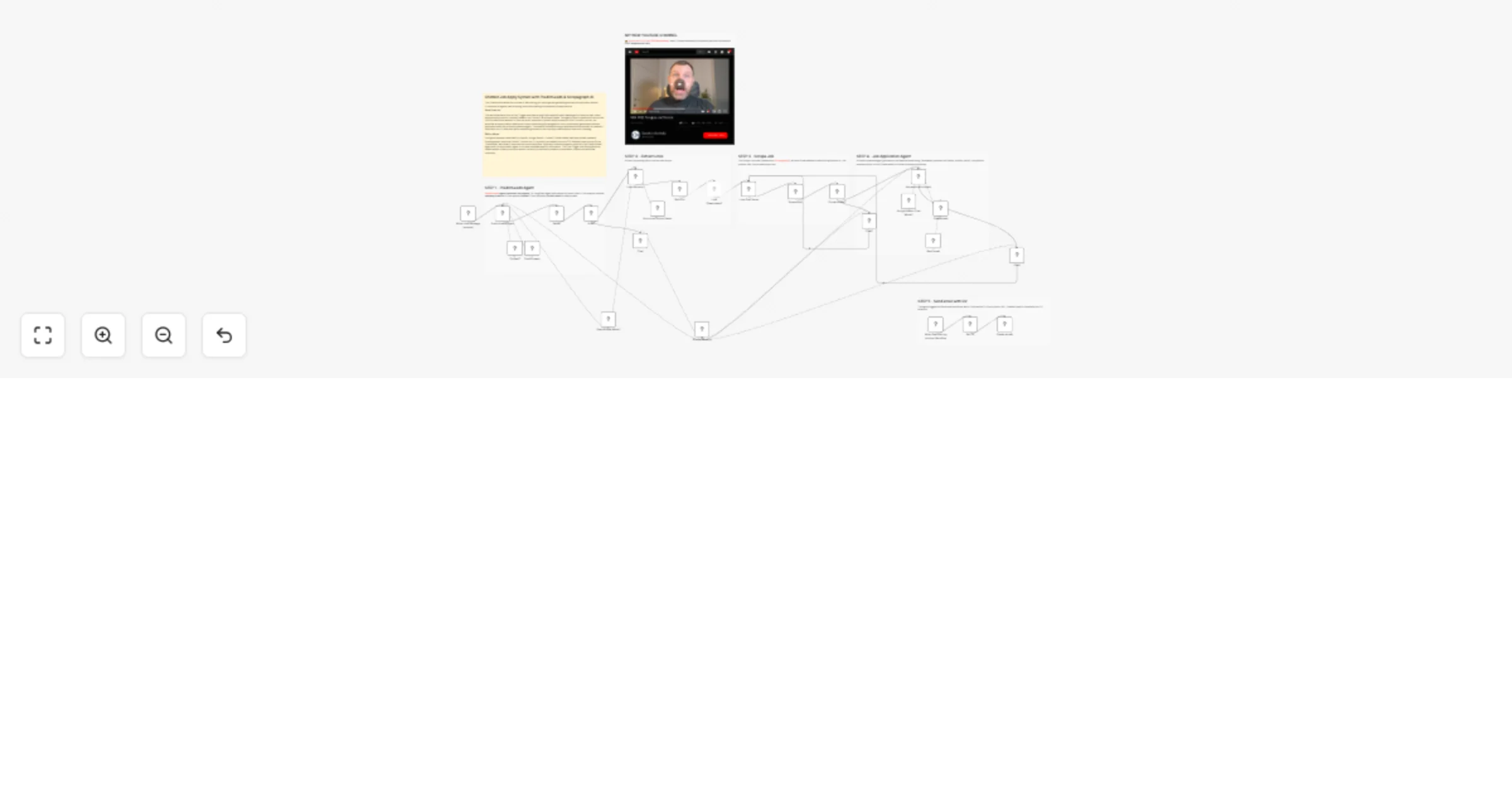
  1. User starts a chat – The workflow begins when a user sends a message via the chat trigger.

  2. PredictLeads Agent processes the request – A LangChain agent determines the user's intent. If the request involves company research, it first queries Context7, then optionally PredictLeads for deeper data.

  3. Response parser – The agent's output is cleaned and parsed into a structured JSON format with list (boolean) and output fields.

  4. List check – If list is true (e.g., a list of job URLs), the workflow extracts links and passes them to the next stage. If false, the agent responds directly to the user.

  5. Link extraction – The Links Extractor node uses OpenAI to extract job posting URLs from the user's input.

  6. Loop through each link – Each URL is processed individually using a Loop Over Items node.

  7. Scrape job details – The Scrape Job node (powered by ScrapegraphAI) extracts:

  • Email address to send the application to
  • Job position title
  • Full job description text
  1. Email presence check – If an email is found, the workflow proceeds to generate an application email. If not, it informs the user that no email is available and provides the job link.

  2. Job Application Agent – A Gemini-powered agent generates a professional email using:

  • Candidate's personal info (name, location, skills)
  • Job position and description
  • A tool (Create email) to format the subject and body
  1. Send email tool – The agent triggers the Send email workflow, which:
  • Fetches the CV from a public URL
  • Creates a draft in Gmail with the CV attached
  1. User response – The final output is sent back to the user via chat, confirming the draft creation or notifying them of missing information.

Setup steps

To use this workflow, you need to configure the following credentials and nodes:

1. Chat Trigger
  • No setup required. This is the entry point for user messages.
2. OpenAI Chat Model
  • Add your OpenAI API key.
3. Google Gemini Chat Model
  • Add your Google AI API key.
4. Context7 MCP Tool
  • Credential: Context7
  • Add your API key as a header (e.g., Authorization: Bearer XXX).
5. PredictLeads MCP Tool
  • Credential: Multiple Headers PredictLeads
  • Add required headers (e.g., X-API-Key or similar).
6. ScrapegraphAI
  • Add your ScrapegraphAI API key.
7. Gmail
  • Authorize access to Gmail (OAuth2) to create drafts.
8. HTTP Request (Get CV)
  • Ensure the CV is publicly accessible at the URL in the node (https://XXX/cv.pdf) or update it with your own.
9. Simple Memory
  • No setup needed. Used to maintain conversation context.
10. Agent Prompt Customization (Optional)
  • Review the system prompts in the PredictLeads Agent and Job application Agent nodes.
  • Update candidate personal information (name, location, etc.) in the Job application Agent prompt.
11. Workflow ID for "Send email"
  • The Send email tool calls another workflow by ID . Ensure this ID matches the current workflow (it should be self-referential).

Key Advantages

1. βœ… End-to-End Automation

It automates the entire job application lifecycle:

  • Job discovery
  • Job data extraction
  • Email writing
  • CV attachment
  • Draft preparation

No manual copy-paste required.

2. βœ… AI-Orchestrated Tool Usage

The system intelligently decides when to use:

  • Company research tools (Context7)
  • PredictLeads data
  • Scraping services
  • Email drafting workflows

This makes it dynamic and adaptable rather than static.

3. βœ… Structured & Reliable Data Handling
  • Uses JSON schema validation
  • Cleans malformed AI outputs
  • Ensures consistent structured results
  • Reduces errors in automation flows
4. βœ… Human-in-the-Loop Safety

Before sending any email:

  • The system requires double approval
  • The email is saved as a draft, not automatically sent

This prevents accidental or incorrect applications.

5. βœ… Personalized & Tailored Applications

Each application is:

  • Context-aware
  • Position-specific
  • Professionally formatted
  • Generated using candidate-specific data

This increases response quality compared to generic templates.

6. βœ… Scalability

Because of:

  • Split-in-batches logic
  • Looping over multiple job listings
  • Structured parsing

The workflow can process multiple job opportunities efficiently.

7. βœ… Modular Architecture

The workflow is cleanly modular:

  • AI agents
  • Scraper
  • Parser
  • Email tool
  • CV fetcher

πŸ‘‰ Subscribe to my new YouTube channel. Here I’ll share videos and Shorts with practical tutorials and FREE templates for n8n.


Need help customizing?

Contact me for consulting and support or add me on Linkedin.

1.2 Logical Blocks

This catalog entry is organized from the workflow JSON. The node-level section below shows the executable blocks available for review before importing the template.

2. Block-by-Block Analysis

Block 1 - When chat message received

Type / Role
@n8n/n8n-nodes-langchain.chatTrigger - chatTrigger
Config choices
Version 1.4

Block 2 - OpenAI Chat Model1

Type / Role
@n8n/n8n-nodes-langchain.lmChatOpenAi - lmChatOpenAi
Config choices
Version 1.3

Block 3 - Context7

Type / Role
@n8n/n8n-nodes-langchain.mcpClientTool - mcpClientTool
Config choices
Version 1.2

Block 4 - PredictLeads

Type / Role
@n8n/n8n-nodes-langchain.mcpClientTool - mcpClientTool
Config choices
Version 1.2

Block 5 - Simple Memory

Type / Role
@n8n/n8n-nodes-langchain.memoryBufferWindow - memoryBufferWindow
Config choices
Version 1.3

Block 6 - Structured Output Parser

Type / Role
@n8n/n8n-nodes-langchain.outputParserStructured - outputParserStructured
Config choices
Version 1.3

Block 7 - Loop Over Items

Type / Role
n8n-nodes-base.splitInBatches - splitInBatches
Config choices
Version 3

Block 8 - Google Gemini Chat Model1

Type / Role
@n8n/n8n-nodes-langchain.lmChatGoogleGemini - lmChatGoogleGemini
Config choices
Version 1

Block 9 - Chat

Type / Role
@n8n/n8n-nodes-langchain.chat - chat
Config choices
Version 1.2

Block 10 - Create email

Type / Role
@n8n/n8n-nodes-langchain.chatHitlTool - chatHitlTool
Config choices
Version 1.2

Block 11 - Chat1

Type / Role
@n8n/n8n-nodes-langchain.chat - chat
Config choices
Version 1.2

Block 12 - Limit

Type / Role
n8n-nodes-base.limit - limit
Config choices
Version 1

Block 13 - When Executed by Another Workflow

Type / Role
n8n-nodes-base.executeWorkflowTrigger - executeWorkflowTrigger
Config choices
Version 1.1

Block 14 - Create a draft

Type / Role
n8n-nodes-base.gmail - gmail
Config choices
Version 2.2

Block 15 - Job application Agent

Type / Role
@n8n/n8n-nodes-langchain.agent - agent
Config choices
Version 3.1

Block 16 - Send email

Type / Role
@n8n/n8n-nodes-langchain.toolWorkflow - toolWorkflow
Config choices
Version 2.2

Block 17 - Get CV

Type / Role
n8n-nodes-base.httpRequest - httpRequest
Config choices
Version 4.4

Block 18 - Scrape Job

Type / Role
n8n-nodes-scrapegraphai.scrapegraphAi - scrapegraphAi
Config choices
Version 1

Block 19 - Contain email?

Type / Role
n8n-nodes-base.if - if
Config choices
Version 2.3

Block 20 - Links Extractor

Type / Role
@n8n/n8n-nodes-langchain.chainLlm - chainLlm
Config choices
Version 1.9

Block 21 - PredictLeads Agent

Type / Role
@n8n/n8n-nodes-langchain.agent - agent
Config choices
Version 3.1

Block 22 - Parser

Type / Role
n8n-nodes-base.code - code
Config choices
Version 2

Block 23 - Split Out

Type / Role
n8n-nodes-base.splitOut - splitOut
Config choices
Version 1

Block 24 - Chat2

Type / Role
@n8n/n8n-nodes-langchain.chat - chat
Config choices
Version 1.2

Showing the first 24 of 32 workflow blocks. Download the JSON for the full node graph.

3. Summary Table

Workflow Automate Job applications πŸ§‘πŸ»β€πŸ’ΌπŸ“„with Chatbot, PredictLeads and ScrapegraphAI
Complexity advanced
Nodes 32
Categories Personal Productivity, AI Chatbot
Author Davide Boizza
Published 02 Mar 2026

4. Reproducing the Workflow from Scratch

  1. 1. Download the workflow JSON

    Use the JSON export at /data/workflows/13812/13812.json as the source template for this automation.

  2. 2. Import the template into n8n

    Open n8n, import the downloaded JSON, and review each node before activating the workflow.

  3. 3. Configure credentials and variables

    Replace placeholder credentials, API keys, webhook URLs, account IDs, and environment-specific values with your own settings.

  4. 4. Test with sample data

    Run the workflow manually or in a staging workspace, inspect node output, and confirm downstream systems receive the expected data.

  5. 5. Activate and monitor

    Enable the workflow only after testing, then monitor executions, errors, and rate limits during the first production runs.

5. General Notes & Resources

Review imported nodes carefully before activation. This catalog entry is intended to help you inspect the workflow structure, understand required services, and find related templates faster.

Node names, credentials, schedules, webhook paths, and external service limits may need adjustment for your workspace.

Frequently asked questions

What does Automate Job applications πŸ§‘πŸ»β€πŸ’ΌπŸ“„with Chatbot, PredictLeads and ScrapegraphAI do?

This Chatbot automates the process of discovering job openings and generating tailored job application emails. It combines AI agents, web scraping, and email drafting to streamline job applications...

What do I need before importing this workflow?

Review the workflow JSON, configure any required credentials in n8n, and test the automation in a safe workspace before using it in production.

Can I customize this workflow?

Yes. Use the block-by-block analysis and the downloadable JSON to inspect each node, then adjust credentials, prompts, schedules, filters, or destinations for your Personal Productivity, AI Chatbot use case.