Automate employee onboarding with GPT-4o: Jira, Notion & Gmail integration

Workflow preview

Workflow preview
100%
Automate employee onboarding with GPT-4o: Jira, Notion & Gmail integration preview
Open on n8n.io

Important notice

This workflow is provided as-is. Please review and test before using in production.

1. Workflow Overview

Description This workflow automates the employee onboarding process by creating Jira accounts, generating Notion onboarding checklists, crafting AI generated welcome messages, and sending person...

Best for

  • HR automation workflows
  • AI Chatbot automation workflows
  • advanced n8n builders looking for reusable templates

Tools used

n8n-nodes-base.manualtrigger, n8n-nodes-base.stickynote, n8n-nodes-base.set, n8n-nodes-base.httprequest, n8n-nodes-base.if, n8n-nodes-base.googlesheets, n8n-nodes-base.notion, @n8n/n8n-nodes-langchain.agent

Source and attribution

This workflow is cataloged by N8N Workflows and links back to its original n8n.io source page by Rahul Joshi.

Original n8n.io source

1.1 Workflow description

Title
Automate employee onboarding with GPT-4o: Jira, Notion & Gmail integration
Workflow name
Automate employee onboarding with GPT-4o: Jira, Notion & Gmail integration

📘 Description

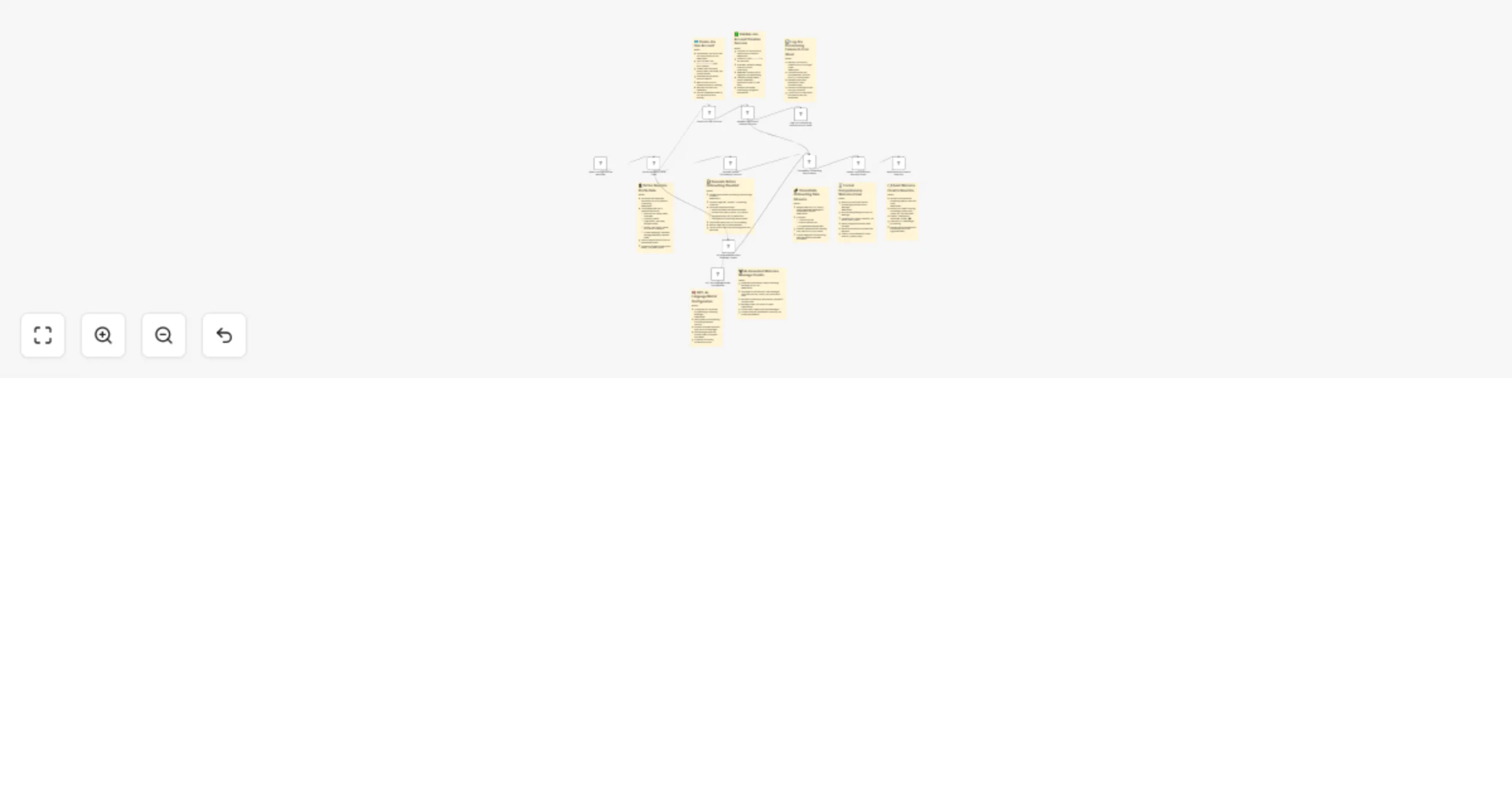
This workflow automates the employee onboarding process by creating Jira accounts, generating Notion onboarding checklists, crafting AI-generated welcome messages, and sending personalized welcome emails — all automatically. It provides a complete hands-free onboarding experience for HR and IT teams by connecting Jira, Notion, Google Sheets, Gmail, and Azure OpenAI. Failures (like Jira account creation errors) are logged into Google Sheets to ensure full transparency and no missed onboardings.

  • ⚙️ What This Workflow Does (Step-by-Step)

  • 🟢 When Clicking “Execute Workflow” Manually triggers the entire onboarding automation. Useful for testing or initiating onboarding on demand for a new hire.
  • 👤 Define New Hire Profile Data Structures all essential employee information into a clean dataset including name, email, start date, buddy, and access links (Slack, GitHub, Jira, Notion).
  • Acts as the single source of truth for all downstream systems ensuring consistent, error-free onboarding data.
  • 🎫 Create Jira User Account Automatically creates a Jira account for the new employee using REST API calls.
  • Includes email, display name, username, and product access (Jira Software).
  • Removes the need for manual admin setup and ensures immediate access to project boards.
  • ✅ Validate Jira Account Creation Success: Checks if the Jira API response contains a valid accountId.
  • If successful → continues onboarding.
  • If failed → logs error to Google Sheets.
  • Ensures downstream steps don’t continue if Jira setup fails.
  • 📊 Log Jira Provisioning Failures to Error Sheet
  • Appends any account creation errors (duplicate emails, invalid permissions, or API issues) into an “error log sheet” in Google Sheets.
  • Helps HR/IT monitor issues and manually resolve them.
  • Guarantees no silent onboarding failures.

📋 Generate Notion Onboarding Checklist

  • Creates a personalized Notion page titled “{Name} - Onboarding Checklist” that includes:

  • Welcome message

  • Access links (Slack, GitHub, Jira)

  • Assigned buddy details

  • Start date and status

  • Optionally, embedded videos or docs

  • Gives each new hire a structured hub to manage onboarding tasks independently.

  • 🤖 AI-Generated Welcome Message Creator

  • Uses GPT-4o (Azure OpenAI) to craft a friendly, motivational welcome message for the new employee.

  • Incorporates name, buddy, and access details with emojis and warm tone.

  • Ensures every message feels human and engaging — not robotic.

  • 🧠 GPT-4o Language Model Configuration

  • Configures the AI assistant persona for personalized onboarding messages.

  • Ensures tone consistency, friendliness, and empathy across all communications.

  • 🔗 Consolidate Onboarding Data Streams

  • Merges data from Jira, Notion, and AI message generation into a single payload.

  • This ensures the final email contains every onboarding element — access links, checklist URL, and the AI-generated message.

📧 Format Comprehensive Welcome Email

  • Generates a complete HTML-formatted email with:
  • Personalized greeting
  • AI-generated welcome message
  • Clickable links (Jira, Notion, Slack, GitHub)
  • Buddy info and start date
  • Designed for mobile responsiveness and branded presentation.
  • 📬 Send Welcome Email to New Hire
  • Sends the final welcome email to the employee’s inbox with the subject:
  • “Welcome to Techdome, {Name}! 🎉”
  • Includes all essential access information, links, and team introductions — ensuring the new hire starts strong on Day 1.

🧩 Prerequisites

Jira Admin API credentials Notion API integration Gmail OAuth2 credentials Azure OpenAI (GPT-4o) access Google Sheets document for logging errors

💡 Key Benefits

✅ Fully automated new hire onboarding ✅ AI-generated personalized communications ✅ Real-time error logging for IT transparency ✅ Seamless integration across Jira, Notion, and Gmail ✅ Professional first-day experience with zero manual work

👥 Perfect For

HR teams managing multiple onboardings IT admins automating access provisioning Startups scaling employee onboarding Organizations using Jira + Notion + Gmail stack

1.2 Logical Blocks

This catalog entry is organized from the workflow JSON. The node-level section below shows the executable blocks available for review before importing the template.

2. Block-by-Block Analysis

Block 1 - When clicking ‘Execute workflow’

Type / Role
n8n-nodes-base.manualTrigger - manualTrigger
Config choices
Version 1

Block 2 - Sticky Note

Type / Role
n8n-nodes-base.stickyNote - stickyNote
Config choices
Version 1

Block 3 - Sticky Note1

Type / Role
n8n-nodes-base.stickyNote - stickyNote
Config choices
Version 1

Block 4 - Sticky Note2

Type / Role
n8n-nodes-base.stickyNote - stickyNote
Config choices
Version 1

Block 5 - Sticky Note3

Type / Role
n8n-nodes-base.stickyNote - stickyNote
Config choices
Version 1

Block 6 - Sticky Note4

Type / Role
n8n-nodes-base.stickyNote - stickyNote
Config choices
Version 1

Block 7 - Sticky Note5

Type / Role
n8n-nodes-base.stickyNote - stickyNote
Config choices
Version 1

Block 8 - Sticky Note6

Type / Role
n8n-nodes-base.stickyNote - stickyNote
Config choices
Version 1

Block 9 - Sticky Note7

Type / Role
n8n-nodes-base.stickyNote - stickyNote
Config choices
Version 1

Block 10 - Sticky Note8

Type / Role
n8n-nodes-base.stickyNote - stickyNote
Config choices
Version 1

Block 11 - Define New Hire Profile Data

Type / Role
n8n-nodes-base.set - set
Config choices
Version 3.4

Block 12 - Create Jira User Account

Type / Role
n8n-nodes-base.httpRequest - httpRequest
Config choices
Version 4.2

Block 13 - Validate Jira Account Creation Success

Type / Role
n8n-nodes-base.if - if
Config choices
Version 2.2

Block 14 - Log Jira Provisioning Failures to Error Sheet

Type / Role
n8n-nodes-base.googleSheets - googleSheets
Config choices
Version 4.6

Block 15 - Generate Notion Onboarding Checklist

Type / Role
n8n-nodes-base.notion - notion
Config choices
Version 2.2

Block 16 - AI-Generated Welcome Message Creator

Type / Role
@n8n/n8n-nodes-langchain.agent - agent
Config choices
Version 2.1

Block 17 - GPT-4o Language Model Configuration

Type / Role
@n8n/n8n-nodes-langchain.lmChatAzureOpenAi - lmChatAzureOpenAi
Config choices
Version 1

Block 18 - Sticky Note9

Type / Role
n8n-nodes-base.stickyNote - stickyNote
Config choices
Version 1

Block 19 - Consolidate Onboarding Data Streams

Type / Role
n8n-nodes-base.merge - merge
Config choices
Version 3.2

Block 20 - Format Comprehensive Welcome Email

Type / Role
n8n-nodes-base.code - code
Config choices
Version 2

Block 21 - Send Welcome Email to New Hire

Type / Role
n8n-nodes-base.gmail - gmail
Config choices
Version 2.1

3. Summary Table

Workflow Automate employee onboarding with GPT-4o: Jira, Notion & Gmail integration
Complexity advanced
Nodes 21
Categories HR, AI Chatbot
Author Rahul Joshi
Published 17 Oct 2025

4. Reproducing the Workflow from Scratch

  1. 1. Download the workflow JSON

    Use the JSON export at /data/workflows/9834/9834.json as the source template for this automation.

  2. 2. Import the template into n8n

    Open n8n, import the downloaded JSON, and review each node before activating the workflow.

  3. 3. Configure credentials and variables

    Replace placeholder credentials, API keys, webhook URLs, account IDs, and environment-specific values with your own settings.

  4. 4. Test with sample data

    Run the workflow manually or in a staging workspace, inspect node output, and confirm downstream systems receive the expected data.

  5. 5. Activate and monitor

    Enable the workflow only after testing, then monitor executions, errors, and rate limits during the first production runs.

5. General Notes & Resources

Review imported nodes carefully before activation. This catalog entry is intended to help you inspect the workflow structure, understand required services, and find related templates faster.

Node names, credentials, schedules, webhook paths, and external service limits may need adjustment for your workspace.

Frequently asked questions

What does Automate employee onboarding with GPT-4o: Jira, Notion & Gmail integration do?

Description This workflow automates the employee onboarding process by creating Jira accounts, generating Notion onboarding checklists, crafting AI generated welcome messages, and sending person...

What do I need before importing this workflow?

Review the workflow JSON, configure any required credentials in n8n, and test the automation in a safe workspace before using it in production.

Can I customize this workflow?

Yes. Use the block-by-block analysis and the downloadable JSON to inspect each node, then adjust credentials, prompts, schedules, filters, or destinations for your HR, AI Chatbot use case.