Auto file organizer for Google Drive: sort PDFs, images & documents by type
Workflow preview


 Early Deal
DISCOUNT 20%

Important notice
This workflow is provided as-is. Please review and test before using in production.
Overview
Description:
This ready-to-deploy n8n automation template smartly detects and classifies files uploaded to a specified Google Drive folder based on MIME type. It automatically moves each file into its correct destination folder: Documents, PDFs, or Images — ensuring a clean and organized Drive, effortlessly.
Perfect for remote teams, admins, educators, legal pros, and automation-focused operations, this workflow eliminates manual sorting and saves hours of repetitive work.
What This Template Does (Step-by-Step)
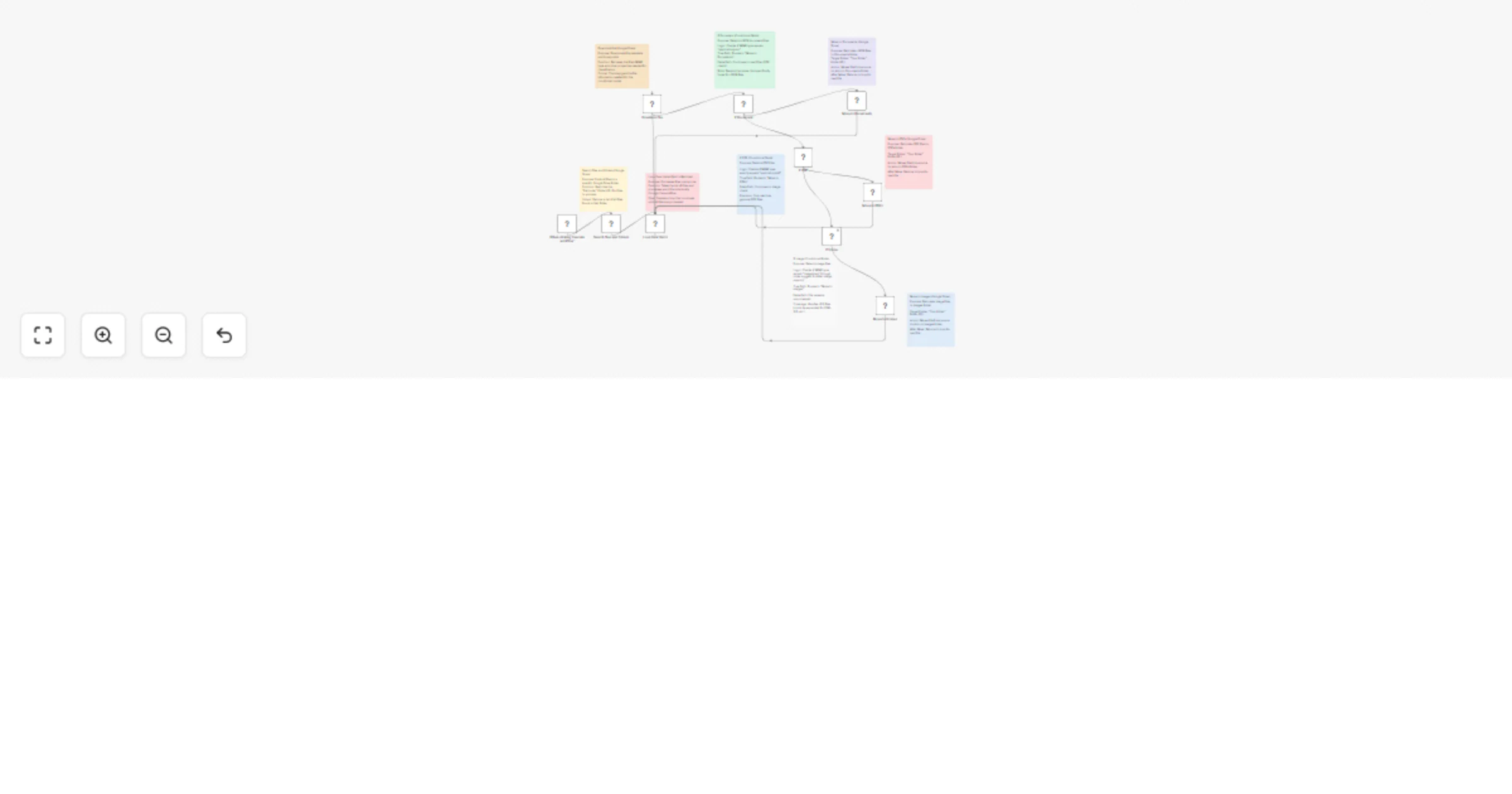
⚙️Manual Trigger: Launch the workflow on demand using the "Execute Workflow" trigger.
📁 Search Files in Source Folder (Google Drive): Lists all files inside your chosen folder (e.g., "Uploads").
🔁 Loop Over Files (SplitInBatches): Iterates through each file one-by-one to ensure reliability.
📥 Download File (Google Drive): Retrieves file metadata and MIME type required for filtering.
🧠 Smart File Type Detection via If Nodes
- application/json → Move to Documents folder
- application/pdf → Move to PDFs folder
- image/jpeg → Move to Images folder (Easily customizable to support additional types like PNG, DOCX, etc.)
📂 Move Files to Designated Folders: Uses Google Drive API to relocate each file to its proper location.
🔁 Loop Returns for Next File After each move, the loop picks the next file in queue.
Key Features
⚙️ Google Drive API v3 Integration 🔐 OAuth2 for secure access 📄 MIME-type–based routing logic 🔁 Batch-safe with looping logic ✅ File properties are preserved 🔄 Auto-removal from source after sorting
Required Integration Google Drive (OAuth2)
Use Cases
- Auto-organize client uploads
- Separate scanned PDFs, images, or forms
- Route invoices, receipts, or contracts into folders
- Automatically sort uploaded assignments or resources
- Maintain structured cloud storage without manual intervention
Why Use This Template?
✅ No-code deployment ✅ Saves hours of manual work ✅ Works across teams, departments, or shared Drives ✅ Easy to expand with more file types or routing rules ✅ Keeps your Drive clean, fast, and organized