Block 1 - If Image
- Type / Role
- n8n-nodes-base.if - if
- Config choices
- Version 2


 Early Deal
This workflow is provided as-is. Please review and test before using in production.
Description: This ready to deploy n8n automation template smartly detects and classifies files uploaded to a specified Google Drive folder based on MIME type. It automatically moves each file into ...
n8n-nodes-base.if, n8n-nodes-base.googledrive, n8n-nodes-base.splitinbatches, n8n-nodes-base.manualtrigger, n8n-nodes-base.stickynote
This workflow is cataloged by N8N Workflows and links back to its original n8n.io source page by Rahul Joshi.
Original n8n.io sourceDescription:
This ready-to-deploy n8n automation template smartly detects and classifies files uploaded to a specified Google Drive folder based on MIME type. It automatically moves each file into its correct destination folder: Documents, PDFs, or Images — ensuring a clean and organized Drive, effortlessly.
Perfect for remote teams, admins, educators, legal pros, and automation-focused operations, this workflow eliminates manual sorting and saves hours of repetitive work.
What This Template Does (Step-by-Step)
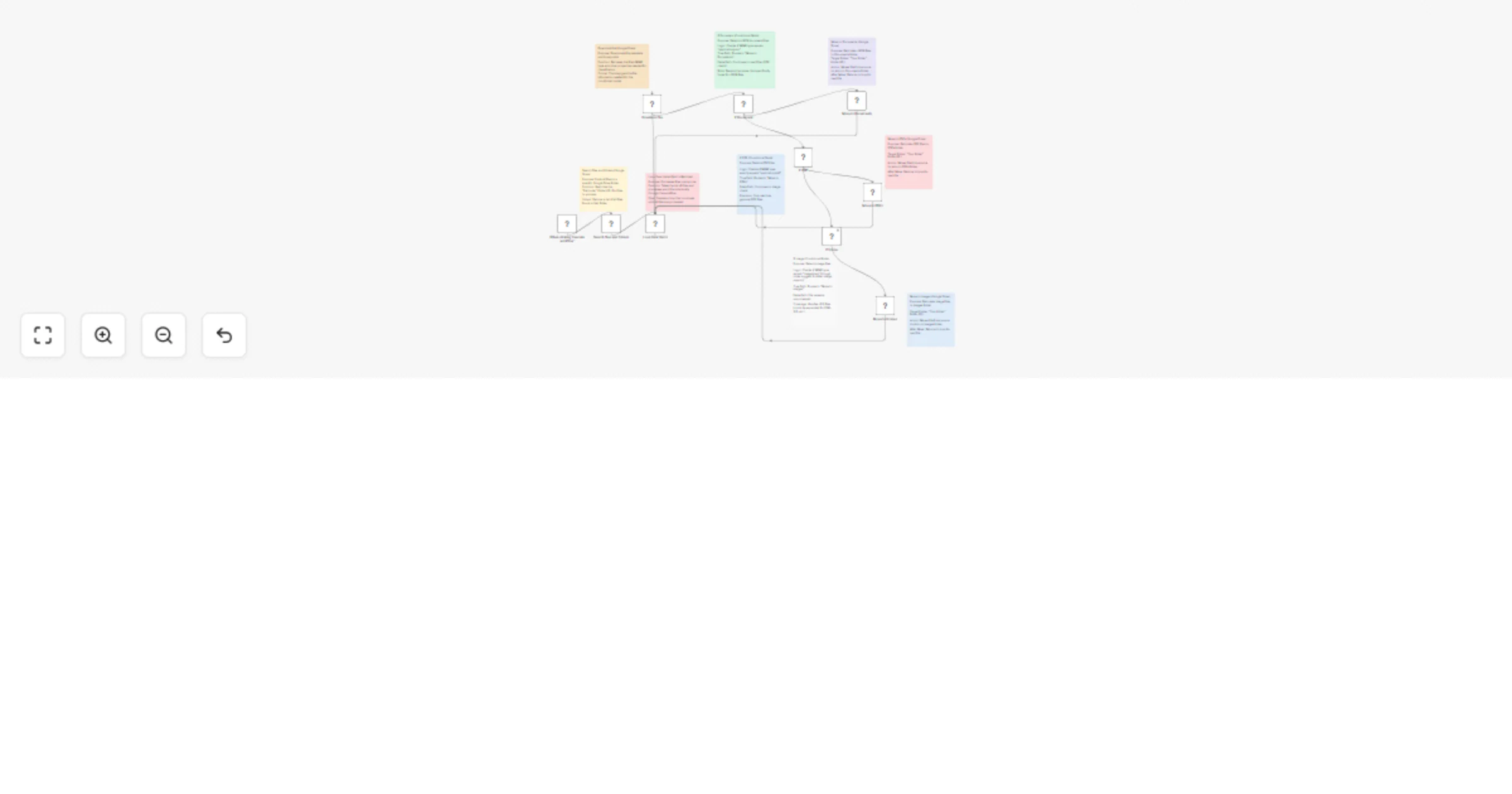
⚙️Manual Trigger: Launch the workflow on demand using the "Execute Workflow" trigger.
📁 Search Files in Source Folder (Google Drive): Lists all files inside your chosen folder (e.g., "Uploads").
🔁 Loop Over Files (SplitInBatches): Iterates through each file one-by-one to ensure reliability.
📥 Download File (Google Drive): Retrieves file metadata and MIME type required for filtering.
🧠 Smart File Type Detection via If Nodes
📂 Move Files to Designated Folders: Uses Google Drive API to relocate each file to its proper location.
🔁 Loop Returns for Next File After each move, the loop picks the next file in queue.
Key Features
⚙️ Google Drive API v3 Integration 🔐 OAuth2 for secure access 📄 MIME-type–based routing logic 🔁 Batch-safe with looping logic ✅ File properties are preserved 🔄 Auto-removal from source after sorting
Required Integration Google Drive (OAuth2)
Use Cases
Why Use This Template?
✅ No-code deployment ✅ Saves hours of manual work ✅ Works across teams, departments, or shared Drives ✅ Easy to expand with more file types or routing rules ✅ Keeps your Drive clean, fast, and organized
This catalog entry is organized from the workflow JSON. The node-level section below shows the executable blocks available for review before importing the template.
| Workflow | Auto file organizer for Google Drive: sort PDFs, images & documents by type |
|---|---|
| Complexity | advanced |
| Nodes | 19 |
| Categories | File Management |
| Author | Rahul Joshi |
| Published | 29 Jul 2025 |
Use the JSON export at /data/workflows/6611/6611.json as the source template for this automation.
Open n8n, import the downloaded JSON, and review each node before activating the workflow.
Replace placeholder credentials, API keys, webhook URLs, account IDs, and environment-specific values with your own settings.
Run the workflow manually or in a staging workspace, inspect node output, and confirm downstream systems receive the expected data.
Enable the workflow only after testing, then monitor executions, errors, and rate limits during the first production runs.
Review imported nodes carefully before activation. This catalog entry is intended to help you inspect the workflow structure, understand required services, and find related templates faster.
Node names, credentials, schedules, webhook paths, and external service limits may need adjustment for your workspace.
Description: This ready to deploy n8n automation template smartly detects and classifies files uploaded to a specified Google Drive folder based on MIME type. It automatically moves each file into ...
Review the workflow JSON, configure any required credentials in n8n, and test the automation in a safe workspace before using it in production.
Yes. Use the block-by-block analysis and the downloadable JSON to inspect each node, then adjust credentials, prompts, schedules, filters, or destinations for your File Management use case.