Block 1 - Split Out
- Type / Role
- n8n-nodes-base.splitOut - splitOut
- Config choices
- Version 1


 Early Deal
WORKFLOW INTRODUCTION This automation organizes your n8n workflows files into categorizes (Active, Template, Done, Archived) and uploads them directly to a categorized Google Drive folders. It is d...
n8n-nodes-base.splitout, n8n-nodes-base.if, n8n-nodes-base.sort, n8n-nodes-base.converttofile, n8n-nodes-base.googledrive, n8n-nodes-base.stickynote, n8n-nodes-base.set, n8n-nodes-base.manualtrigger
This workflow is cataloged by N8N Workflows and links back to its original n8n.io source page by Ziana Mitchell.
Original n8n.io sourceThis automation organizes your n8n workflows files into categorizes (Active, Template, Done, Archived) and uploads them directly to a categorized Google Drive folders. It is designed to help users manage large instances by creating organized, human-readable backups.
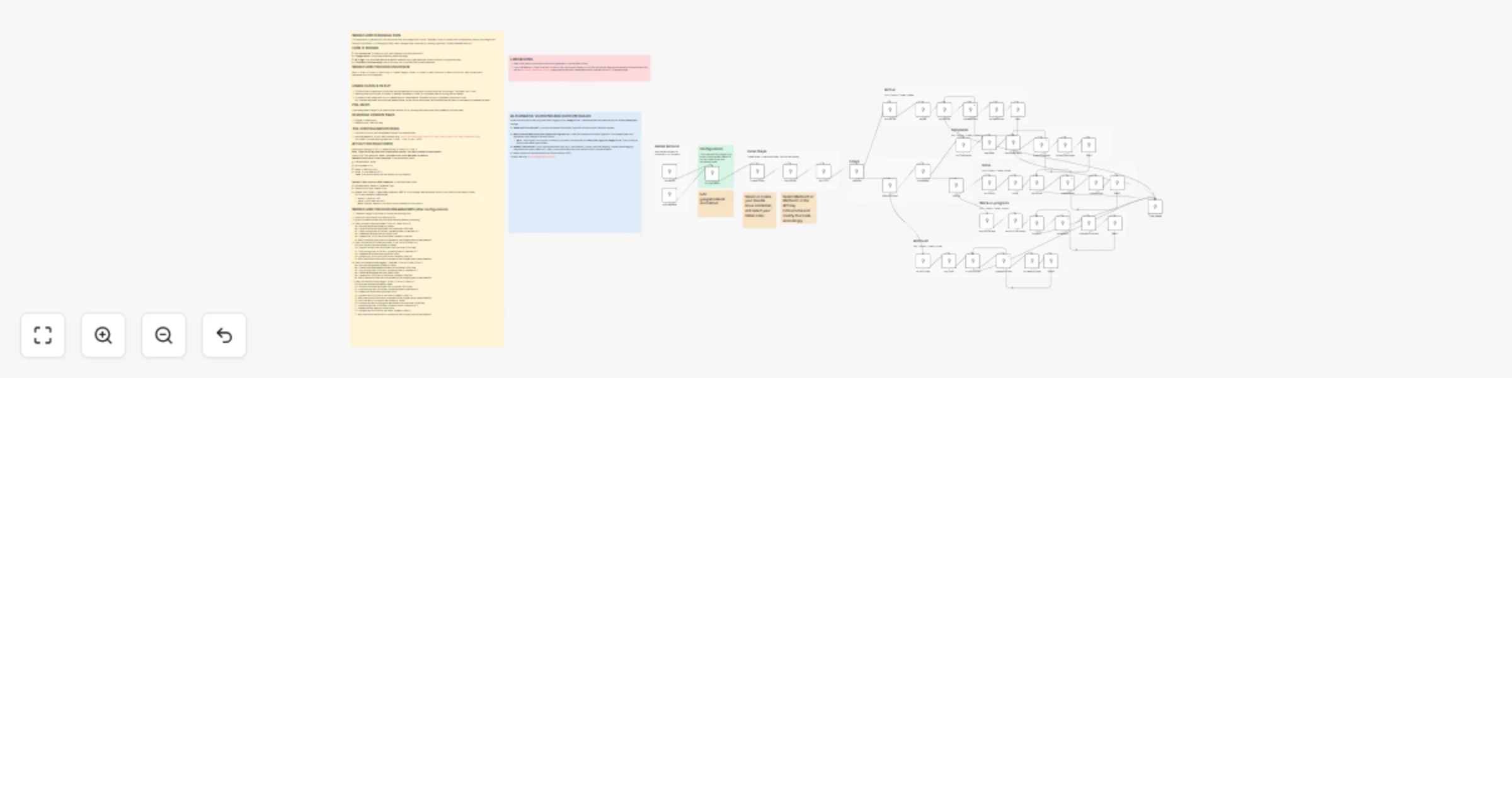
Fetch -> Filter -> Convert -> Start Loop -> Create Category Folder -> Upload -> Wait 5 seconds -> Return to loop for next upload batch See below for a full breakdown.
A pre-designated Google Drive parent folder (and its ID) for housing the folders and files created by this workflow
How to get: Settings -> API -> Create API Key -> Name it -> Copy it Note: Copy the API key and save it somewhere secure. You won't be able to see it again!!
How to use (Two Methods): Note: The node is set up for Method 2 by default Method 1 (Quick Start-Direct Insertion). In the Workflows node:
Method 2 (Best Practice-N8N Credential). In the Workflows node:
N8N Cloud users on a trial account cannot generate or use the N8N API key.
If you use Method 1 (Direct Insertion) in the API Key Instructions your API Key will not be listed as connected to this workflow if you use my Workflow Credentials Auditor. Same goes for all other credentials directly inserted into a HTTP Request node.
While this version focuses on global status tagging using Google Drive, I have developed a parallel version for Github Repository storage.
A custom version of this workflow or the Github version is $15. Contact me here: [email protected]
This catalog entry is organized from the workflow JSON. The node-level section below shows the executable blocks available for review before importing the template.
Showing the first 24 of 56 workflow blocks. Download the JSON for the full node graph.
| Workflow | Organize and back up n8n workflows to Google Drive folders |
|---|---|
| Complexity | advanced |
| Nodes | 56 |
| Categories | File Management |
| Author | Ziana Mitchell |
| Published | 14 Apr 2026 |
Use the JSON export at /data/workflows/15037/15037.json as the source template for this automation.
Open n8n, import the downloaded JSON, and review each node before activating the workflow.
Replace placeholder credentials, API keys, webhook URLs, account IDs, and environment-specific values with your own settings.
Run the workflow manually or in a staging workspace, inspect node output, and confirm downstream systems receive the expected data.
Enable the workflow only after testing, then monitor executions, errors, and rate limits during the first production runs.
Review imported nodes carefully before activation. This catalog entry is intended to help you inspect the workflow structure, understand required services, and find related templates faster.
Node names, credentials, schedules, webhook paths, and external service limits may need adjustment for your workspace.
WORKFLOW INTRODUCTION This automation organizes your n8n workflows files into categorizes (Active, Template, Done, Archived) and uploads them directly to a categorized Google Drive folders. It is d...
Review the workflow JSON, configure any required credentials in n8n, and test the automation in a safe workspace before using it in production.
Yes. Use the block-by-block analysis and the downloadable JSON to inspect each node, then adjust credentials, prompts, schedules, filters, or destinations for your File Management use case.