AI client onboarding agent: auto welcome email generator
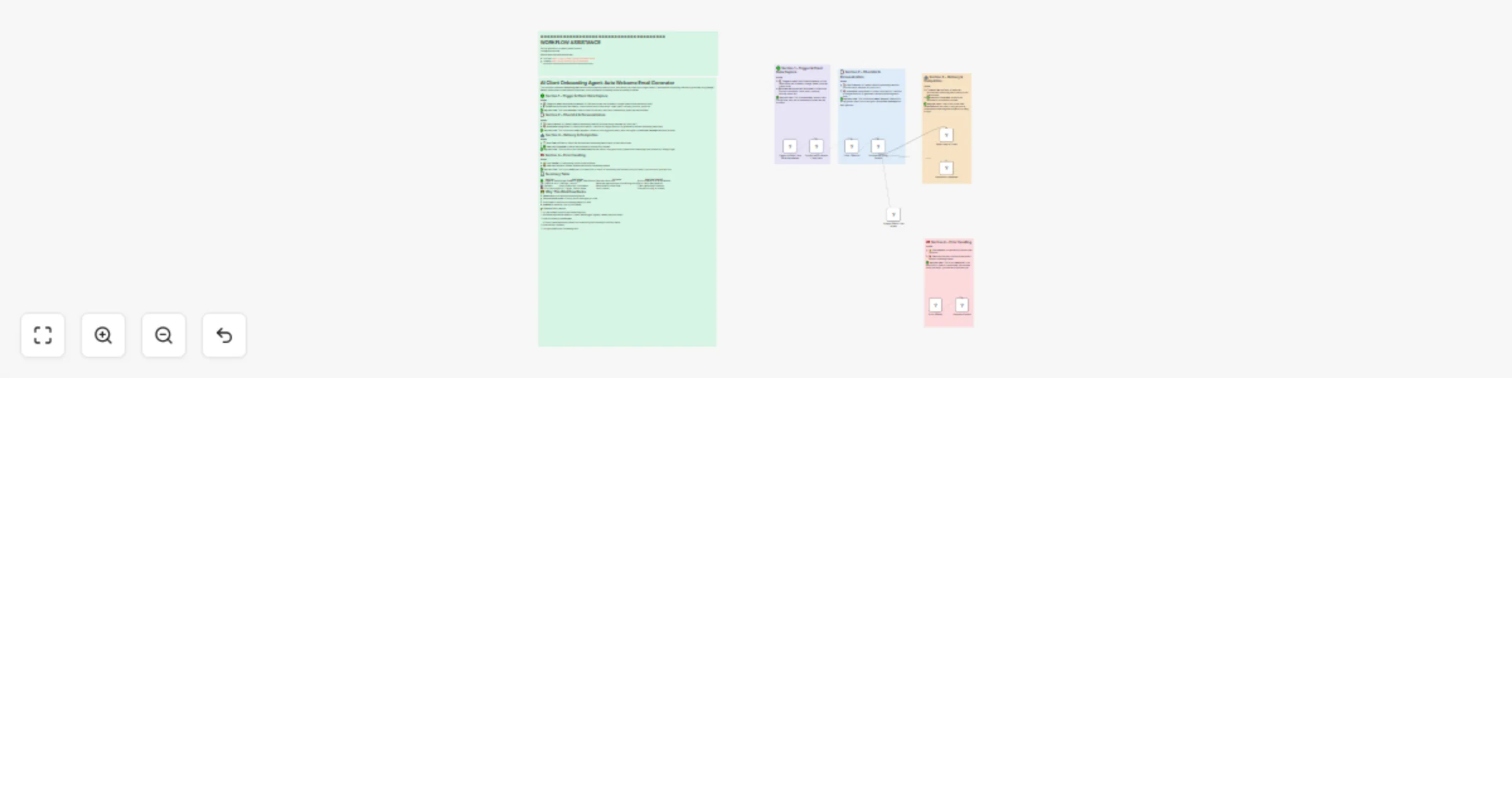
Workflow preview


 Early Deal
DISCOUNT 20%

Important notice
This workflow is provided as-is. Please review and test before using in production.
Overview
AI Client Onboarding Agent: Auto Welcome Email Generator
Subtitle: From Form Response to Personalized Welcome Email
🌍 Overview
This workflow automates the client onboarding process. When a new client fills in the Google Form, their data flows into Google Sheets → gets structured → an AI model (Gemini) generates a personalized onboarding email → and finally, Gmail sends it directly to the client.
Think of it as your automated client success assistant.
🟢 Section 1: Trigger – Capture New Client
🔗 Node: Google Sheets Trigger
- Watches for new rows added to the “Onboarding” Google Sheet.
- Starts the workflow whenever a new client submits the onboarding form.
💡 Why useful? You never have to check the sheet manually — the workflow kicks off the moment a client signs up.
📩 Example Input (from form):
- Name: Sarah Ali
- Email: [email protected]
- Company: GreenTech Solutions
- Services Needed: Branding + Website
🟦 Section 2: Structure Client Data
🔗 Nodes:
Client Data→ Formats the raw form submission into a clean text summary (Name, Email, Company, Service, Extra Info).Client Checklist→ Prepares a standard onboarding checklist with items like:- Account setup
- Welcome call scheduled
- Document collection
- Service configuration
- Onboarding session
- First milestone review
💡 Why useful? It makes sure the AI has all key details + a clear structure before writing the email.
🟣 Section 3: AI-Generated Email
🔗 Nodes:
Basic LLM Chain→ Prompted to write a professional onboarding email body.Google Gemini Chat Model→ Supports the LLM chain with Gemini 2.0 Flash for fast generation.
🧠 Prompt Logic:
- Starts with:
Hi [Client Name], - Includes personalized fields (Name, Company, Services Needed).
- Inserts onboarding checklist steps.
- Ends with:
Best regards, Your [Company Name] Team
💡 Why useful? Instead of a generic welcome, each client gets a personalized email that feels human-written.
📩 Example Output Email:
> Hi Sarah Ali, > > Welcome to GreenTech Solutions! 🎉 > > Here’s your onboarding plan: > > 1. Account setup > 2. Welcome call scheduled > 3. Document collection > 4. Service configuration > 5. Onboarding session > 6. First milestone review > > We’re excited to start working with you on Branding + Website. > > Best regards, > Your GreenTech Solutions Team
🟡 Section 4: Send Email
🔗 Node: Gmail
- Sends the AI-generated email to the client’s email address.
- Subject line:
Welcome to Our Service, [Client Name]
💡 Why useful? No delays → the client gets a personalized welcome instantly after filling the form.
🔴 Section 5: Error Handling
🔗 Nodes:
Error Handler→ Listens for any errors during execution.Execution Failure→ Logs failed runs.Execution Completed→ Confirms successful runs.
💡 Why useful? Ensures nothing gets stuck silently — you’ll always know if something fails.
📊 Workflow Summary
| Section | Node(s) | Purpose | Benefit |
|---|---|---|---|
| 🟢 Trigger | Google Sheets Trigger | Detect new client submissions | Fully automated start |
| 🟦 Structure | Client Data, Client Checklist | Prepare structured client info + checklist | Clean, reliable input for AI |
| 🟣 AI Generation | Basic LLM Chain, Gemini | Generate personalized onboarding email | Professional + tailored emails |
| 🟡 Send Email | Gmail | Deliver onboarding email | Instant communication |
| 🔴 Error Handling | Error Handler, NoOp nodes | Handle success/failure states | Reliable + transparent process |
🚀 Benefits
- Zero manual effort → Clients get emails automatically.
- Consistency → Every client follows the same onboarding structure.
- Personalization → Emails include name, company, and services.
- Reliability → Built-in error handling ensures smooth execution.
- Scalability → Works whether you onboard 10 or 1,000 clients.