Wake up on time using Google Maps traffic, Twilio SMS, and iOS Shortcuts
Workflow preview


 Early Deal
DISCOUNT 20%

Overview
📖 Overview
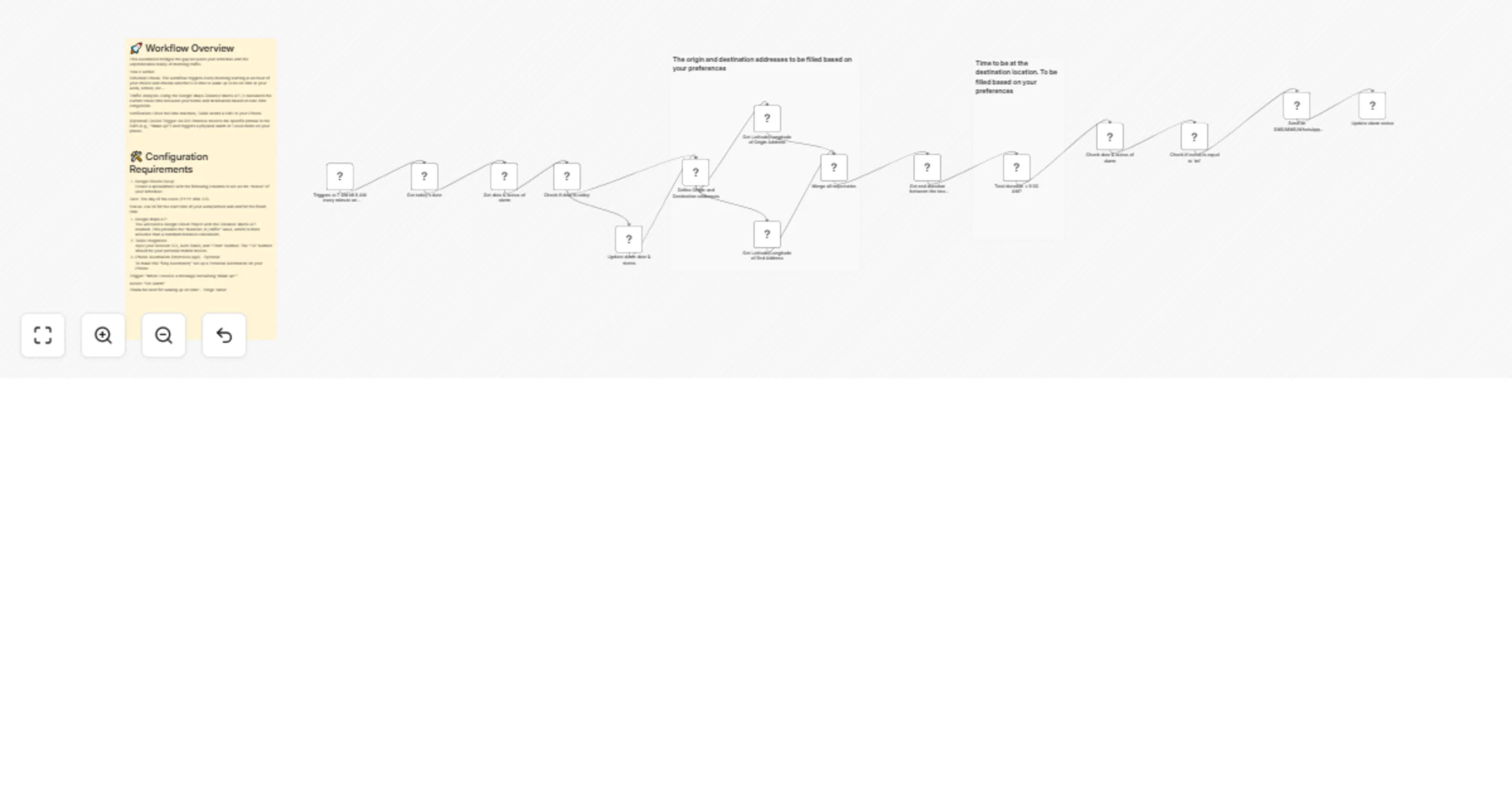
This workflow automates your morning wake-up call by calculating the perfect time to leave based on real-time traffic. Instead of a static alarm, n8n continuously monitors road conditions via the Google Maps Distance Matrix API. When the "strike time" is reached, accounting for both live traffic and your morning preparation; the workflow triggers a physical alarm on your iPhone via a Twilio SMS and iOS Shortcuts.
🛠️ System components
1. The Brain (n8n)
Check interval: Monitors traffic every minute during your "ready window."
Logic: Uses a mathematical expression to determine if you need to wake up now to make your arrival goal.
**Formula:
T_{wake} = T_{arrival} - (T_{traffic} + T_{prep})
2. The Log (Google Sheets): Maintains a diagnostic history when an sms is sent to your phone for each day.
3. The Trigger (iPhone): Utilizes an iOS Shortcut Automation that listens for a specific SMS phrase ("Wake up!") to trigger a physical alarm.
⚙️ Setup instructions
Step 1: Google Cloud Platform
Enable the Distance Matrix API in your Google Cloud Console.
Generate an API Key and restrict it to your IP if possible.
Step 2: Twilio configuration
Gather your Account SID and Auth Token.
Ensure your personal mobile number is verified in the Twilio console to receive messages.
Step 3: iOS Shortcut automation
Open the Shortcuts App → Automation → New Automation.
Select Message → Message Contains: Wake up! →
Action: Add "Start Timer" or "Create Alarm."
Important: Disable "Ask Before Running" and "Notify When Run."
💡 Node breakdown & logic
Arrival Schedule (Cron): Defines the window when the workflow should be active (e.g., 7:00 AM – 8:00 AM).
Traffic Monitor (Google Maps): Fetches the duration_in_traffic value.
Wake-up Evaluator (Filter): Compares if Current Time + Traffic + 20 mins >= Arrival Time.
SMS Dispatcher (Twilio): Sends the trigger phrase to your device.
Activity Logger (Google Sheets): Records the 1st execution of the day and then, with the use of the google sheet and the IF loop, the workflow will stop sending sms after the first send.