Block 1 - Webhook
- Type / Role
- n8n-nodes-base.webhook - webhook
- Config choices
- Version 2


 Early Deal
This workflow is provided as-is. Please review and test before using in production.
This workflow is designed to manage the assignment and validation of unique QR code coupons within a lead generation system with SuiteCRM. How it Works This workflow automates the process of assign...
n8n-nodes-base.webhook, n8n-nodes-base.if, n8n-nodes-base.httprequest, n8n-nodes-base.formtrigger, n8n-nodes-base.googlesheets, n8n-nodes-base.set, n8n-nodes-base.stickynote, n8n-nodes-base.emailsend
This workflow is cataloged by N8N Workflows and links back to its original n8n.io source page by Davide.
Original n8n.io sourceThis workflow is designed to manage the assignment and validation of unique QR code coupons within a lead generation system with SuiteCRM.
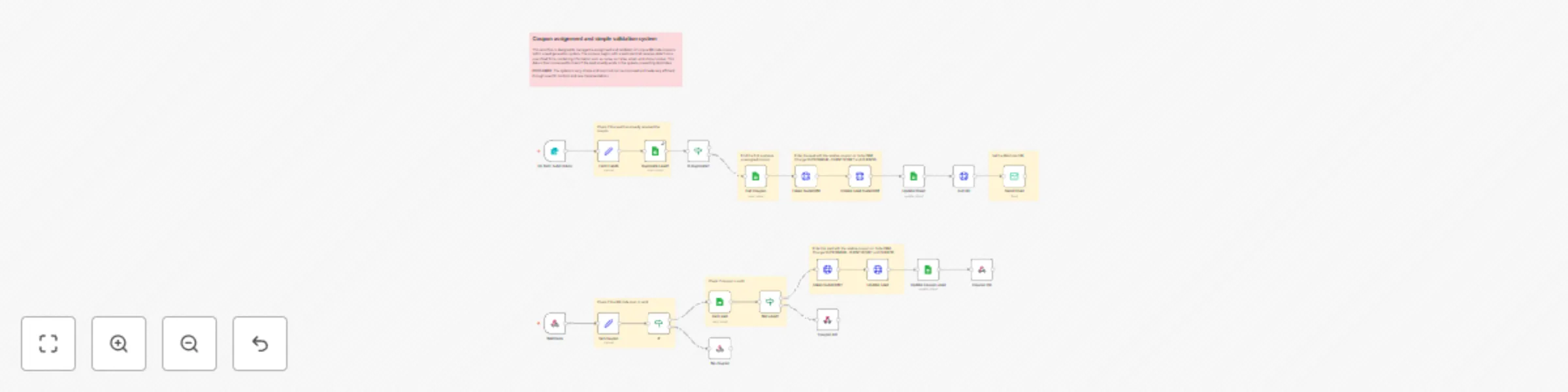
This workflow automates the process of assigning unique QR code coupons to leads generated through a form submission, ensuring no duplicates are created, and validating the usage of coupons. Here's how it operates:
Webhook Trigger:
Webhook node that listens for incoming requests containing QR code data.Set coupon node extracts the QR code value from the request parameters.Validation of QR Code:
If node checks if the QR code exists in the incoming data. If it does, the process proceeds; otherwise, a "No coupon" response is sent back.Coupon Lookup:
Get Lead node queries a Google Sheets document to check if the QR code corresponds to an existing lead.Not used? node verifies whether the coupon has already been used by checking the "USED COUPON?" field in the sheet.Lead Duplication Check:
On form submission), the Duplicate Lead? node checks if the email already exists in the system to prevent duplicates.Coupon Assignment:
Get Coupon node retrieves an available unassigned coupon from the Google Sheets document.Token SuiteCRM node generates an access token for SuiteCRM, and the Create Lead SuiteCRM node creates a new lead entry in SuiteCRM, associating it with the assigned coupon.QR Code Generation and Email Notification:
Get QR node generates a QR code image URL for the assigned coupon.Send Email node sends an email to the lead with the QR code attached.Response Handling:
To replicate this workflow in your own n8n environment, follow these steps:
Configuration:
SUITECRMURL, CLIENTID, CLIENTSECRET).Customization:
Webhook URL to match your deployment environment.Duplicate Lead?, Get Coupon, Update Sheet, and Update coupon used.Token SuiteCRM and Create Lead SuiteCRM.Send Email node to match your branding and messaging requirements.Get QR node points to a valid QR code generator service.By following these steps, you can effectively implement and customize this workflow to manage lead generation and coupon assignments in your organization.
This catalog entry is organized from the workflow JSON. The node-level section below shows the executable blocks available for review before importing the template.
Showing the first 24 of 29 workflow blocks. Download the JSON for the full node graph.
| Workflow | Unique QRcode coupon assignment and validation for lead generation with SuiteCRM |
|---|---|
| Complexity | advanced |
| Nodes | 29 |
| Categories | Lead Generation |
| Author | Davide |
| Published | 13 Feb 2025 |
Use the JSON export at /data/workflows/2899/2899.json as the source template for this automation.
Open n8n, import the downloaded JSON, and review each node before activating the workflow.
Replace placeholder credentials, API keys, webhook URLs, account IDs, and environment-specific values with your own settings.
Run the workflow manually or in a staging workspace, inspect node output, and confirm downstream systems receive the expected data.
Enable the workflow only after testing, then monitor executions, errors, and rate limits during the first production runs.
Review imported nodes carefully before activation. This catalog entry is intended to help you inspect the workflow structure, understand required services, and find related templates faster.
Node names, credentials, schedules, webhook paths, and external service limits may need adjustment for your workspace.
This workflow is designed to manage the assignment and validation of unique QR code coupons within a lead generation system with SuiteCRM. How it Works This workflow automates the process of assign...
Review the workflow JSON, configure any required credentials in n8n, and test the automation in a safe workspace before using it in production.
Yes. Use the block-by-block analysis and the downloadable JSON to inspect each node, then adjust credentials, prompts, schedules, filters, or destinations for your Lead Generation use case.