Translate PDFs into multiple languages with Google Translate & ConvertAPI cost tracking
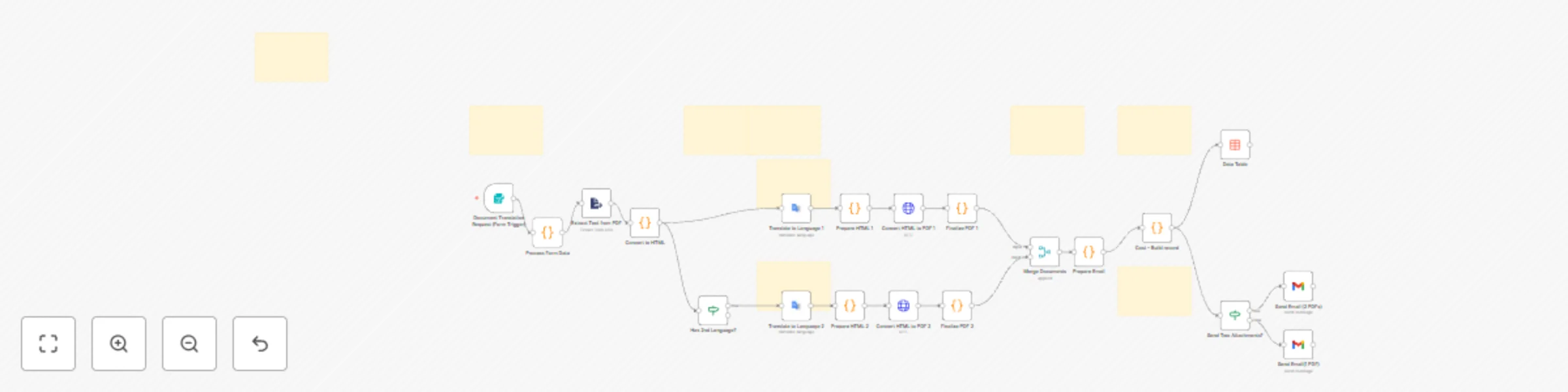
Workflow preview


 Early Deal
DISCOUNT 20%

Important notice
This workflow is provided as-is. Please review and test before using in production.
Overview
Description
This n8n template automates PDF translation into 1 or 2 target languages while maintaining professional formatting. Users submit PDFs via web form and receive translated documents via email with preserved headings, paragraphs, and bullet points.
Use Cases
• International Business Contracts • Multilingual Product Documentation • Educational Content Distribution • Healthcare Patient Information for Diverse patient population • Marketing Campaign Materials
What it does
• Accepts PDF uploads via web form
• Extracts and converts text to structured HTML
• Translates using Google Translate API (20+ languages including Hindi, Telugu, Spanish,
French, German, Chinese)
• Converts to professional PDFs with ConvertAPI
• Emails translated PDFs with cost breakdown
• Tracks expenses in data table for analytics
Set up
• Configure Google Cloud Service Account (Translation API enabled) • Add ConvertAPI Query Auth credentials • Set up Gmail OAuth2 with send permissions • Create n8n Data Table named cost_tracking • Activate workflow and access form via webhook URL
Requirements
• Google Cloud account with Translation API • ConvertAPI account with credits • Gmail account for delivery • PDF files with selectable text (not scanned images)
Customize
• Edit CSS in "Prepare HTML" nodes for PDF styling • Update pricing in "Cost – Build record" node • Add languages in "Process Form Data" and form dropdown • Modify email template in Gmail nodes
Support:
Join n8n Discord or Community Forum