Block 1 - Extractor: Purchase Orders
- Type / Role
- @easybits/n8n-nodes-extractor.easybitsExtractor - easybitsExtractor
- Config choices
- Version 2


 Early Deal
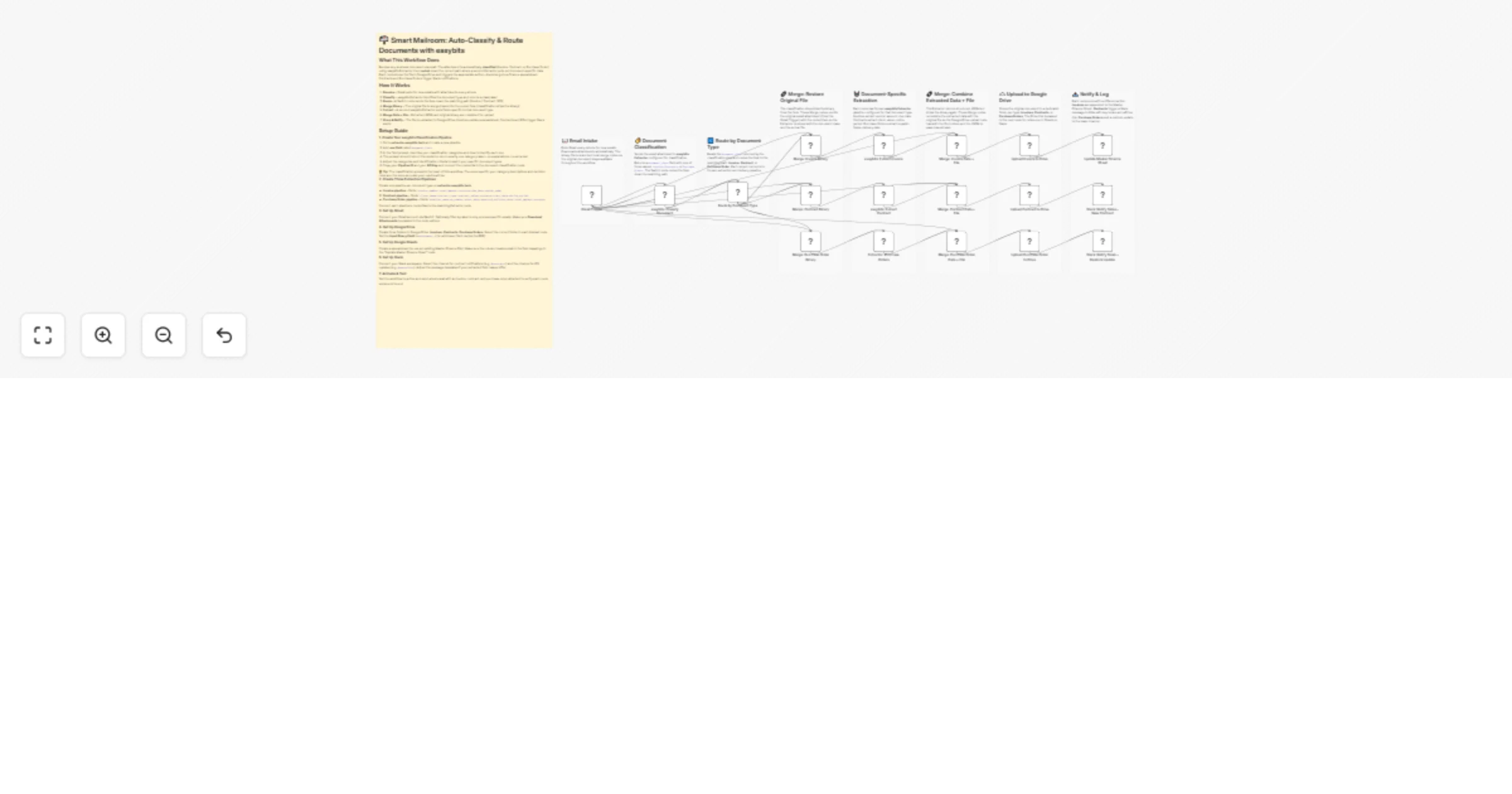
What This Workflow Does Receive any business document via email. The attachment is automatically classified (Invoice, Contract, or Purchase Order) using easybits Extractor, then routed down the cor...
@easybits/n8n-nodes-extractor.easybitsextractor, n8n-nodes-base.gmailtrigger, n8n-nodes-base.switch, n8n-nodes-base.merge, n8n-nodes-base.googledrive, n8n-nodes-base.googlesheets, n8n-nodes-base.slack, n8n-nodes-base.stickynote
This workflow is cataloged by N8N Workflows and links back to its original n8n.io source page by Felix.
Original n8n.io sourceReceive any business document via email. The attachment is automatically classified (Invoice, Contract, or Purchase Order) using easybits Extractor, then routed down the correct path where a second Extractor pulls out document-specific data. Each route stores the file in Google Drive and triggers the appropriate action – Invoices go to a finance spreadsheet, Contracts and Purchase Orders trigger Slack notifications.
document_class> 💡 Tip: The classification prompt is the heart of this workflow. The more specific your category descriptions and decision rules are, the more accurate your results will be.
Create one pipeline per document type on extractor.easybits.tech:
invoice_number, total_amount, currency, due_date, vendor_nameclient_name, contract_type, contract_value, currency, start_date, notice_periodsupplier_name, po_number, order_date, expected_delivery_date, total_amount, currencyConnect each pipeline's credentials to the matching Extractor node.
Connect your Gmail account via OAuth2. Optionally filter by label to only process specific emails. Make sure Download Attachments is enabled in the node options.
Create three folders in Google Drive: Invoices, Contracts, Purchase Orders. Select the correct folder in each Upload node. Set the Input Binary Field to attachment_0 (or whichever field carries the PDF).
Create a spreadsheet (or use an existing Master Finance File). Make sure the column headers match the field mappings in the "Update Master Finance Sheet" node.
Connect your Slack workspace. Select the channel for contract notifications (e.g. #contracts) and the channel for PO updates (e.g. #operations). Adjust the message templates if your extracted field names differ.
Set the workflow to active and send a test email with an invoice, contract, and purchase order attached to verify each route works end to end.
This catalog entry is organized from the workflow JSON. The node-level section below shows the executable blocks available for review before importing the template.
Showing the first 24 of 27 workflow blocks. Download the JSON for the full node graph.
| Workflow | Classify and route email attachments with easybits, Gmail and Google Drive |
|---|---|
| Complexity | advanced |
| Nodes | 27 |
| Categories | Document Extraction, AI Summarization |
| Author | Felix |
| Published | 10 Apr 2026 |
Use the JSON export at /data/workflows/14978/14978.json as the source template for this automation.
Open n8n, import the downloaded JSON, and review each node before activating the workflow.
Replace placeholder credentials, API keys, webhook URLs, account IDs, and environment-specific values with your own settings.
Run the workflow manually or in a staging workspace, inspect node output, and confirm downstream systems receive the expected data.
Enable the workflow only after testing, then monitor executions, errors, and rate limits during the first production runs.
Review imported nodes carefully before activation. This catalog entry is intended to help you inspect the workflow structure, understand required services, and find related templates faster.
Node names, credentials, schedules, webhook paths, and external service limits may need adjustment for your workspace.
What This Workflow Does Receive any business document via email. The attachment is automatically classified (Invoice, Contract, or Purchase Order) using easybits Extractor, then routed down the cor...
Review the workflow JSON, configure any required credentials in n8n, and test the automation in a safe workspace before using it in production.
Yes. Use the block-by-block analysis and the downloadable JSON to inspect each node, then adjust credentials, prompts, schedules, filters, or destinations for your Document Extraction, AI Summarization use case.