Block 1 - Configure GPT-4o Model
- Type / Role
- @n8n/n8n-nodes-langchain.lmChatAzureOpenAi - lmChatAzureOpenAi
- Config choices
- Version 1


 Early Deal
This workflow is provided as-is. Please review and test before using in production.
Description: This end to end automation transforms developer support emails into actionable FAQs and sentiment insights using Azure OpenAI GPT 4o, Gmail, Notion, Slack, and Google Sheets. It not...
@n8n/n8n-nodes-langchain.lmchatazureopenai, n8n-nodes-base.stickynote, n8n-nodes-base.gmailtrigger, n8n-nodes-base.if, @n8n/n8n-nodes-langchain.agent, n8n-nodes-base.code, n8n-nodes-base.notion, n8n-nodes-base.slack
This workflow is cataloged by N8N Workflows and links back to its original n8n.io source page by Rahul Joshi.
Original n8n.io sourceThis end-to-end automation transforms developer support emails into actionable FAQs and sentiment insights using Azure OpenAI GPT-4o, Gmail, Notion, Slack, and Google Sheets. It not only classifies and summarizes each email into a Notion knowledge base but also detects sentiment and urgency, alerts the team on Slack for critical messages, and automatically replies to users with acknowledgment emails. Every failed or malformed payload is transparently logged in Google Sheets — ensuring zero message loss and full visibility into the AI pipeline. The result is a complete AI-driven customer support loop, from inbox to Notion and back to the sender.
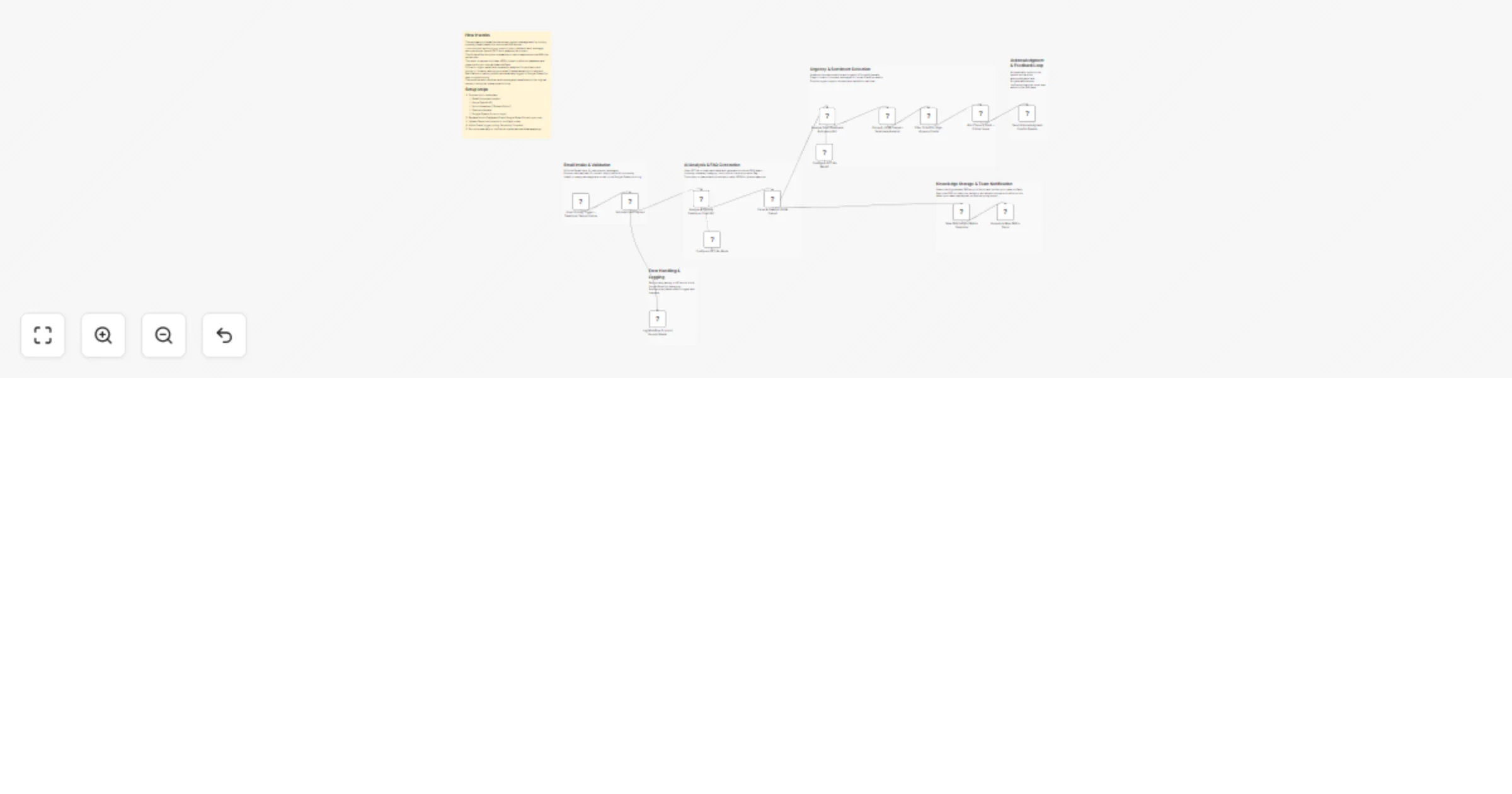
🟢 Gmail Polling Trigger – Developer Support Inbox Continuously monitors the developer support Gmail inbox every minute for new messages. Extracts the subject, sender, and snippet to initiate AI analysis.
🔍 Validate Email Payload (IF Node) Checks if each incoming email contains valid message data (like message ID and subject). ✅ True Path: continues to AI analysis ❌ False Path: logs error details in Google Sheets for debugging.
🧠 Configure GPT-4o Model (Azure OpenAI) Initializes GPT-4o as the reasoning model for semantic classification of developer support content.
🤖 Analyze & Classify Developer Email (AI Agent) Interprets each email and produces a structured JSON with: Problem summary FAQ category (e.g., API, Billing, UI) 2–3 line solution “Is recurring” flag for common issues.
🧹 Parse & Clean AI JSON Output (Code Node) Removes code formatting (json) and safely parses GPT-4o’s output into clean JSON. If parsing fails, the raw text and error message are sent to Google Sheets for review.
📘 Save FAQ Entry to Notion Database Creates a new FAQ record inside Notion’s “Release Notes” database. Stores the problem, category, and solution as searchable structured fields.
💬 Announce New FAQ in Slack Posts a summary of the new FAQ in Slack with title, category, and answer preview. Includes a link to view the Notion record instantly for team visibility.
🧠 Configure GPT-4o Model (Sentiment Analysis) Sets up another GPT-4o instance focused on understanding tone, emotion, and urgency of each email.
❤️ Analyze Email Sentiment & Urgency (AI Agent) Analyzes the email content to determine: Urgency: Low, Medium, High, Critical Sentiment: Positive, Neutral, Frustrated, Angry Immediate response required? (Yes/No) Provides a short “reason” explaining the classification.
🧹 Parse AI JSON Output – Sentiment Analysis Cleans and validates the JSON from sentiment AI for consistent field names (urgency, sentiment, reason).
⚖️ Filter Critical or High-Urgency Emails (IF Node) Checks if urgency == High or Critical. ✅ True Path: triggers escalation to Slack ❌ False Path: ends quietly to avoid unnecessary noise.
🚨 Alert Team in Slack – Critical Issue Sends an immediate Slack alert with: Email snippet Detected urgency and sentiment Short justification (reason) CTA for urgent action. Ensures fast team response to high-priority issues.
📨 Send Acknowledgment Email to Sender (Gmail Node) Automatically replies to the customer confirming receipt and providing a short AI-generated solution summary. Thanks the user and links the response back to the knowledge base — creating a closed-loop support experience.
🪶 Log Workflow Errors to Google Sheets Appends all failed validations, missing fields, or JSON parsing issues to the “error log sheet.” Provides a live audit trail for monitoring workflow health.
✅ Converts support emails into structured FAQs automatically ✅ Detects sentiment & urgency for faster triage ✅ Keeps Notion knowledge base continuously updated ✅ Sends Slack alerts for critical issues instantly ✅ Maintains transparent error logs in Google Sheets
This catalog entry is organized from the workflow JSON. The node-level section below shows the executable blocks available for review before importing the template.
| Workflow | Transform support emails into FAQs with GPT-4o, Gmail, Notion, and Slack |
|---|---|
| Complexity | advanced |
| Nodes | 21 |
| Categories | Ticket Management, AI Summarization |
| Author | Rahul Joshi |
| Published | 30 Oct 2025 |
Use the JSON export at /data/workflows/10340/10340.json as the source template for this automation.
Open n8n, import the downloaded JSON, and review each node before activating the workflow.
Replace placeholder credentials, API keys, webhook URLs, account IDs, and environment-specific values with your own settings.
Run the workflow manually or in a staging workspace, inspect node output, and confirm downstream systems receive the expected data.
Enable the workflow only after testing, then monitor executions, errors, and rate limits during the first production runs.
Review imported nodes carefully before activation. This catalog entry is intended to help you inspect the workflow structure, understand required services, and find related templates faster.
Node names, credentials, schedules, webhook paths, and external service limits may need adjustment for your workspace.
Description: This end to end automation transforms developer support emails into actionable FAQs and sentiment insights using Azure OpenAI GPT 4o, Gmail, Notion, Slack, and Google Sheets. It not...
Review the workflow JSON, configure any required credentials in n8n, and test the automation in a safe workspace before using it in production.
Yes. Use the block-by-block analysis and the downloadable JSON to inspect each node, then adjust credentials, prompts, schedules, filters, or destinations for your Ticket Management, AI Summarization use case.