Block 1 - Sticky Note
- Type / Role
- n8n-nodes-base.stickyNote - stickyNote
- Config choices
- Version 1


 Early Deal
WooCommerce Inventory Reorder Automation with n8n, Gmail & Slack Alerts Automatically track product sales and inventory levels in WooCommerce and trigger reorder notifications when stock runs low o...
n8n-nodes-base.stickynote, n8n-nodes-base.merge, n8n-nodes-base.scheduletrigger, n8n-nodes-base.woocommerce, n8n-nodes-base.code, n8n-nodes-base.filter, n8n-nodes-base.gmail, n8n-nodes-base.slack
This workflow is cataloged by N8N Workflows and links back to its original n8n.io source page by WeblineIndia.
Original n8n.io sourceAutomatically track product sales and inventory levels in WooCommerce and trigger reorder notifications when stock runs low or sales spike.
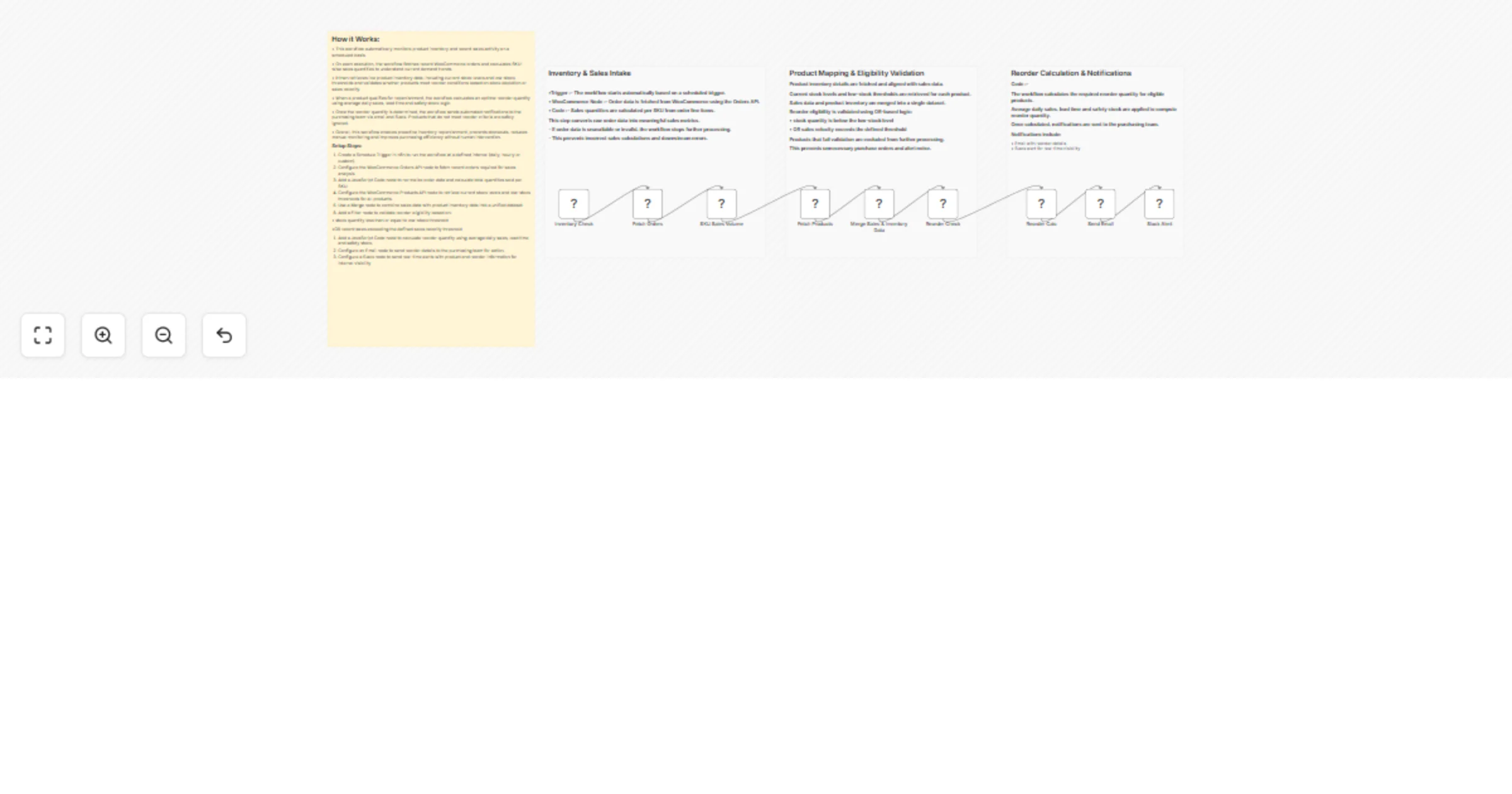
This n8n workflow runs daily, analyzes all WooCommerce orders to calculate SKU-wise sales, compares them with current product stock, calculates an optimal reorder quantity and sends automated alerts via Email (Gmail) and Slack when a product meets reorder conditions.
This workflow automates inventory monitoring and reorder decision-making for WooCommerce stores. On a daily schedule, it fetches all orders from WooCommerce and calculates how many units of each SKU were sold. This gives you a clear picture of recent sales velocity without manual reporting.
The workflow then retrieves live product inventory data from WooCommerce, including current stock levels and low-stock thresholds. Sales data and product data are merged using SKU matching and evaluated using logical conditions to determine whether a product should be reordered.
When a product meets the reorder criteria, the workflow calculates an optimal reorder quantity using average daily sales, supplier lead time and safety stock logic. It then automatically notifies the purchasing team via email and Slack, ensuring no critical stock replenishment is missed.
This workflow is ideal for:
To use this workflow, you will need:
You can easily adapt this workflow to your business needs:
You can enhance this workflow with:
Primary use cases include:
There are many more variations of this workflow that can be adapted to different industries and store sizes.
| Issue | Possible Cause | Solution |
|---|---|---|
| No emails sent | Gmail credentials not connected | Reconnect Gmail OAuth2 |
| No Slack alerts | Wrong channel ID or permissions | Update channel and Slack app scopes |
| Reorder triggered too often | Filter logic too sensitive | Adjust threshold values |
| Missing sales data | Products without SKUs | Ensure all products have SKUs |
| Workflow fails | WooCommerce API limits | Reduce frequency or paginate data |
Need assistance setting up this workflow or customizing it for your business?
Our n8n workflow development team at WeblineIndia specializes in building advanced n8n automations, WooCommerce integrations and end-to-end business process workflows.
Whether you need enhancements, add-ons or a completely custom automation solution, our experts are here to help you streamline operations and scale efficiently.
Contact WeblineIndia to get started with smarter automation today.
This catalog entry is organized from the workflow JSON. The node-level section below shows the executable blocks available for review before importing the template.
| Workflow | Track WooCommerce inventory and send reorder alerts via Gmail and Slack |
|---|---|
| Complexity | intermediate |
| Nodes | 13 |
| Categories | File Management |
| Author | WeblineIndia |
| Published | 21 Jan 2026 |
Use the JSON export at /data/workflows/12874/12874.json as the source template for this automation.
Open n8n, import the downloaded JSON, and review each node before activating the workflow.
Replace placeholder credentials, API keys, webhook URLs, account IDs, and environment-specific values with your own settings.
Run the workflow manually or in a staging workspace, inspect node output, and confirm downstream systems receive the expected data.
Enable the workflow only after testing, then monitor executions, errors, and rate limits during the first production runs.
Review imported nodes carefully before activation. This catalog entry is intended to help you inspect the workflow structure, understand required services, and find related templates faster.
Node names, credentials, schedules, webhook paths, and external service limits may need adjustment for your workspace.
WooCommerce Inventory Reorder Automation with n8n, Gmail & Slack Alerts Automatically track product sales and inventory levels in WooCommerce and trigger reorder notifications when stock runs low o...
Review the workflow JSON, configure any required credentials in n8n, and test the automation in a safe workspace before using it in production.
Yes. Use the block-by-block analysis and the downloadable JSON to inspect each node, then adjust credentials, prompts, schedules, filters, or destinations for your File Management use case.