Block 1 - 📋 Setup Guide
- Type / Role
- n8n-nodes-base.stickyNote - stickyNote
- Config choices
- Version 1


 Early Deal
Description Paste any competitor's YouTube URL in chat — and this n8n workflow does everything automatically. WayinVideo API reads the entire video, extracts the summary, k...
n8n-nodes-base.stickynote, n8n-nodes-base.httprequest, n8n-nodes-base.wait, n8n-nodes-base.if, n8n-nodes-base.code, n8n-nodes-base.gmail, @n8n/n8n-nodes-langchain.chattrigger
This workflow is cataloged by N8N Workflows and links back to its original n8n.io source page by Incrementors.
Original n8n.io sourcePaste any competitor's YouTube URL in chat — and this n8n workflow does everything automatically. WayinVideo API reads the entire video, extracts the summary, key highlights with timestamps, and hashtags — then builds a clean styled HTML report and delivers it straight to your inbox via Gmail.
Built for marketers, growth teams, agencies, and founders who need to monitor competitors' video content without spending hours watching videos manually.
This automation handles your complete competitor video intelligence pipeline:
Tools You'll Need:
Estimated Setup Time: 5–10 minutes
WayinVideo is the AI engine that analyzes and summarizes your competitor's video content.
YOUR_WAYINVIDEO_API_KEY with your actual token in the Authorization header> ⚠️ The API key appears in two places — Submit node and Poll node. Replace both or the workflow will fail!
[email protected] with the actual email address where you want to receive reportsThis workflow is triggered when a user sends a video URL in the n8n chat interface.
$json.chatInput — this is the competitor video URL the user pastesIn the "🎬 Submit Video for Summary" node:
| Parameter | Default Value | What It Does |
|---|---|---|
target_lang |
en |
Summary language |
video_url |
$json.chatInput |
Video URL from chat |
Change summary language options:
en → English (default)hi → Hindies → Spanishfr → Frenchde → GermanIn the "📧 Build Competitor Analysis Email" node:
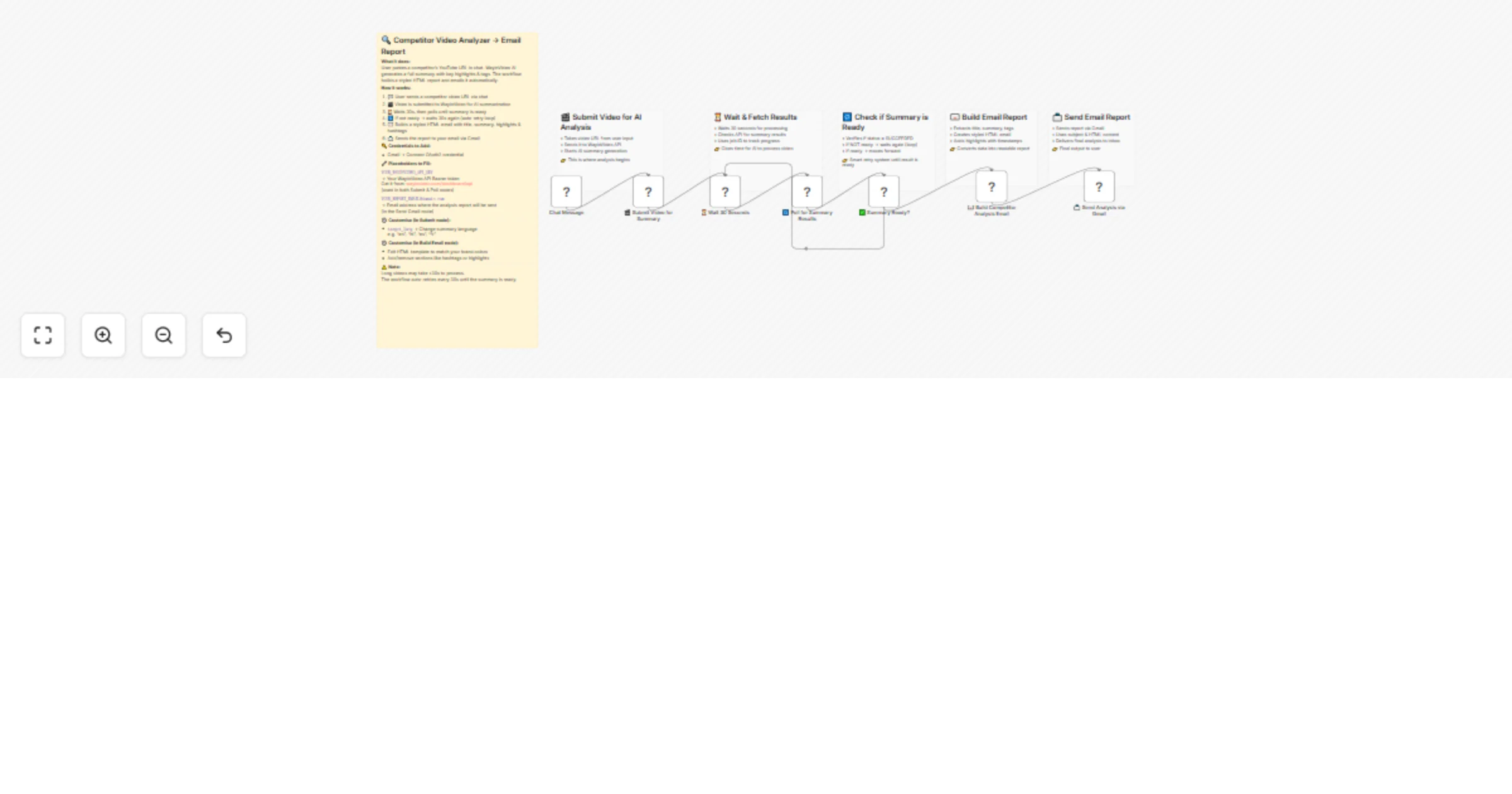
Step 1 — Chat Trigger
User pastes a competitor video URL in the n8n chat. The URL is captured as $json.chatInput and passed to the next node.
Step 2 — Submit Video to WayinVideo API
The workflow sends a POST request to the WayinVideo API (/api/v2/summaries) with the video URL and target language. The API returns a Job ID used to track processing status.
Step 3 — Wait 30 Seconds The workflow pauses for 30 seconds to give WayinVideo time to start processing. This avoids hitting the API too early before the summary is ready.
Step 4 — Poll for Summary Results Using the Job ID from Step 2, the workflow calls:
GET /api/v2/summaries/results/{job_id}
to check if the summary is ready.
Step 5 — Summary Ready? (Smart Loop)
The IF node checks if the response status equals SUCCEEDED:
> This smart retry loop runs every 30 seconds until the summary is done. No manual intervention needed.
Step 6 — Build Competitor Analysis Email The Code node extracts all data from the API response and builds a styled HTML email containing:
Step 7 — Send via Gmail The final Gmail node sends the complete HTML report directly to your specified inbox — formatted and ready to read.
Summary not generating / API returns empty:
Workflow stuck in polling loop:
Video URL not accepted:
https://www.youtube.com/watch?v=...Need help setting this up or want a custom version built for your specific use case?
📧 Email: [email protected] 🌐 Website: https://www.incrementors.com/contact-us/
This catalog entry is organized from the workflow JSON. The node-level section below shows the executable blocks available for review before importing the template.
| Workflow | Track competitor YouTube videos using WayinVideo summarization and Gmail |
|---|---|
| Complexity | intermediate |
| Nodes | 13 |
| Categories | Market Research, AI Summarization |
| Author | Incrementors |
| Published | 28 Mar 2026 |
Use the JSON export at /data/workflows/14408/14408.json as the source template for this automation.
Open n8n, import the downloaded JSON, and review each node before activating the workflow.
Replace placeholder credentials, API keys, webhook URLs, account IDs, and environment-specific values with your own settings.
Run the workflow manually or in a staging workspace, inspect node output, and confirm downstream systems receive the expected data.
Enable the workflow only after testing, then monitor executions, errors, and rate limits during the first production runs.
Review imported nodes carefully before activation. This catalog entry is intended to help you inspect the workflow structure, understand required services, and find related templates faster.
Node names, credentials, schedules, webhook paths, and external service limits may need adjustment for your workspace.
Description Paste any competitor's YouTube URL in chat — and this n8n workflow does everything automatically. WayinVideo API reads the entire video, extracts the summary, k...
Review the workflow JSON, configure any required credentials in n8n, and test the automation in a safe workspace before using it in production.
Yes. Use the block-by-block analysis and the downloadable JSON to inspect each node, then adjust credentials, prompts, schedules, filters, or destinations for your Market Research, AI Summarization use case.