Block 1 - Check If Unbooked
- Type / Role
- n8n-nodes-base.if - if
- Config choices
- Version 2


 Early Deal
This workflow is provided as-is. Please review and test before using in production.
Description Stop losing valuable leads to missed meetings with this No Show Follow Up & Rescheduling automation! Whenever a lead is marked as a “no show” in your CRM or calendar, this workflow auto...
n8n-nodes-base.if, n8n-nodes-base.googlecalendar, n8n-nodes-base.gmail, n8n-nodes-base.googlesheets, n8n-nodes-base.manualtrigger, n8n-nodes-base.set, n8n-nodes-base.wait, n8n-nodes-base.stickynote
This workflow is cataloged by N8N Workflows and links back to its original n8n.io source page by Rahul Joshi.
Original n8n.io sourceStop losing valuable leads to missed meetings with this No-Show Follow-Up & Rescheduling automation! Whenever a lead is marked as a “no-show” in your CRM or calendar, this workflow automatically sends polite follow-up emails with rescheduling options, tracks responses over 48 hours, and moves unresponsive leads into a nurture sequence—ensuring you recapture lost opportunities with zero manual effort.
What This Template Does
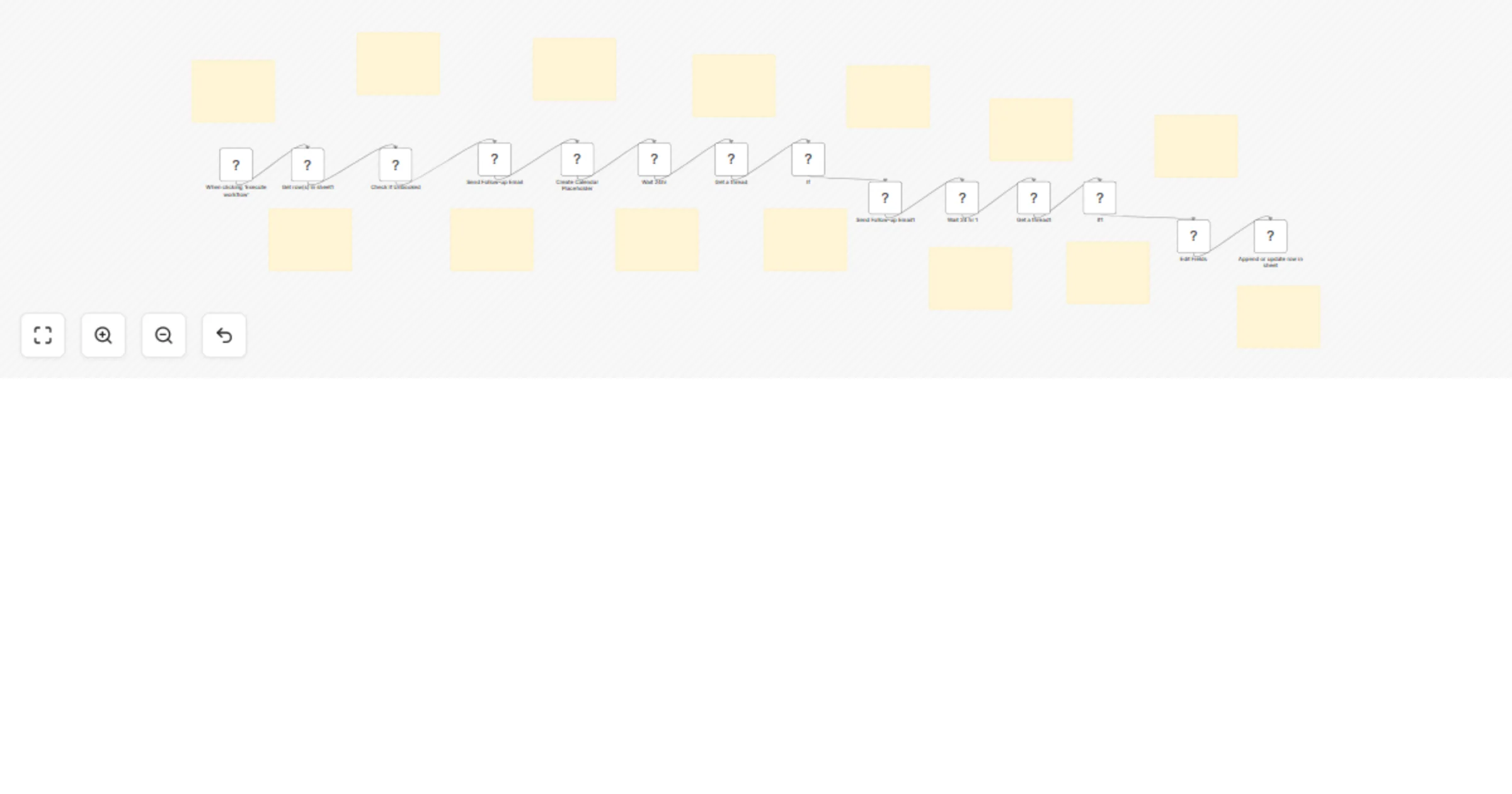
📋 Detects no-show leads from CRM or calendar data 📧 Sends apology + reschedule link via Gmail instantly 🗓 Creates placeholder calendar events for potential rebooking ⏳ Waits 24 hours to check for responses before sending a follow-up 📩 Sends a shorter second follow-up if no reply 🔄 Updates Google Sheets with final booking status 📊 Moves unresponsive leads into nurture campaigns in GoHighLevel or Sheets
Prerequisites
Step-by-Step Setup
Customization Ideas
Key Benefits ✅ Automatically recovers no-show leads with polite reminders ✅ Reduces wasted opportunities by offering quick rescheduling options ✅ Keeps reps prepared with calendar placeholders ✅ Ensures consistent tracking of booking status across platforms
Perfect For Sales Teams managing high volumes of meetings SDRs ensuring no lead slips through due to missed calls Account Managers maintaining professional communication Businesses wanting to maximize lead recovery with minimal effort
This catalog entry is organized from the workflow JSON. The node-level section below shows the executable blocks available for review before importing the template.
Showing the first 24 of 28 workflow blocks. Download the JSON for the full node graph.
| Workflow | Smart meeting rescheduler: Gmail + Calendar + Sheets automation |
|---|---|
| Complexity | advanced |
| Nodes | 28 |
| Categories | Lead Nurturing |
| Author | Rahul Joshi |
| Published | 12 Sept 2025 |
Use the JSON export at /data/workflows/8509/8509.json as the source template for this automation.
Open n8n, import the downloaded JSON, and review each node before activating the workflow.
Replace placeholder credentials, API keys, webhook URLs, account IDs, and environment-specific values with your own settings.
Run the workflow manually or in a staging workspace, inspect node output, and confirm downstream systems receive the expected data.
Enable the workflow only after testing, then monitor executions, errors, and rate limits during the first production runs.
Review imported nodes carefully before activation. This catalog entry is intended to help you inspect the workflow structure, understand required services, and find related templates faster.
Node names, credentials, schedules, webhook paths, and external service limits may need adjustment for your workspace.
Description Stop losing valuable leads to missed meetings with this No Show Follow Up & Rescheduling automation! Whenever a lead is marked as a “no show” in your CRM or calendar, this workflow auto...
Review the workflow JSON, configure any required credentials in n8n, and test the automation in a safe workspace before using it in production.
Yes. Use the block-by-block analysis and the downloadable JSON to inspect each node, then adjust credentials, prompts, schedules, filters, or destinations for your Lead Nurturing use case.