Block 1 - Run Once a Week
- Type / Role
- n8n-nodes-base.scheduleTrigger - scheduleTrigger
- Config choices
- Version 1.1


 Early Deal
What Is This? This workflow is an automated employee time tracking and reporting system that monitors weekly work hours via TMetric, then delivers personalized summaries directly to each team membe...
n8n-nodes-base.scheduletrigger, n8n-nodes-base.httprequest, n8n-nodes-base.itemlists, n8n-nodes-base.splitinbatches, n8n-nodes-base.set, n8n-nodes-base.wait, n8n-nodes-base.filter, n8n-nodes-base.renamekeys
This workflow is cataloged by N8N Workflows and links back to its original n8n.io source page by Łukasz.
Original n8n.io sourceThis workflow is an automated employee time tracking and reporting system that monitors weekly work hours via TMetric, then delivers personalized summaries directly to each team member on Slack. It compares actual logged hours against individual work schedules, accounts for approved time-off requests, and flags anyone falling behind their hourly quota.
It works with any team using TMetric for time tracking and Slack for communication, making it ideal for remote-first companies, IT agencies, and consulting firms managing distributed teams.
Designed for team leads, operations managers, and HR departments in small to medium-sized companies who want effortless visibility into employee time tracking compliance — without micromanaging or manually pulling reports.
Software development agencies, MSPs, and consulting firms billing clients by the hour will find this especially valuable, as it keeps employees accountable and ensures time entries are complete and up to date before payroll or invoicing cycles.
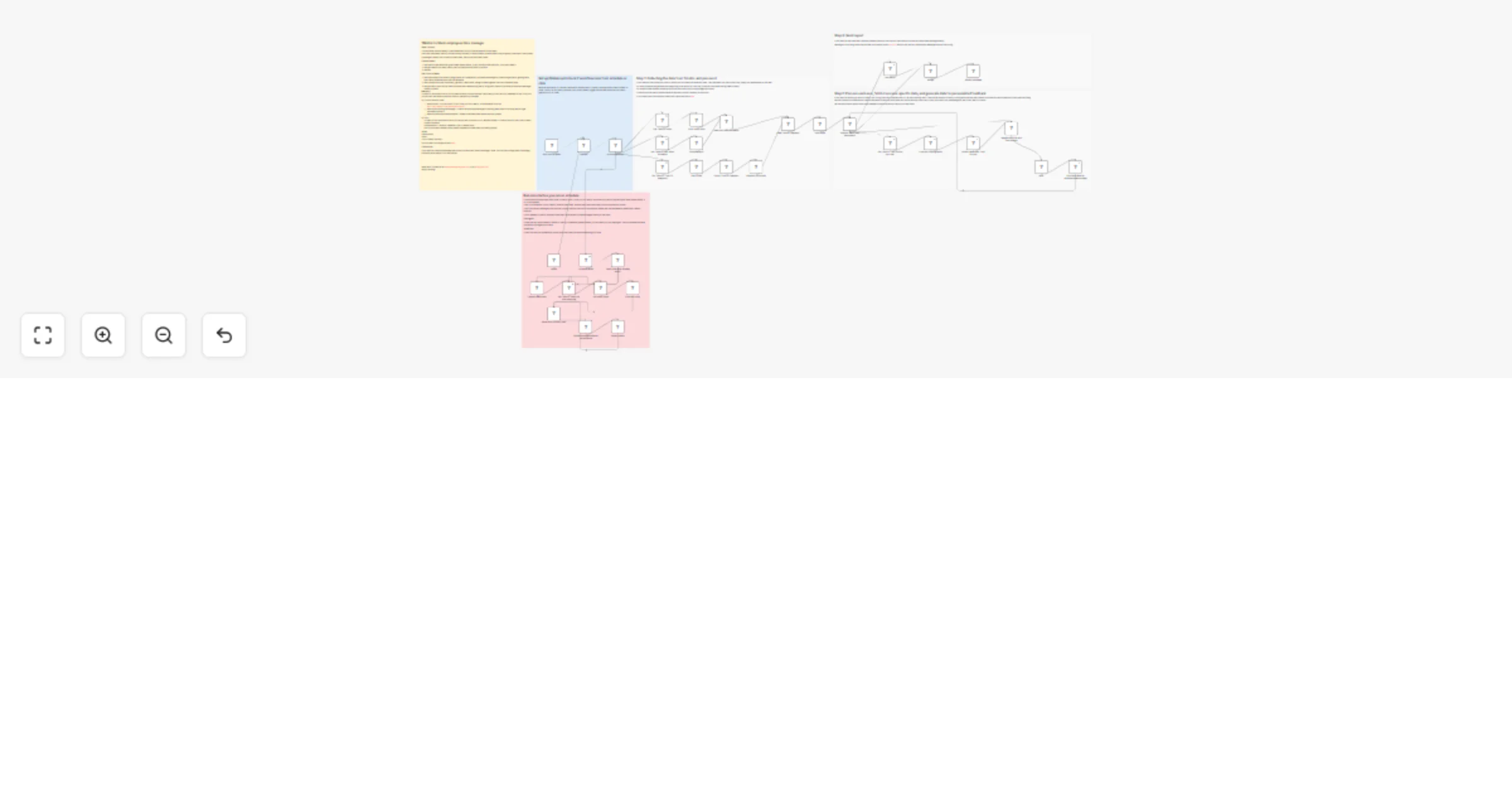
The workflow operates in two modes: a one-time Setup and a recurring Weekly Report.
Setup builds a mapping table between TMetric and Slack user accounts. It checks whether the required N8N Data Table already exists, creates it if not, then fetches all TMetric and Slack users. Each Slack user receives a message asking them to identify their corresponding TMetric account via an interactive dropdown form. Responses are saved to the Data Table for use in subsequent runs.
Weekly Report runs automatically every Friday at 4:00 PM. It fetches users, their work schedules, and approved time-off requests from TMetric, then processes each employee individually — retrieving their time entries, filtering out any currently running tasks, and calculating total hours worked. The workflow accounts for time-off when determining expected hours, then computes how far ahead or behind schedule each person is. Finally, it looks up each user's Slack ID from the mapping table and sends them a personalized Block Kit message summarizing their week: hours worked, schedule adherence status, and a project-by-project breakdown.
Prerequisites:
Step 1: Configure the Globals node
https://app.tmetric.com/#/tracker/YOUR_ID/Tmetric to Slack user map)Step 2: Set up TMetric authentication
Open any HTTP Request node, select Authentication → Generic Credential Type → Header Auth, and create a new credential:
Authorization<Your TMetric API Key>You can generate an API key in your TMetric account settings. Full API documentation is available here.
Step 3: Configure Slack credentials
Connect your Slack workspace using OAuth2 in the Slack nodes. Ensure your bot has permissions to list users and send direct messages.
Step 4: Run Setup
Trigger the Setup manual trigger once. It will create the mapping table and send a form to each Slack user. Once all responses are collected, the workflow is ready for scheduled operation.
Step 5: Customize the Slack message (optional)
Edit the Send a message node to adjust the message layout, change delivery from DM to a channel, or add additional fields to the report.
Flexible time-off handling: Approved time-off requests are subtracted from expected working hours, ensuring employees aren't penalized for legitimate absences.
Running task filtering: Time entries without an end time are excluded from calculations, preventing inflated hours from active timers.
Visual status indicators: Slack messages use color-coded action buttons — green for on-track employees, red for those behind schedule — giving recipients immediate visual feedback at a glance.
Project breakdown: Each report includes a per-project summary showing time spent across the reporting period, giving employees and managers full transparency into where hours went.
Safe re-runs: The Setup flow can be triggered again at any time to onboard new team members or correct mapping mistakes without affecting existing records.
Need help? Reach out at [email protected] or visit sailingbyte.com.
Happy hacking!
This catalog entry is organized from the workflow JSON. The node-level section below shows the executable blocks available for review before importing the template.
Showing the first 24 of 40 workflow blocks. Download the JSON for the full node graph.
| Workflow | Send weekly TMetric time reports to employees on Slack |
|---|---|
| Complexity | advanced |
| Nodes | 40 |
| Categories | HR |
| Author | Łukasz |
| Published | 31 Mar 2026 |
Use the JSON export at /data/workflows/14511/14511.json as the source template for this automation.
Open n8n, import the downloaded JSON, and review each node before activating the workflow.
Replace placeholder credentials, API keys, webhook URLs, account IDs, and environment-specific values with your own settings.
Run the workflow manually or in a staging workspace, inspect node output, and confirm downstream systems receive the expected data.
Enable the workflow only after testing, then monitor executions, errors, and rate limits during the first production runs.
Review imported nodes carefully before activation. This catalog entry is intended to help you inspect the workflow structure, understand required services, and find related templates faster.
Node names, credentials, schedules, webhook paths, and external service limits may need adjustment for your workspace.
What Is This? This workflow is an automated employee time tracking and reporting system that monitors weekly work hours via TMetric, then delivers personalized summaries directly to each team membe...
Review the workflow JSON, configure any required credentials in n8n, and test the automation in a safe workspace before using it in production.
Yes. Use the block-by-block analysis and the downloadable JSON to inspect each node, then adjust credentials, prompts, schedules, filters, or destinations for your HR use case.