Block 1 - Sticky Note
- Type / Role
- n8n-nodes-base.stickyNote - stickyNote
- Config choices
- Version 1


 Early Deal
Description This workflow automates a personalized pre arrival guest experience for hotels by combining Google Sheets, OpenAI, Email, and Slack. It detects upcoming check ins, maintains unified gue...
n8n-nodes-base.stickynote, n8n-nodes-base.if, n8n-nodes-base.function, n8n-nodes-base.openai, n8n-nodes-base.emailsend, n8n-nodes-base.errortrigger, n8n-nodes-base.googlesheets, n8n-nodes-base.scheduletrigger
This workflow is cataloged by N8N Workflows and links back to its original n8n.io source page by Rahul Joshi.
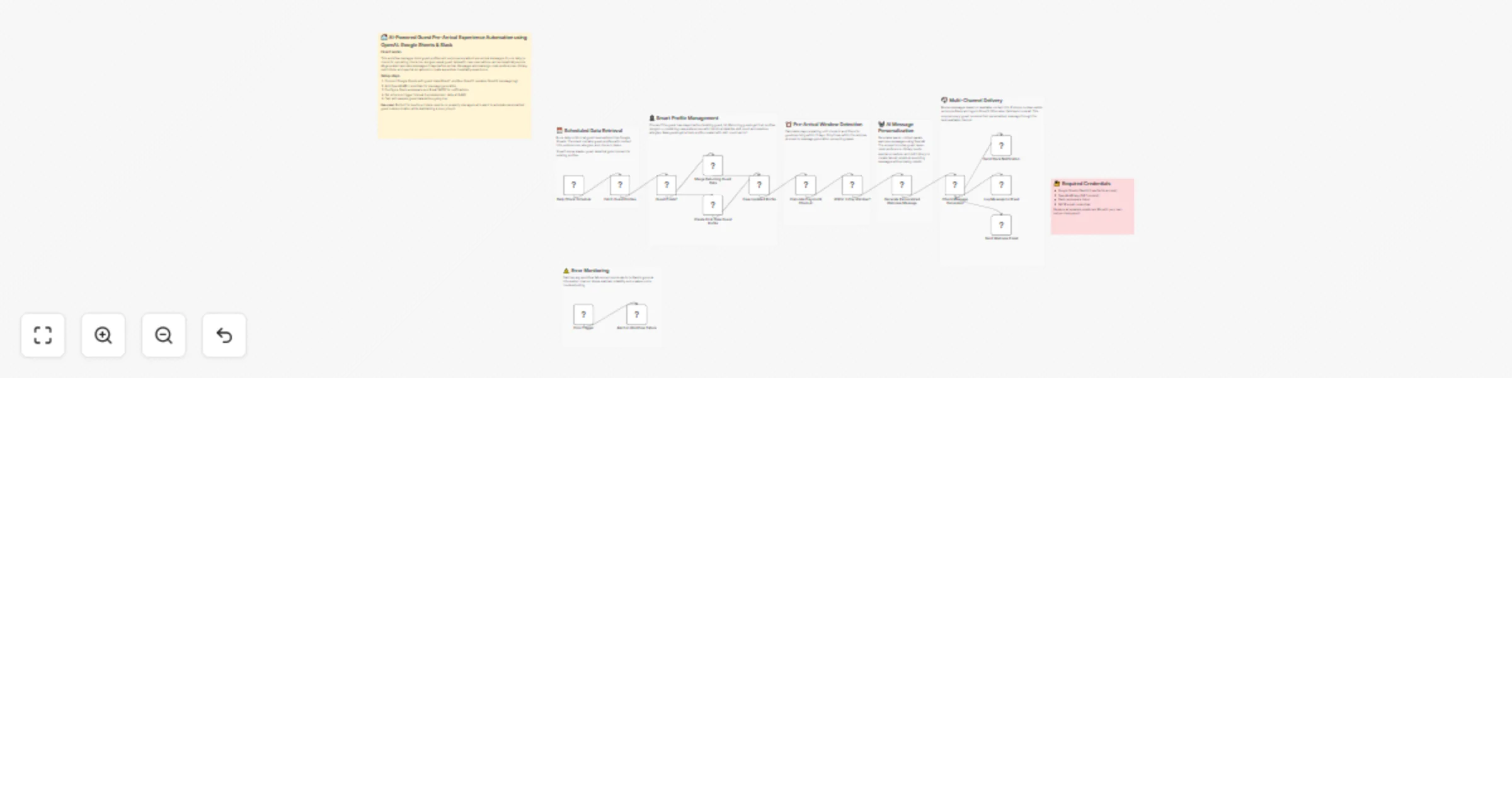
Original n8n.io sourceDescription This workflow automates a personalized pre-arrival guest experience for hotels by combining Google Sheets, OpenAI, Email, and Slack. It detects upcoming check-ins, maintains unified guest profiles for new and returning guests, and sends warm, AI-generated welcome messages exactly 2 days before arrival, ensuring a premium, consistent experience without manual effort.
⚠️ Deployment Disclaimer This workflow is intended for self-hosted n8n instances.
⚙️ What This Workflow Does (Step-by-Step) ▶️ Scheduled Daily Trigger Runs automatically each day to process upcoming arrivals. 📄 Fetch Guest Profiles (Google Sheets) Loads guest reservations and existing guest history from the source of truth. 👤 Guest Profile Handling Merges data for returning guests or creates a new profile for first-time visitors. ⏰ Pre-Arrival Window Check Calculates days until check-in and filters guests arriving within 2 days only. 🤖 AI Welcome Message Generation Uses OpenAI to generate short, personalized pre-arrival messages based on preferences, allergies, and special occasions. 📬 Multi-Channel Delivery Sends the message via Slack (if available) or Email and logs all messages to Google Sheets. 🗂 Profile & Message Logging Updates guest profiles and stores sent messages for tracking and audit. 🚨 Error Monitoring Any workflow failure triggers an immediate Slack alert.
🧩 Prerequisites • Google Sheets OAuth2 • OpenAI API key • Slack API access • SMTP email credentials • Self-hosted n8n recommended
💡 Key Benefits ✔ Personalized pre-arrival communication ✔ Zero manual guest follow-ups ✔ Unified guest profiles (new + returning) ✔ Timed, non-spammy outreach ✔ Full logging and error visibility
👥 Perfect For
This catalog entry is organized from the workflow JSON. The node-level section below shows the executable blocks available for review before importing the template.
| Workflow | Send personalized hotel pre-arrival messages using OpenAI, Google Sheets and Slack |
|---|---|
| Complexity | advanced |
| Nodes | 23 |
| Categories | Lead Nurturing, Multimodal AI |
| Author | Rahul Joshi |
| Published | 23 Jan 2026 |
Use the JSON export at /data/workflows/12948/12948.json as the source template for this automation.
Open n8n, import the downloaded JSON, and review each node before activating the workflow.
Replace placeholder credentials, API keys, webhook URLs, account IDs, and environment-specific values with your own settings.
Run the workflow manually or in a staging workspace, inspect node output, and confirm downstream systems receive the expected data.
Enable the workflow only after testing, then monitor executions, errors, and rate limits during the first production runs.
Review imported nodes carefully before activation. This catalog entry is intended to help you inspect the workflow structure, understand required services, and find related templates faster.
Node names, credentials, schedules, webhook paths, and external service limits may need adjustment for your workspace.
Description This workflow automates a personalized pre arrival guest experience for hotels by combining Google Sheets, OpenAI, Email, and Slack. It detects upcoming check ins, maintains unified gue...
Review the workflow JSON, configure any required credentials in n8n, and test the automation in a safe workspace before using it in production.
Yes. Use the block-by-block analysis and the downloadable JSON to inspect each node, then adjust credentials, prompts, schedules, filters, or destinations for your Lead Nurturing, Multimodal AI use case.