Send personalized follow-up emails for Calendly bookings with GPT-4 and Outlook
Workflow preview

$20/month : Unlimited workflows
2500 executions/month

THE #1 IN WEB SCRAPING
Scrape any website without limits
HOSTINGER  Early Deal
DISCOUNT 20% Try free
Early DealDISCOUNT 20%
Self-hosted n8n
Unlimited workflows - from $4.99/mo

#1 hub for scraping, AI & automation
6000+ actors - $5 credits/mo
Important notice
This workflow is provided as-is. Please review and test before using in production.
Overview
📩
This n8n automation sends a personalized email to the person who booked a meeting via Calendly. It uses an AI agent to craft a helpful, human-sounding HTML email that includes your fake phone number (111-111-1111) and the meeting date.
📌 What This Workflow Does
- Triggers when someone books a meeting in Calendly (
invitee.createdevent). - Extracts user details like name, email, reason for meeting, and scheduled time.
- Uses OpenAI to generate a custom email response based on what the user shared.
- Sends the email to the user using Microsoft Outlook.
⚙️ Step-by-Step Setup Instructions
1. 🔗 Calendly API Setup
- Go to Credentials → Add Credential → Calendly API in n8n.
- Authenticate with your Calendly personal access token.
- Set your Calendly Trigger node to listen for
invitee.createdevents.
2. 📧 Microsoft Outlook Setup
- Add credentials via Microsoft Outlook OAuth2 in n8n.
- Select the credential in the "Send a message" node.
- This node will send an HTML-formatted response to the user's email.
3. 🤖 OpenAI AI Agent
- Add your OpenAI key under Credentials → OpenAI API.
- The AI Agent prompt is already pre-configured to:
- Generate an HTML email
- Mention how you can help
- Include the user's question, meeting date, and your placeholder phone number (
111-111-1111)
🧠 Node Breakdown
| Node | Purpose |
|---|---|
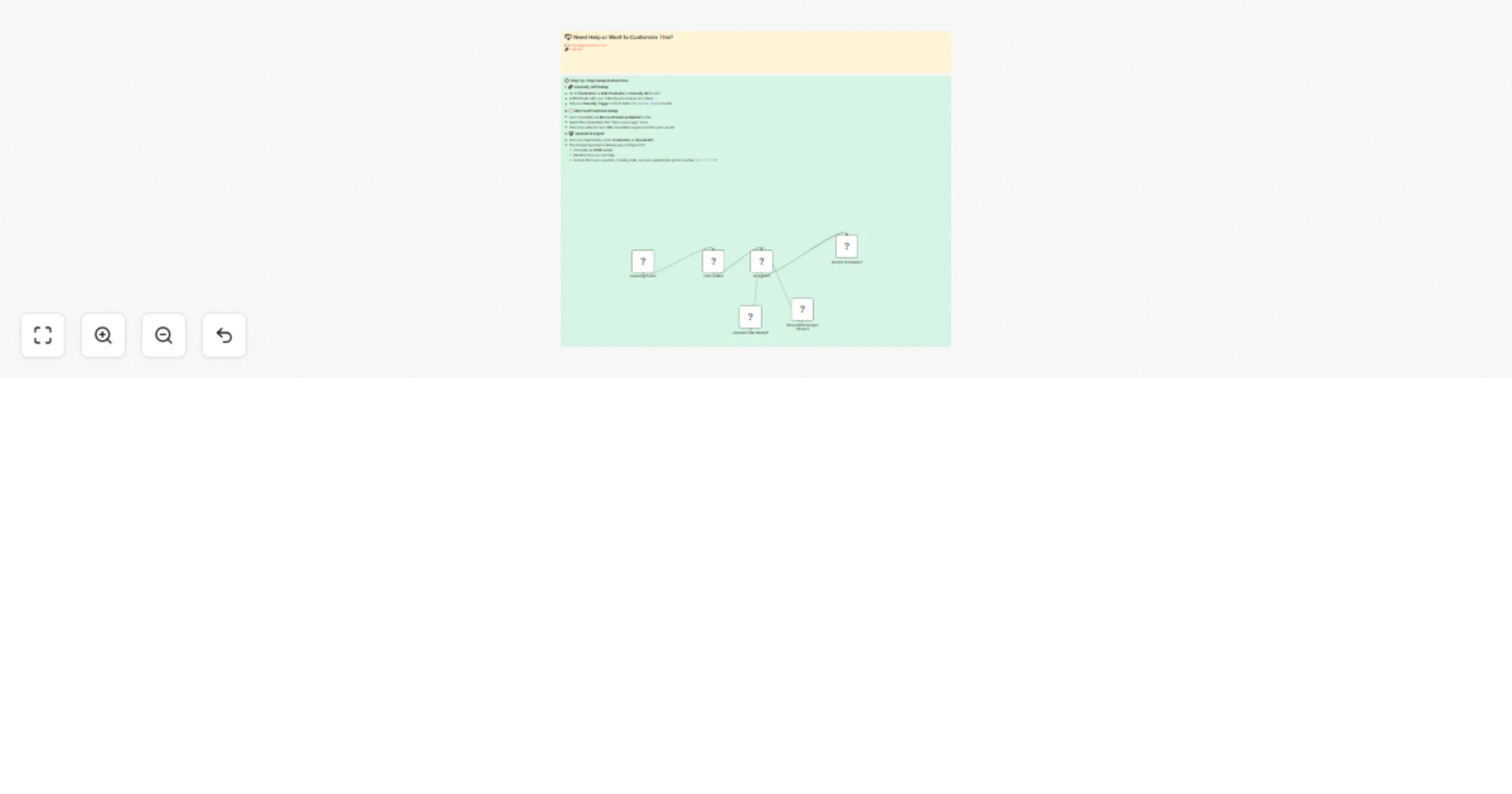
| Calendly Event | Trigger when someone books via Calendly |
| Edit Fields | Extracts key details (name, email, question, start time) |
| AI Agent | Writes a custom follow-up email using GPT |
| Outlook Message | Sends the AI-generated HTML email to the user |
💌 Example Email Output (HTML)
<h2>Thanks for Booking with Us!</h2>
<p>Hi Robert Breen,</p>
<p>Thanks for booking a meeting with us! You mentioned: <em>need help with n8n</em>.</p>
<p>We’d love to help you solve that. During our call, we’ll walk through your issue and explore automation strategies tailored to your setup.</p>
<p>Your meeting is scheduled for <strong>August 11, 2025 at 3:00 PM EST</strong>.</p>
<p>In the meantime, if you have questions, feel free to call us at <strong>111-111-1111</strong>.</p>
<p>Looking forward to chatting soon!</p>

📞 Contact Information
Robert , Ynteractive
Website: https://ynteractive.com
Email: [email protected]
LinkedIn: https://linkedin.com/in/robert-breen
Top-rated n8n Expert & AI Automation Consultant