Block 1 - Overview — Read This First
- Type / Role
- n8n-nodes-base.stickyNote - stickyNote
- Config choices
- Version 1


 Early Deal
Birthday & Milestone Message Automation (n8n Google Sheets + Gemini AI + Gmail) This workflow automatically sends personalized birthday and anniversary emails to clients. It runs daily, checks a Go...
n8n-nodes-base.stickynote, n8n-nodes-base.scheduletrigger, n8n-nodes-base.googlesheets, n8n-nodes-base.set, n8n-nodes-base.if, n8n-nodes-base.noop, n8n-nodes-base.code, @n8n/n8n-nodes-langchain.googlegemini
This workflow is cataloged by N8N Workflows and links back to its original n8n.io source page by WeblineIndia.
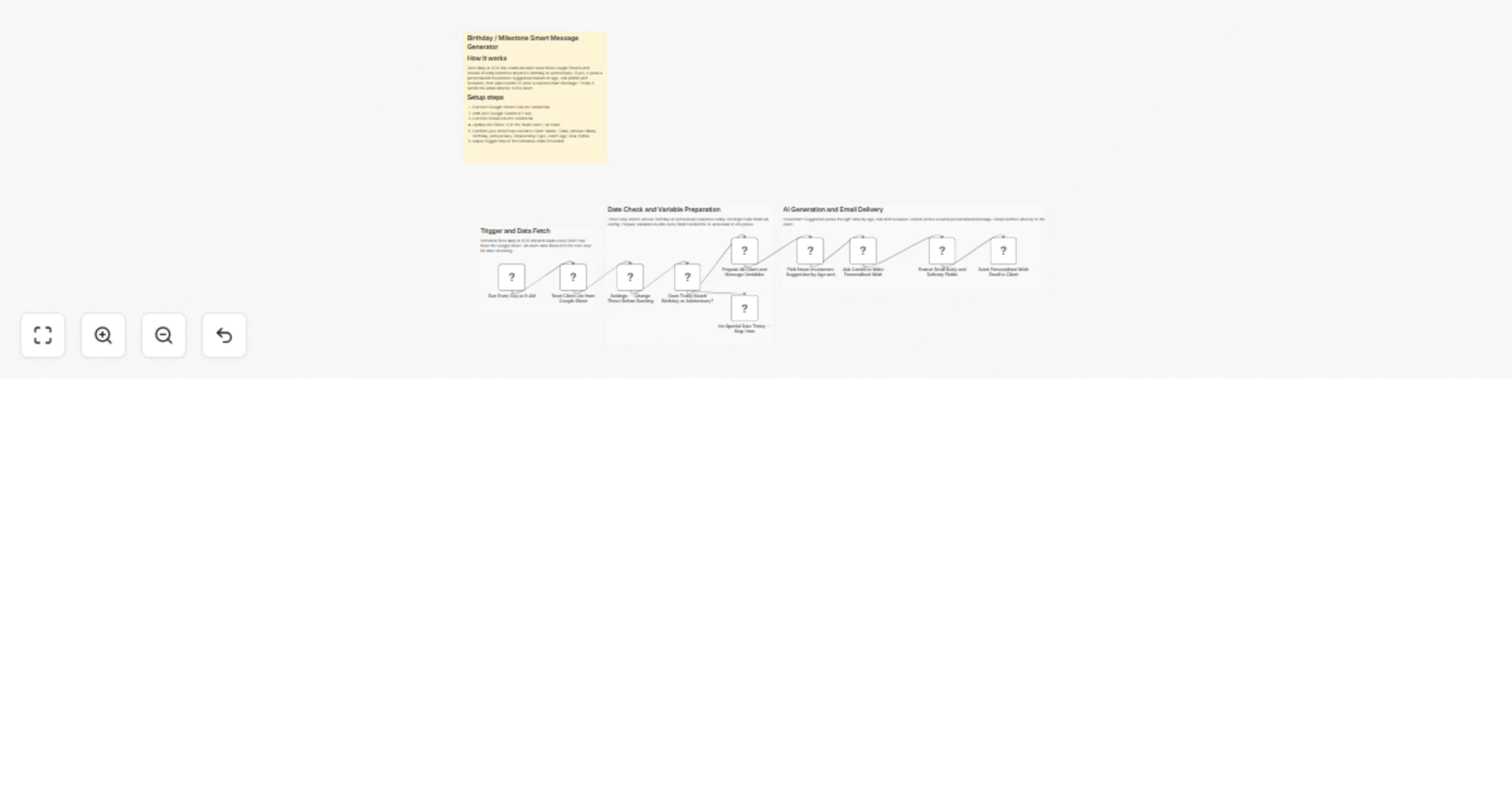
Original n8n.io sourceThis workflow automatically sends personalized birthday and anniversary emails to clients. It runs daily, checks a Google Sheet for matching dates, generates a warm AI message using Google Gemini and sends it via Gmail. It also includes a thoughtful investment idea tailored to the client’s age, risk profile and relationship type.
This workflow automates client relationship engagement for financial advisors by sending personalized messages on important milestones like birthdays and anniversaries. It eliminates the need for manual tracking and ensures that no important date is missed.
Every day at a scheduled time, the workflow reads all client records from a Google Sheet and checks if any client has a birthday or anniversary on that day. If a match is found, it prepares detailed variables including client information, tone and occasion.
The workflow then intelligently selects a suitable investment idea based on the client’s age group and risk profile. This context is passed to Google Gemini, which generates a warm, human-like message. Finally, the message is formatted and sent as a text email via Gmail.
To use this workflow, you need:
There can be many more such use cases depending on how you want to extend and customize this workflow.
| Issue | Possible Cause | Solution |
|---|---|---|
| No emails are sent | No matching date found | Verify birthday/anniversary format in sheet |
| Workflow stops early | IF condition not satisfied | Check date comparison logic |
| Incorrect client data | Column mismatch | Ensure exact column names are used |
| Gemini not generating response | API key issue | Verify Gemini credentials |
| Emails not delivered | Gmail authentication issue | Reconnect Gmail OAuth |
| Wrong message tone | Settings misconfigured | Check tone values in Settings node |
If you need assistance setting up this workflow, customizing it for your business or building advanced automation solutions, feel free to reach out to our n8n workflow development team at WeblineIndia.
Our team can help you design scalable, production-ready workflows tailored to your exact requirements.
This catalog entry is organized from the workflow JSON. The node-level section below shows the executable blocks available for review before importing the template.
| Workflow | Send personalized birthday and anniversary emails with Google Sheets, Gemini, and Gmail |
|---|---|
| Complexity | intermediate |
| Nodes | 14 |
| Categories | Lead Nurturing, Multimodal AI |
| Author | WeblineIndia |
| Published | 06 Apr 2026 |
Use the JSON export at /data/workflows/14802/14802.json as the source template for this automation.
Open n8n, import the downloaded JSON, and review each node before activating the workflow.
Replace placeholder credentials, API keys, webhook URLs, account IDs, and environment-specific values with your own settings.
Run the workflow manually or in a staging workspace, inspect node output, and confirm downstream systems receive the expected data.
Enable the workflow only after testing, then monitor executions, errors, and rate limits during the first production runs.
Review imported nodes carefully before activation. This catalog entry is intended to help you inspect the workflow structure, understand required services, and find related templates faster.
Node names, credentials, schedules, webhook paths, and external service limits may need adjustment for your workspace.
Birthday & Milestone Message Automation (n8n Google Sheets + Gemini AI + Gmail) This workflow automatically sends personalized birthday and anniversary emails to clients. It runs daily, checks a Go...
Review the workflow JSON, configure any required credentials in n8n, and test the automation in a safe workspace before using it in production.
Yes. Use the block-by-block analysis and the downloadable JSON to inspect each node, then adjust credentials, prompts, schedules, filters, or destinations for your Lead Nurturing, Multimodal AI use case.