Screen CVs and score candidates with Gmail, Google Drive, OpenAI, and Sheets
Workflow preview

$20/month : Unlimited workflows
2500 executions/month

THE #1 IN WEB SCRAPING
Scrape any website without limits
HOSTINGER  Early Deal
DISCOUNT 20% Try free
Early DealDISCOUNT 20%
Self-hosted n8n
Unlimited workflows - from $4.99/mo

#1 hub for scraping, AI & automation
6000+ actors - $5 credits/mo
Overview
Who's it for
This template is for HR teams, recruiters, and companies that receive job applications via email and want to automatically screen and evaluate candidates using AI. Ideal for organisations processing a high volume of resumes who want to reduce manual screening time.
How it works
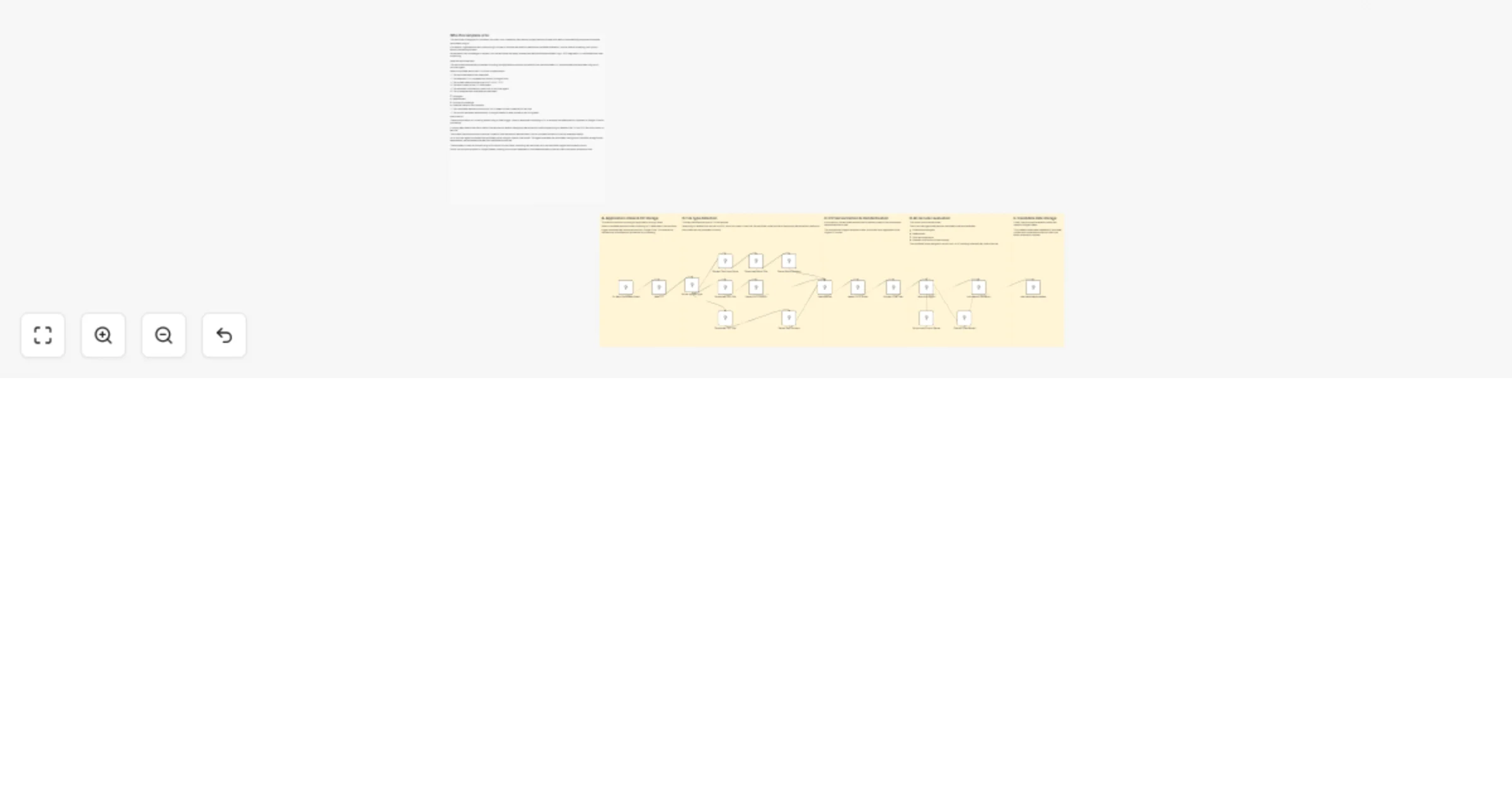
When a candidate emails their CV, the workflow triggers automatically:
- Gmail detects the incoming application and uploads the CV attachment to Google Drive
- A Switch node identifies the file type (PDF, DOCX, or TXT) and routes it to the appropriate extraction method
- The full text content of the resume is extracted and standardised into a clean format
- An AI recruiter agent powered by OpenAI evaluates the candidate's strengths, weaknesses, skills, and potential contribution to the company
- The candidate is assigned a suitability score from 1 to 10
- A Structured Output Parser extracts the key evaluation data and saves it to Google Sheets for the hiring team to review
How to set up
- Connect your Gmail account to the Gmail Trigger node
- Connect your Google Drive account and set the destination folder for incoming CVs
- Connect your OpenAI account to the AI model node
- Connect your Google Sheets account and configure the candidate tracking sheet
- Customise the Recruiter Agent prompt to match your job role and evaluation criteria
Requirements
- Gmail account
- Google Drive account
- OpenAI API key
- Google Sheets account