Block 1 - Split Out
- Type / Role
- n8n-nodes-base.splitOut - splitOut
- Config choices
- Version 1


 Early Deal
Instagram Leads Scraper (Perfect for Cold Outreach) This workflow automates Instagram lead generation by scraping targeted Instagram profiles based on a niche + location query (example: “dentist...
n8n-nodes-base.splitout, n8n-nodes-base.wait, n8n-nodes-base.if, n8n-nodes-base.httprequest, n8n-nodes-base.formtrigger, n8n-nodes-base.stickynote, n8n-nodes-base.airtable
This workflow is cataloged by N8N Workflows and links back to its original n8n.io source page by MSiddhant.
Original n8n.io source🚀 Instagram Leads Scraper (Perfect for Cold Outreach)
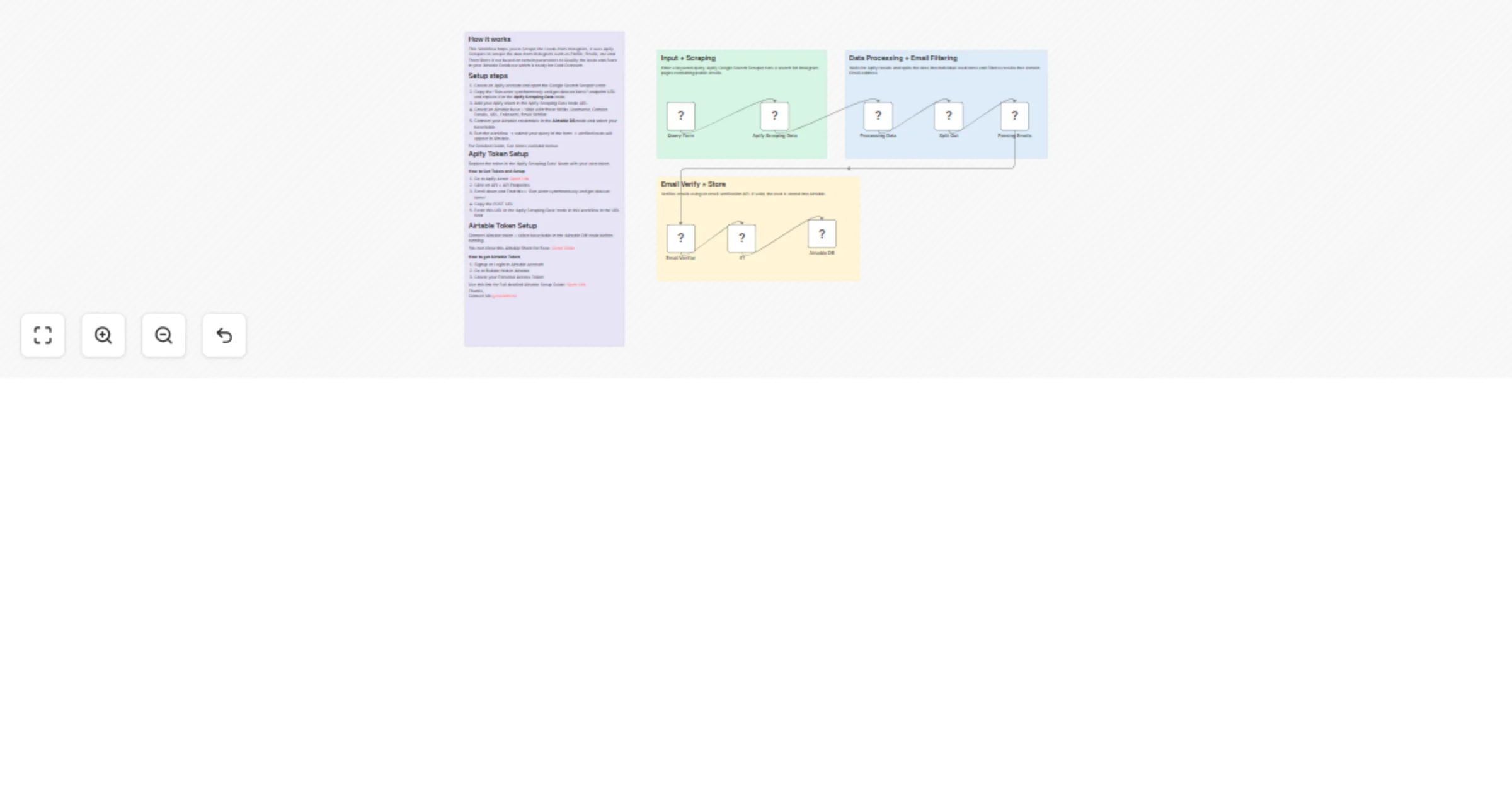
This workflow automates Instagram lead generation by scraping targeted Instagram profiles based on a niche + location query (example: “dentist in New York”). It uses Apify’s Scraper to find relevant Instagram pages, extracts public emails from the results, validates emails using an Email Verification API, and stores only verified leads into Airtable.
The final output is a clean lead sheet you can instantly use for cold outreach, CRM imports, or agency prospecting.
✅ How it works
🎯 Use cases
🌟 Why this workflow is valuable
This workflow replaces hours of manual searching and copy-pasting with a fully automated lead pipeline. Instead of collecting random leads, you can generate highly targeted lists based on niche + city — with email verification included to improve deliverability and response rates.
🛠 Setup instructions
Import the workflow JSON into your n8n instance.
Create an Apify account and open Google Search Scraper actor.
Copy the API endpoint Run actor synchronously and get dataset items.
Paste the endpoint into the Scraping Data node and add your Apify token.
Create an Airtable base/table with these fields:
⚡ Notes
Thanks for using this Workflow! MSiddhant
This catalog entry is organized from the workflow JSON. The node-level section below shows the executable blocks available for review before importing the template.
| Workflow | Scrape verified Instagram leads with Apify and Airtable |
|---|---|
| Complexity | intermediate |
| Nodes | 12 |
| Categories | Lead Generation |
| Author | MSiddhant |
| Published | 02 Dec 2025 |
Use the JSON export at /data/workflows/11428/11428.json as the source template for this automation.
Open n8n, import the downloaded JSON, and review each node before activating the workflow.
Replace placeholder credentials, API keys, webhook URLs, account IDs, and environment-specific values with your own settings.
Run the workflow manually or in a staging workspace, inspect node output, and confirm downstream systems receive the expected data.
Enable the workflow only after testing, then monitor executions, errors, and rate limits during the first production runs.
Review imported nodes carefully before activation. This catalog entry is intended to help you inspect the workflow structure, understand required services, and find related templates faster.
Node names, credentials, schedules, webhook paths, and external service limits may need adjustment for your workspace.
Instagram Leads Scraper (Perfect for Cold Outreach) This workflow automates Instagram lead generation by scraping targeted Instagram profiles based on a niche + location query (example: “dentist...
Review the workflow JSON, configure any required credentials in n8n, and test the automation in a safe workspace before using it in production.
Yes. Use the block-by-block analysis and the downloadable JSON to inspect each node, then adjust credentials, prompts, schedules, filters, or destinations for your Lead Generation use case.