Scrape Indeed job listings for hiring signals using Bright Data and LLMs
Workflow preview

$20/month : Unlimited workflows
2500 executions/month

THE #1 IN WEB SCRAPING
Scrape any website without limits
HOSTINGER  Early Deal
DISCOUNT 20% Try free
Early DealDISCOUNT 20%
Self-hosted n8n
Unlimited workflows - from $4.99/mo

#1 hub for scraping, AI & automation
6000+ actors - $5 credits/mo
Important notice
This workflow is provided as-is. Please review and test before using in production.
Overview
Scrape Indeed Job Listings for Hiring Signals Using Bright Data and LLMs
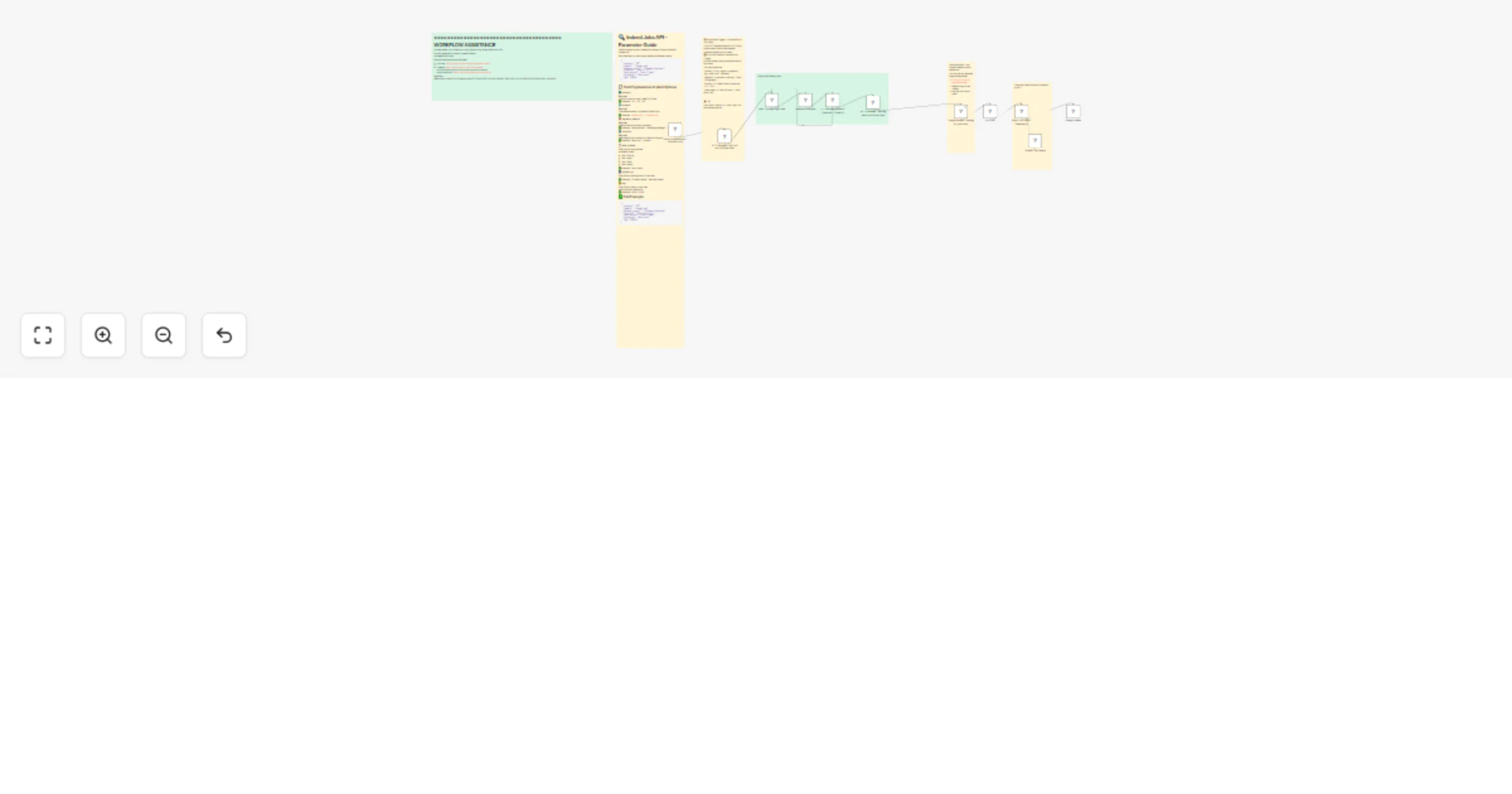
How the flow runs
- Fill the form with job position you're hunting for.
- Bright data's scraper will scrape Indeed based on your requirments.
- Workflow waits for the snapshot.
- Data returns as JSON.
- Jobs append to Google Sheets.
- Each row goes to an LLM to analyze if you're a good fit for the job (based on your prompts).
- The LLMswrites YES or NO next to each job opportunity, helping you find job posts that are relevant to you.
What you need
- Google Sheets with our template.
- Bright Data dataset and API key.
- OpenAI key for GPT‑4o mini (or any other LLM).
- n8n with required nodes.
Form fields To Fill
- Job Location – city or region.
- Keyword – role or skills.
- Country – two‑letter code.
Setup steps
- Copy the sheet template link.
- Import the JSON workflow.
- Add your credentials in nodes.
- Test the form manually.
- Add a schedule if desired.
Bright Data filter example
[
  {
    "country": "US",
    "domain": "indeed.com",
    "keyword_search": "Growth Marketer",
    "location": "Miami",
    "date_posted": "Last 24 hours"
  }
]

**Tips**
-Choose Last 24 hours often.

-Increase wait time for big snapshots.

-Narrow keywords to save credits.


**Need help?
**Email me anytime:
[email protected]
YouTube: @YaronBeen
- LinkedIn: https://www.linkedin.com/in/yaronbeen/
=======================================
Bright Data Docs: https://docs.brightdata.com/introduction