Scrape Apollo leads with BrowserAct, draft Gemini emails, and save to Sheets

Workflow preview

Workflow preview
100%
Scrape Apollo leads with BrowserAct, draft Gemini emails, and save to Sheets preview
Open on n8n.io

1. Workflow Overview

This workflow creates a fully automated B2B lead generation & outreach pipeline. It combines BrowserAct (for scraping) with Google Gemini AI (for writing) to automate the entire prospecting process...

Best for

  • Lead Generation automation workflows
  • Multimodal AI automation workflows
  • intermediate n8n builders looking for reusable templates

Tools used

n8n-nodes-base.stickynote, n8n-nodes-base.formtrigger, n8n-nodes-browseract.browseract, n8n-nodes-base.code, n8n-nodes-base.set, n8n-nodes-base.googlesheets, @n8n/n8n-nodes-langchain.chainllm, @n8n/n8n-nodes-langchain.lmchatgooglegemini

Source and attribution

This workflow is cataloged by N8N Workflows and links back to its original n8n.io source page by browseract.

Original n8n.io source

1.1 Workflow description

Title
Scrape Apollo leads with BrowserAct, draft Gemini emails, and save to Sheets
Workflow name
Scrape Apollo leads with BrowserAct, draft Gemini emails, and save to Sheets

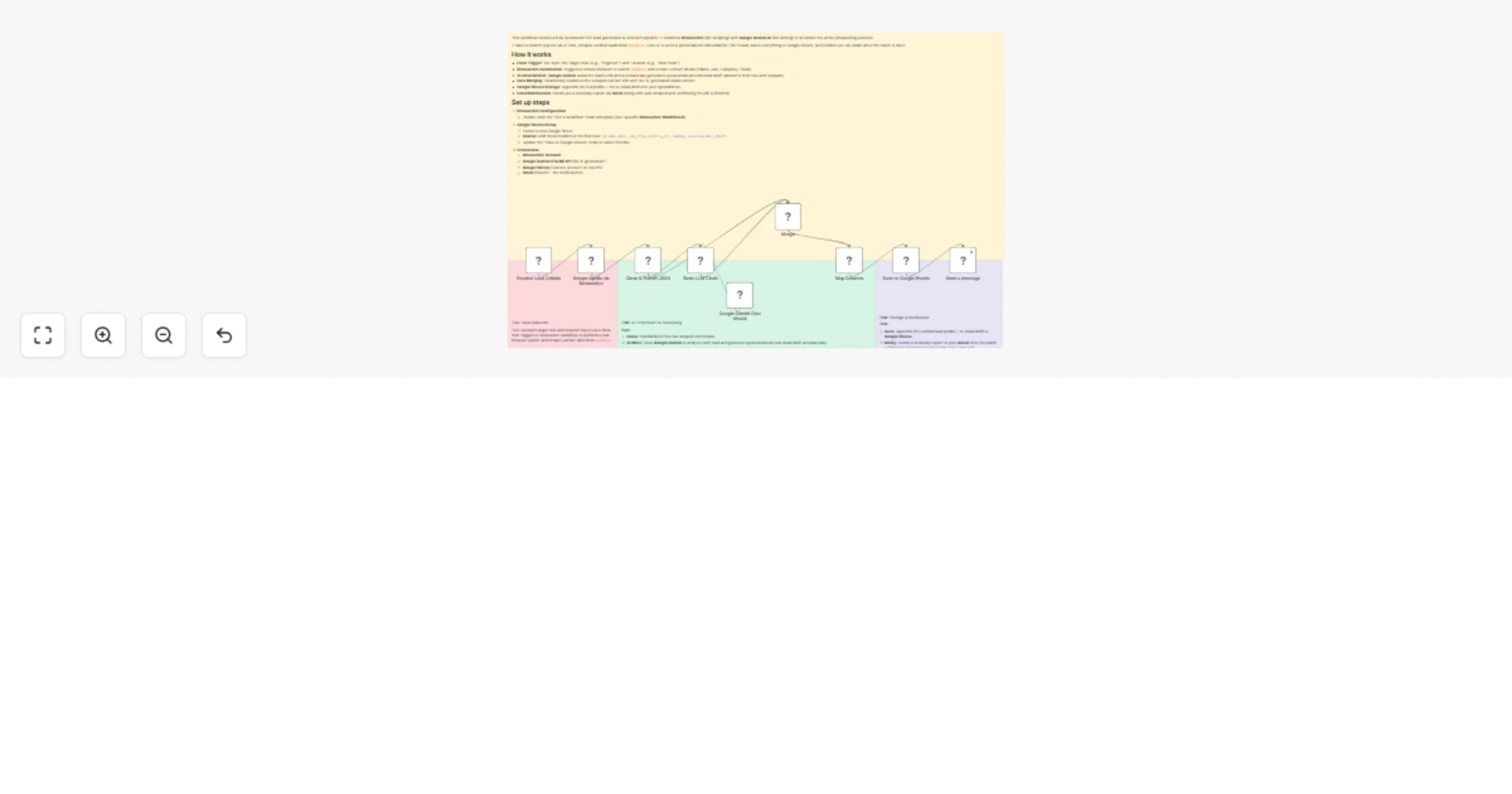
This workflow creates a fully automated B2B lead generation & outreach pipeline. It combines BrowserAct (for scraping) with Google Gemini AI (for writing) to automate the entire prospecting process.

It takes a search request via a Form, scrapes verified leads from Apollo.io, uses AI to write a personalized cold email for EACH lead, saves everything to Google Sheets, and notifies you via Gmail when the batch is done.

How it works

  • Form Trigger: You input the Target Role (e.g., "Engineer") and Location (e.g., "New York").
  • BrowserAct Automation: Triggers a remote browser to search Apollo.io and extract contact details (Name, Job, Company, Email).
  • AI Email Drafter: Google Gemini reads the lead's info and automatically generates a personalized cold email draft tailored to their role and company.
  • Data Merging: Seamlessly combines the scraped contact info with the AI-generated email content.
  • Google Sheets Storage: Appends the full profile + the AI email draft into your spreadsheet.
  • Email Notification: Sends you a summary report via Gmail listing who was scraped and confirming the job is finished.

Set up steps

  1. BrowserAct Configuration
  • Double-click the "Run a workflow" node and paste your specific BrowserAct Workflow ID.
  1. Google Sheets Setup
  • Create a new Google Sheet.
  • Crucial: Add these headers in the first row: id, name, email, job_title, profile_url, company, location, email_draft.
  • Update the "Save to Google Sheets" node to select this file.
  1. Credentials
  • BrowserAct Account
  • Google Gemini (PaLM) API (for AI generation)
  • Google Sheets (Service Account or OAuth2)
  • Gmail (OAuth2 - for notifications)

1.2 Logical Blocks

This catalog entry is organized from the workflow JSON. The node-level section below shows the executable blocks available for review before importing the template.

2. Block-by-Block Analysis

Block 1 - Sticky Note

Type / Role
n8n-nodes-base.stickyNote - stickyNote
Config choices
Version 1

Block 2 - Sticky Note1

Type / Role
n8n-nodes-base.stickyNote - stickyNote
Config choices
Version 1

Block 3 - Receive Lead Criteria

Type / Role
n8n-nodes-base.formTrigger - formTrigger
Config choices
Version 2.2

Block 4 - Scrape Apollo via BrowserAct

Type / Role
n8n-nodes-browseract.browserAct - browserAct
Config choices
Version 1

Block 5 - Clean & Flatten JSON

Type / Role
n8n-nodes-base.code - code
Config choices
Version 2

Block 6 - Map Columns

Type / Role
n8n-nodes-base.set - set
Config choices
Version 3.4

Block 7 - Save to Google Sheets

Type / Role
n8n-nodes-base.googleSheets - googleSheets
Config choices
Version 4.7

Block 8 - Sticky Note2

Type / Role
n8n-nodes-base.stickyNote - stickyNote
Config choices
Version 1

Block 9 - Sticky Note3

Type / Role
n8n-nodes-base.stickyNote - stickyNote
Config choices
Version 1

Block 10 - Basic LLM Chain

Type / Role
@n8n/n8n-nodes-langchain.chainLlm - chainLlm
Config choices
Version 1.7

Block 11 - Google Gemini Chat Model

Type / Role
@n8n/n8n-nodes-langchain.lmChatGoogleGemini - lmChatGoogleGemini
Config choices
Version 1

Block 12 - Send a message

Type / Role
n8n-nodes-base.gmail - gmail
Config choices
Version 2.2

Block 13 - Merge

Type / Role
n8n-nodes-base.merge - merge
Config choices
Version 3.2

3. Summary Table

Workflow Scrape Apollo leads with BrowserAct, draft Gemini emails, and save to Sheets
Complexity intermediate
Nodes 13
Categories Lead Generation, Multimodal AI
Author browseract
Published 02 Feb 2026

4. Reproducing the Workflow from Scratch

  1. 1. Download the workflow JSON

    Use the JSON export at /data/workflows/13170/13170.json as the source template for this automation.

  2. 2. Import the template into n8n

    Open n8n, import the downloaded JSON, and review each node before activating the workflow.

  3. 3. Configure credentials and variables

    Replace placeholder credentials, API keys, webhook URLs, account IDs, and environment-specific values with your own settings.

  4. 4. Test with sample data

    Run the workflow manually or in a staging workspace, inspect node output, and confirm downstream systems receive the expected data.

  5. 5. Activate and monitor

    Enable the workflow only after testing, then monitor executions, errors, and rate limits during the first production runs.

5. General Notes & Resources

Review imported nodes carefully before activation. This catalog entry is intended to help you inspect the workflow structure, understand required services, and find related templates faster.

Node names, credentials, schedules, webhook paths, and external service limits may need adjustment for your workspace.

Frequently asked questions

What does Scrape Apollo leads with BrowserAct, draft Gemini emails, and save to Sheets do?

This workflow creates a fully automated B2B lead generation & outreach pipeline. It combines BrowserAct (for scraping) with Google Gemini AI (for writing) to automate the entire prospecting process...

What do I need before importing this workflow?

Review the workflow JSON, configure any required credentials in n8n, and test the automation in a safe workspace before using it in production.

Can I customize this workflow?

Yes. Use the block-by-block analysis and the downloadable JSON to inspect each node, then adjust credentials, prompts, schedules, filters, or destinations for your Lead Generation, Multimodal AI use case.