Run a self-hosted multi-channel AI assistant with Claude, Gemini and Gmail
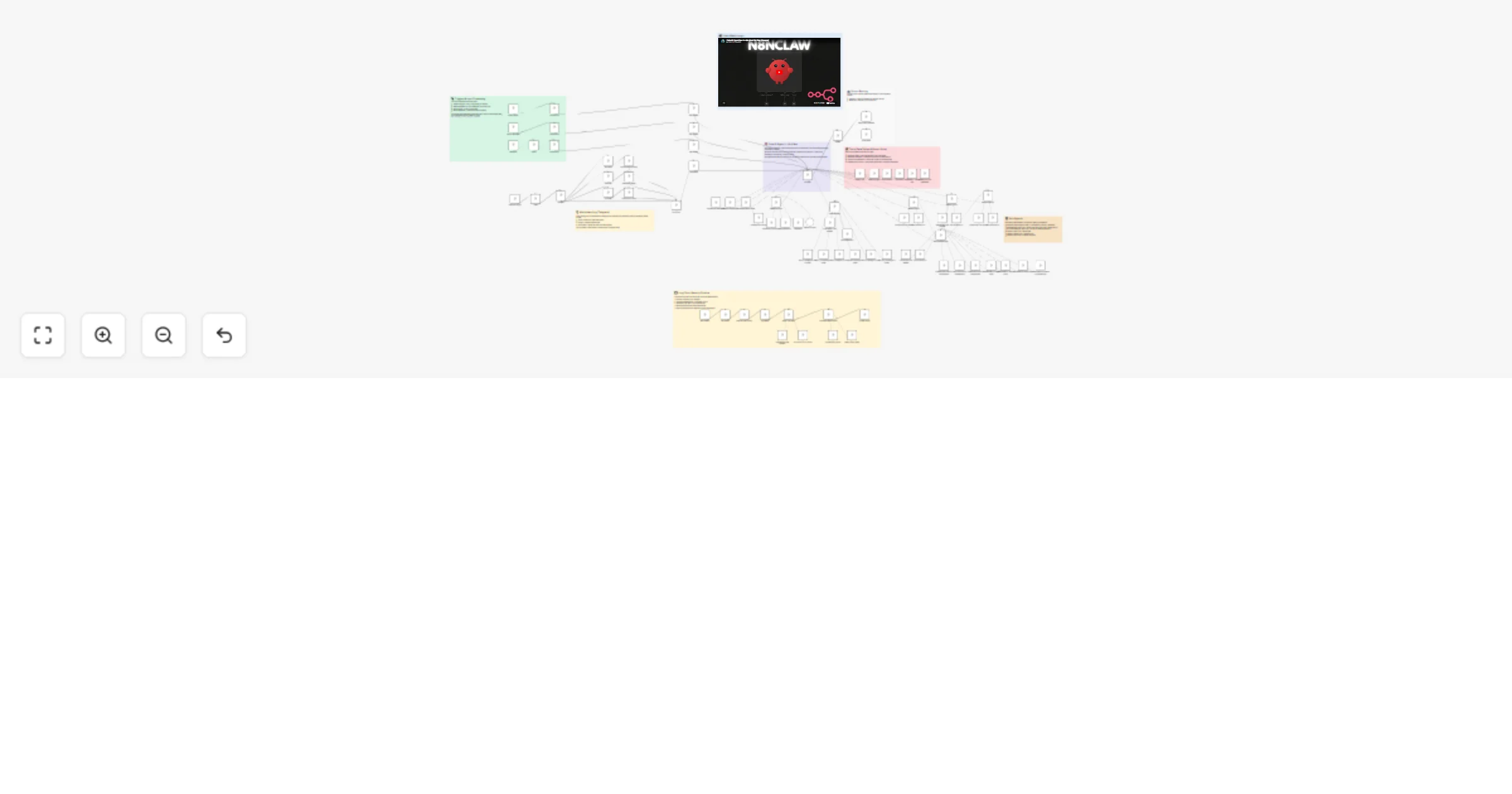
Workflow preview


 Early Deal
DISCOUNT 20%

Overview
n8nClaw — Self-Hosted AI Assistant
A lightweight, self-hosted AI assistant built entirely in n8n. Multi-channel messaging (Telegram, WhatsApp, Gmail), persistent memory, task management, and autonomous work — all in a single visual workflow.
Inspired by OpenClaw.
What It Does
n8nClaw is a personal AI assistant that lives inside n8n. It connects to your messaging apps, remembers past conversations, manages tasks, and can work autonomously on your behalf.
Core capabilities:
- Multi-channel messaging — talk to your assistant via Telegram, WhatsApp, or Gmail
- Persistent memory — conversations are summarized, embedded, and stored in a Supabase vector database for long-term recall
- Task management — create, track, and complete tasks and subtasks using n8n data tables
- Autonomous heartbeat — an hourly trigger lets the agent check in, process pending tasks, and act on its own
- Media handling — voice messages, images, and documents sent via Telegram are processed by Gemini models
- Sub-agents — delegate work to specialized agents for research, email management, document management, and tiered workers
How It Works
1. Triggers & Input Processing
Four triggers feed into the agent:
- Telegram Trigger — receives text, voice, images, and documents
- WhatsApp Webhook — receives text messages via Evolution API
- Gmail Trigger — polls for new emails every minute
- Hourly Heartbeat — scheduled trigger for autonomous task processing
Each trigger filters messages (e.g., by Telegram chat ID or phone number), fetches the user profile from an Init data table, and normalizes the input into a standard format (user_message, system_prompt, last_channel).
2. Core AI Agent (n8nClaw)
The central agent uses Claude Sonnet 4.5 (via OpenRouter) with a 15-message Postgres chat memory window. It receives the normalized input and decides how to respond — using tools, delegating to sub-agents, or replying directly.
3. Tools
The agent has direct access to:
- Task & Subtask management — CRUD operations on n8n data tables
- User profile updates — persist learned information about the user
- Supabase Vector Store — RAG queries against past conversation summaries
4. Sub-Agents
Specialized agents handle domain-specific work:
| Agent | Model | Purpose |
|---|---|---|
| Research Agent | Gemini 3 Flash | Web research via Tavily + Wikipedia |
| Email Manager | Claude Haiku 4.5 | Gmail operations (read, reply, send, delete, search) |
| Document Manager | Claude Haiku 4.5 | Google Docs/Drive operations |
| Worker 1 | Claude Haiku 4.5 | Simple tasks |
| Worker 2 | Claude Sonnet 4.5 | Mid-level work |
| Worker 3 | Claude Opus 4.6 | Complex reasoning |
5. Output Routing
A Switch node routes the agent's response back to the originating channel (Telegram or WhatsApp).
6. Long-Term Memory Pipeline
A separate scheduled flow runs periodically to:
- Pull new chat history from Postgres
- Aggregate and summarize conversations (Haiku 4.5)
- Generate embeddings (OpenAI)
- Store in Supabase vector database for future RAG retrieval
Setup Steps
Step 1: Import the Workflow
- Open n8n
- Go to Workflows → Import from File
- Select the
n8nClaw.jsonfile
Step 2: Create Data Tables
Create three n8n data tables:
Init Table (user profile):
| Column | Type |
|---|---|
| username | string |
| soul | string |
| user | string |
| heartbeat | string |
| last_channel | string |
| last_vector_id | number |
Tasks Table:
| Column | Type |
|---|---|
| task_name | string |
| task_details | string |
| task_complete | boolean |
| Is_recurring | boolean |
Subtasks Table:
| Column | Type |
|---|---|
| parent_task_id | string |
| subtask_name | string |
| subtask_details | string |
| subtask_complete | boolean |
Step 3: Set Up Supabase Vector Store
Create a documents table in Supabase with the pgvector extension enabled. The table should match the schema expected by n8n's Supabase Vector Store node (include a match_documents function).
Step 4: Configure Credentials
Set up the following credentials in n8n (only configure the channels and services you plan to use):
| Credential | Required For |
|---|---|
| Telegram Bot API | Telegram channel |
| OpenRouter API | All AI models |
| Postgres | Chat memory |
| Supabase | Vector store / RAG |
| OpenAI API | Embeddings |
| Gmail OAuth2 | Email management |
| Evolution API | |
| Google AI (Gemini) | Media processing |
| Google Docs/Drive OAuth2 | Document management |
| Tavily API | Web search (Research Agent) |
Step 5: Update Placeholders
Search the workflow for YOUR_ and replace with your actual values:
| Placeholder | Replace With |
|---|---|
YOUR_USERNAME |
Your chosen username |
YOUR_TELEGRAM_CHAT_ID |
Your Telegram chat ID |
YOUR_PHONE |
Your phone number (WhatsApp) |
YOUR_EVOLUTION_INSTANCE |
Your Evolution API instance name |
YOUR_*_TABLE_ID |
IDs of the data tables from Step 2 |
YOUR_*_CREDENTIAL_ID |
Auto-populated when connecting credentials |
YOUR_PROJECT_ID |
Your n8n project ID |
Step 6: Activate
- Connect all credentials in the n8n UI
- Point data table nodes to your tables
- Update filter nodes with your Telegram chat ID / WhatsApp number
- Activate the workflow