Block 1 - Telegram Trigger
- Type / Role
- n8n-nodes-base.telegramTrigger - telegramTrigger
- Config choices
- Version 1.2


 Early Deal
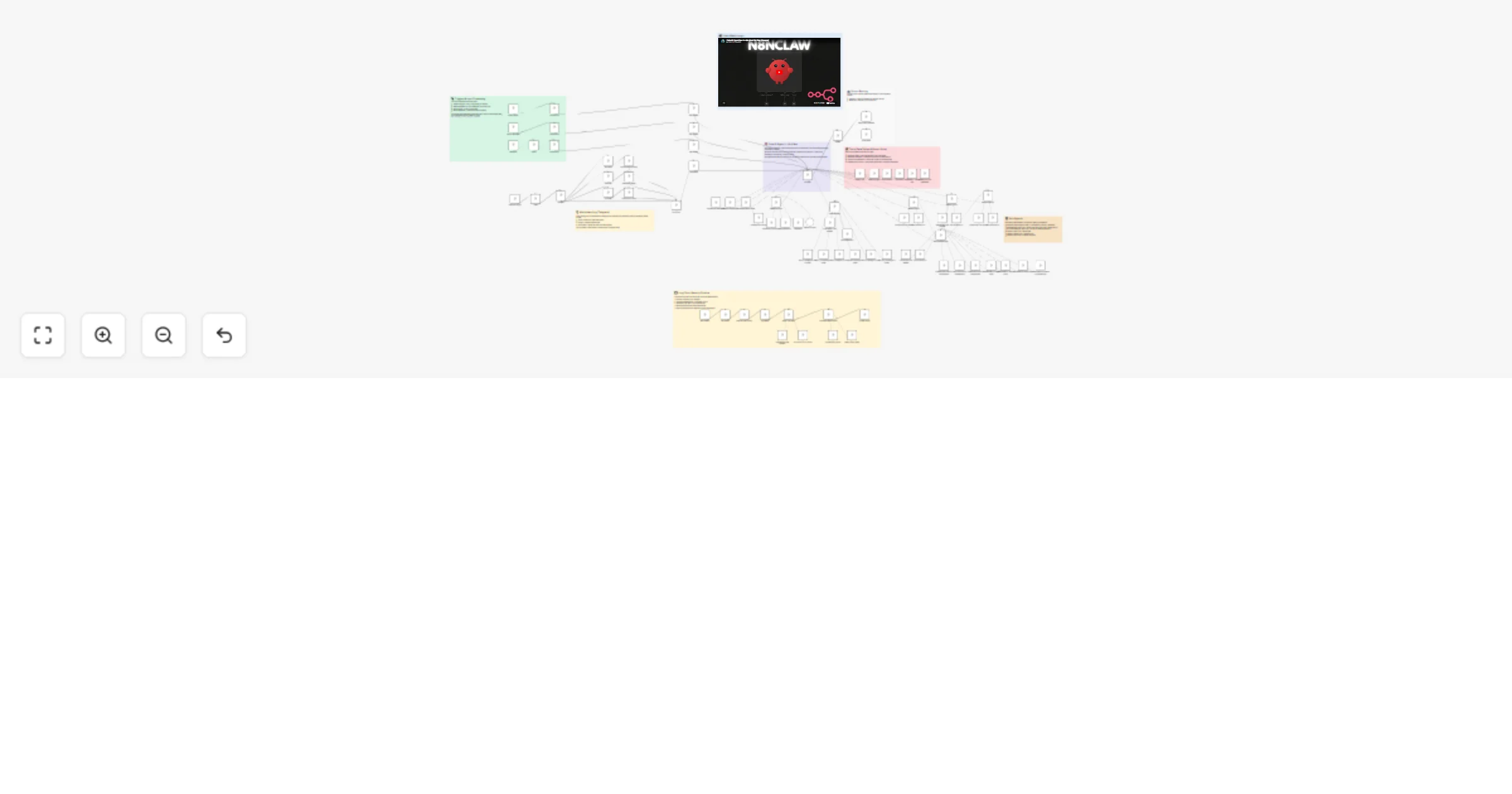
n8nClaw — Self Hosted AI Assistant A lightweight, self hosted AI assistant built entirely in n8n. Multi channel messaging (Telegram, WhatsApp, Gmail), persistent memory, task management, and autono...
n8n-nodes-base.telegramtrigger, @n8n/n8n-nodes-langchain.lmchatopenrouter, n8n-nodes-base.datatable, n8n-nodes-base.filter, n8n-nodes-base.set, n8n-nodes-base.switch, n8n-nodes-base.telegram, @n8n/n8n-nodes-langchain.agent
This workflow is cataloged by N8N Workflows and links back to its original n8n.io source page by Shabbir Noor.
Original n8n.io sourceA lightweight, self-hosted AI assistant built entirely in n8n. Multi-channel messaging (Telegram, WhatsApp, Gmail), persistent memory, task management, and autonomous work — all in a single visual workflow.
Inspired by OpenClaw.
n8nClaw is a personal AI assistant that lives inside n8n. It connects to your messaging apps, remembers past conversations, manages tasks, and can work autonomously on your behalf.
Core capabilities:
Four triggers feed into the agent:
Each trigger filters messages (e.g., by Telegram chat ID or phone number), fetches the user profile from an Init data table, and normalizes the input into a standard format (user_message, system_prompt, last_channel).
The central agent uses Claude Sonnet 4.5 (via OpenRouter) with a 15-message Postgres chat memory window. It receives the normalized input and decides how to respond — using tools, delegating to sub-agents, or replying directly.
The agent has direct access to:
Specialized agents handle domain-specific work:
| Agent | Model | Purpose |
|---|---|---|
| Research Agent | Gemini 3 Flash | Web research via Tavily + Wikipedia |
| Email Manager | Claude Haiku 4.5 | Gmail operations (read, reply, send, delete, search) |
| Document Manager | Claude Haiku 4.5 | Google Docs/Drive operations |
| Worker 1 | Claude Haiku 4.5 | Simple tasks |
| Worker 2 | Claude Sonnet 4.5 | Mid-level work |
| Worker 3 | Claude Opus 4.6 | Complex reasoning |
A Switch node routes the agent's response back to the originating channel (Telegram or WhatsApp).
A separate scheduled flow runs periodically to:
n8nClaw.json fileCreate three n8n data tables:
Init Table (user profile):
| Column | Type |
|---|---|
| username | string |
| soul | string |
| user | string |
| heartbeat | string |
| last_channel | string |
| last_vector_id | number |
Tasks Table:
| Column | Type |
|---|---|
| task_name | string |
| task_details | string |
| task_complete | boolean |
| Is_recurring | boolean |
Subtasks Table:
| Column | Type |
|---|---|
| parent_task_id | string |
| subtask_name | string |
| subtask_details | string |
| subtask_complete | boolean |
Create a documents table in Supabase with the pgvector extension enabled. The table should match the schema expected by n8n's Supabase Vector Store node (include a match_documents function).
Set up the following credentials in n8n (only configure the channels and services you plan to use):
| Credential | Required For |
|---|---|
| Telegram Bot API | Telegram channel |
| OpenRouter API | All AI models |
| Postgres | Chat memory |
| Supabase | Vector store / RAG |
| OpenAI API | Embeddings |
| Gmail OAuth2 | Email management |
| Evolution API | |
| Google AI (Gemini) | Media processing |
| Google Docs/Drive OAuth2 | Document management |
| Tavily API | Web search (Research Agent) |
Search the workflow for YOUR_ and replace with your actual values:
| Placeholder | Replace With |
|---|---|
YOUR_USERNAME |
Your chosen username |
YOUR_TELEGRAM_CHAT_ID |
Your Telegram chat ID |
YOUR_PHONE |
Your phone number (WhatsApp) |
YOUR_EVOLUTION_INSTANCE |
Your Evolution API instance name |
YOUR_*_TABLE_ID |
IDs of the data tables from Step 2 |
YOUR_*_CREDENTIAL_ID |
Auto-populated when connecting credentials |
YOUR_PROJECT_ID |
Your n8n project ID |
This catalog entry is organized from the workflow JSON. The node-level section below shows the executable blocks available for review before importing the template.
Showing the first 24 of 87 workflow blocks. Download the JSON for the full node graph.
| Workflow | Run a self-hosted multi-channel AI assistant with Claude, Gemini and Gmail |
|---|---|
| Complexity | advanced |
| Nodes | 87 |
| Categories | Personal Productivity, AI Chatbot |
| Author | Shabbir Noor |
| Published | 25 Feb 2026 |
Use the JSON export at /data/workflows/13717/13717.json as the source template for this automation.
Open n8n, import the downloaded JSON, and review each node before activating the workflow.
Replace placeholder credentials, API keys, webhook URLs, account IDs, and environment-specific values with your own settings.
Run the workflow manually or in a staging workspace, inspect node output, and confirm downstream systems receive the expected data.
Enable the workflow only after testing, then monitor executions, errors, and rate limits during the first production runs.
Review imported nodes carefully before activation. This catalog entry is intended to help you inspect the workflow structure, understand required services, and find related templates faster.
Node names, credentials, schedules, webhook paths, and external service limits may need adjustment for your workspace.
n8nClaw — Self Hosted AI Assistant A lightweight, self hosted AI assistant built entirely in n8n. Multi channel messaging (Telegram, WhatsApp, Gmail), persistent memory, task management, and autono...
Review the workflow JSON, configure any required credentials in n8n, and test the automation in a safe workspace before using it in production.
Yes. Use the block-by-block analysis and the downloadable JSON to inspect each node, then adjust credentials, prompts, schedules, filters, or destinations for your Personal Productivity, AI Chatbot use case.