Register users and authenticate with magic links using Google Sheets
Workflow preview

$20/month : Unlimited workflows
2500 executions/month

THE #1 IN WEB SCRAPING
Scrape any website without limits
HOSTINGER  Early Deal
DISCOUNT 20% Try free
Early DealDISCOUNT 20%
Self-hosted n8n
Unlimited workflows - from $4.99/mo

#1 hub for scraping, AI & automation
6000+ actors - $5 credits/mo
Overview
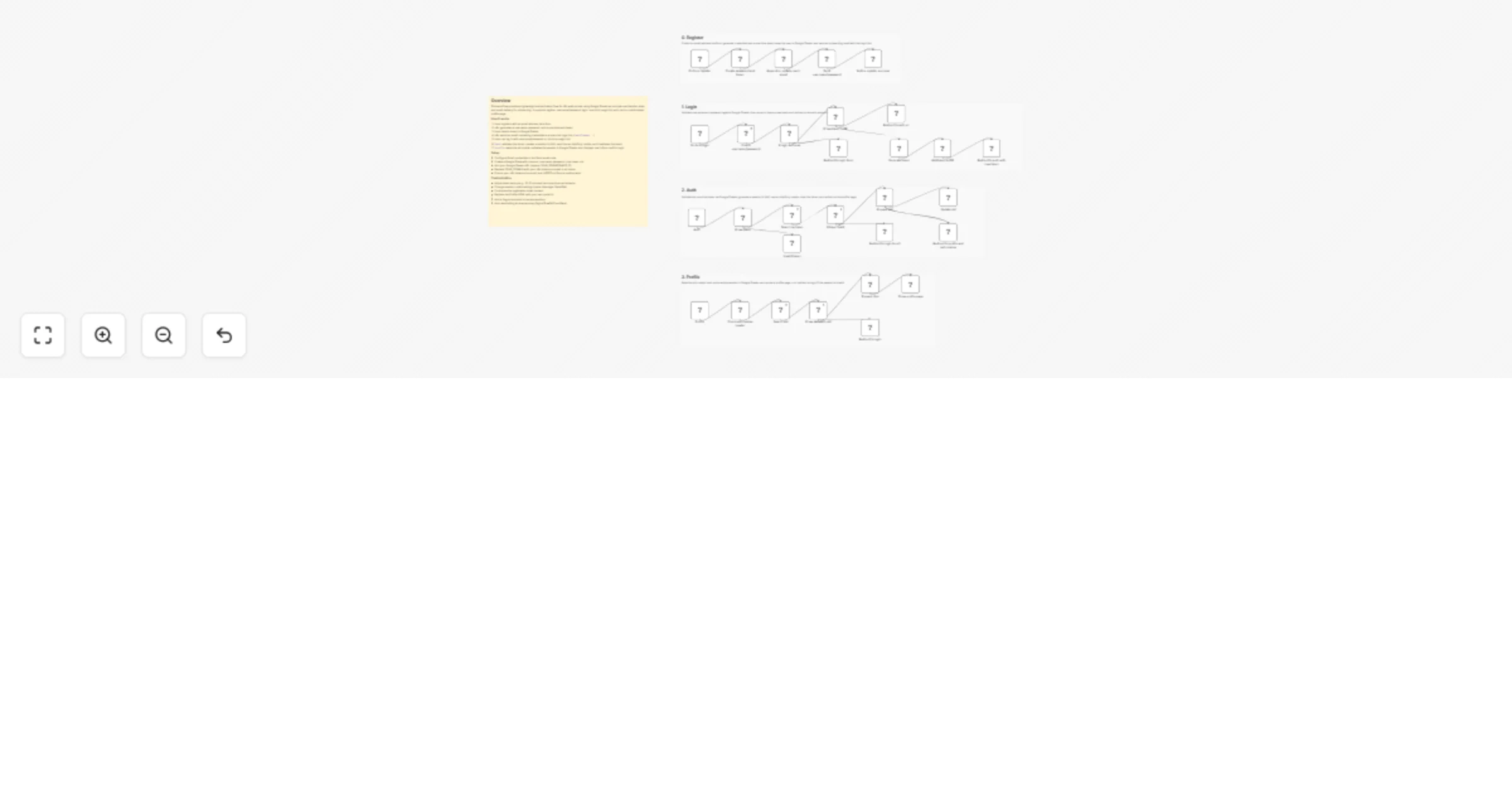
This workflow implements a lightweight authentication system for n8n web portals using Google Sheets as a simple user and session store. It supports email-based registration, username and password login, one-click magic link authentication, and cookie-based session management.
How it works
- Users register with an email address through a form.
- The workflow generates a password and a one-time authentication token.
- User credentials and token are stored in Google Sheets.
- An email is sent with login credentials and a magic link.
- Users can log in with username and password or click the magic link.
- The /auth endpoint validates the token, creates a session id (sid), sets it as an HttpOnly cookie, and invalidates the token.
- The /profile endpoint reads the sid cookie, verifies the session in Google Sheets, and displays a protected profile page.
Set up steps
- Create a Google Sheet with columns: username, password, role, token, sid.
- Replace YOUR_SPREADSHEET_ID with your Google Sheet ID in all Google Sheets nodes.
- Replace YOUR_DOMAIN with your n8n instance domain in redirect URLs and email links.
- Configure Gmail or SMTP credentials in the email node.
- Ensure your n8n instance is served over HTTPS so Secure cookies function correctly.
This template is suitable for small internal portals, admin dashboards, or proof-of-concept authentication systems built entirely within n8n.