Block 1 - OpenAI Chat Model1
- Type / Role
- @n8n/n8n-nodes-langchain.lmChatOpenAi - lmChatOpenAi
- Config choices
- Version 1.2


 Early Deal
AI Powered Abandoned Cart Recovery (WooCommerce + CoCart + n8n) This workflow automatically tracks abandoned carts from a WooCommerce store, waits for a defined time, rechecks the cart status, gene...
@n8n/n8n-nodes-langchain.lmchatopenai, n8n-nodes-base.set, n8n-nodes-base.wait, n8n-nodes-base.httprequest, n8n-nodes-base.if, @n8n/n8n-nodes-langchain.agent, n8n-nodes-base.code, n8n-nodes-base.gmail
This workflow is cataloged by N8N Workflows and links back to its original n8n.io source page by WeblineIndia.
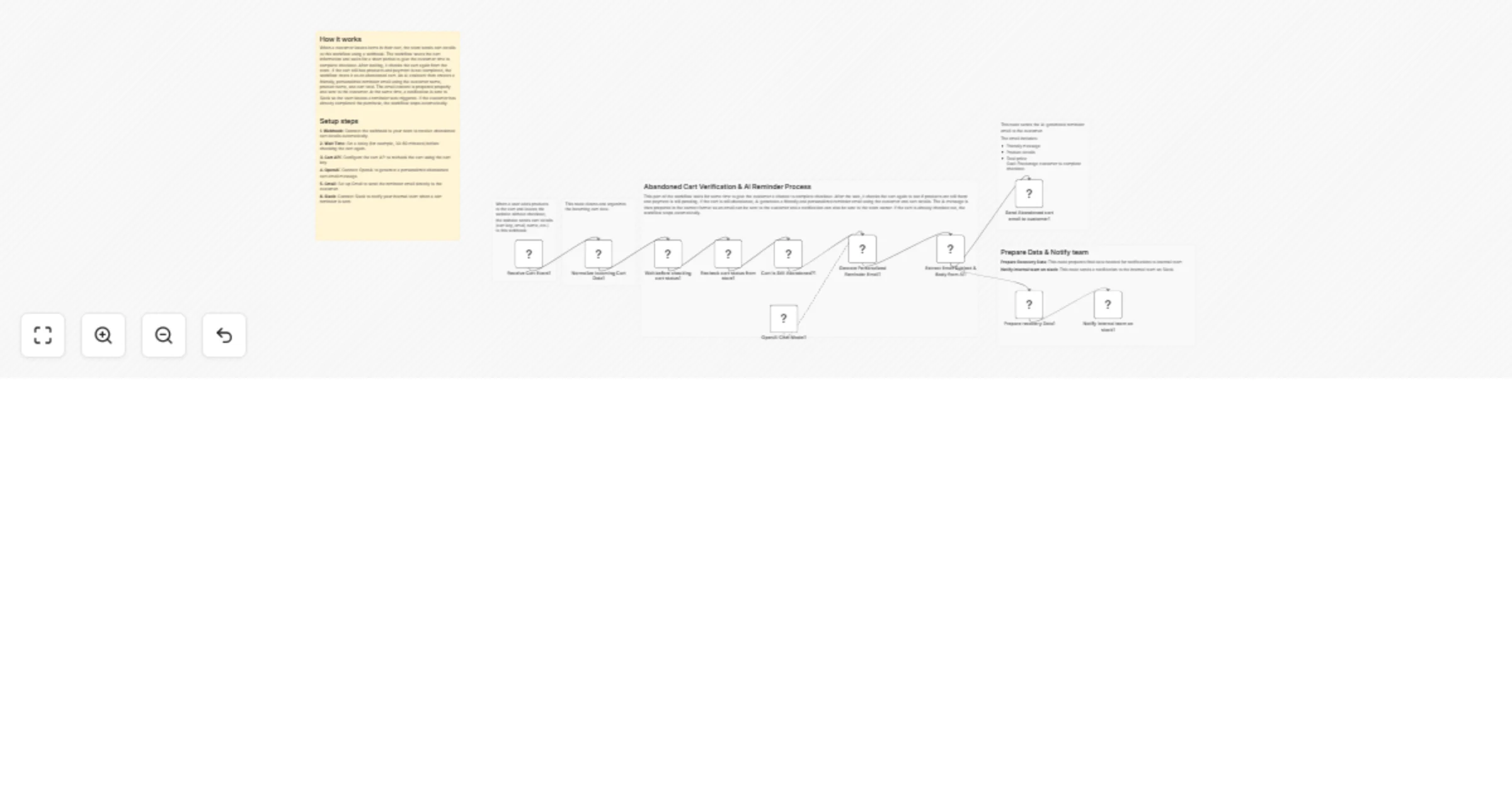
Original n8n.io sourceThis workflow automatically tracks abandoned carts from a WooCommerce store, waits for a defined time, rechecks the cart status, generates a personalized reminder email using AI, sends it to the customer via Gmail and notifies the internal team on Slack.
It helps recover lost revenue by following up with customers at the right time using personalized, human-friendly messaging — without any manual work.
This workflow listens for abandoned cart events from your store, waits for a configurable delay (such as 30–60 minutes), verifies whether the cart is still unpaid and then automatically sends a personalized reminder email generated by AI. At the same time, it sends a Slack notification to your internal team for visibility.
You receive:
Ideal for ecommerce teams who want a simple, automated way to recover abandoned carts and improve conversion rates.
This workflow automates the full abandoned cart recovery process:
If the cart is already completed, the workflow stops automatically.
This workflow is ideal for:
To run this workflow, you will need:
Adjust the Wait node to:
Modify the AI Agent prompt to:
You can:
You can extend this workflow to:
Recover lost sales automatically without manual follow-ups.
Slack alerts keep your team informed of high-value abandoned carts.
AI generates human-like emails tailored to each customer.
Works for one store or hundreds of carts per day.
| Issue | Possible Cause | Solution |
|---|---|---|
| No webhook data | Webhook not connected | Verify store webhook URL |
| Email not sent | Gmail not authenticated | Reconnect Gmail credentials |
| Cart always skipped | IF conditions incorrect | Check item count & payment status |
| AI output empty | OpenAI API issue | Verify API key and limits |
| Slack alert missing | Wrong channel or token | Reconnect Slack credentials |
If you need help customizing or extending this workflow with advanced features such as adding multi-step reminders, discounts, analytics or scaling it for production, then our n8n automation experts at WeblineIndia are happy to assist you.
This catalog entry is organized from the workflow JSON. The node-level section below shows the executable blocks available for review before importing the template.
| Workflow | Recover abandoned WooCommerce carts using OpenAI GPT-4.1-mini, Gmail and Slack |
|---|---|
| Complexity | advanced |
| Nodes | 17 |
| Categories | Lead Nurturing, Multimodal AI |
| Author | WeblineIndia |
| Published | 26 Mar 2026 |
Use the JSON export at /data/workflows/14367/14367.json as the source template for this automation.
Open n8n, import the downloaded JSON, and review each node before activating the workflow.
Replace placeholder credentials, API keys, webhook URLs, account IDs, and environment-specific values with your own settings.
Run the workflow manually or in a staging workspace, inspect node output, and confirm downstream systems receive the expected data.
Enable the workflow only after testing, then monitor executions, errors, and rate limits during the first production runs.
Review imported nodes carefully before activation. This catalog entry is intended to help you inspect the workflow structure, understand required services, and find related templates faster.
Node names, credentials, schedules, webhook paths, and external service limits may need adjustment for your workspace.
AI Powered Abandoned Cart Recovery (WooCommerce + CoCart + n8n) This workflow automatically tracks abandoned carts from a WooCommerce store, waits for a defined time, rechecks the cart status, gene...
Review the workflow JSON, configure any required credentials in n8n, and test the automation in a safe workspace before using it in production.
Yes. Use the block-by-block analysis and the downloadable JSON to inspect each node, then adjust credentials, prompts, schedules, filters, or destinations for your Lead Nurturing, Multimodal AI use case.