Block 1 - Daily Trigger (Every 24h)
- Type / Role
- n8n-nodes-base.scheduleTrigger - scheduleTrigger
- Config choices
- Version 1.1


 Early Deal
Description This workflow automates daily re engagement for HubSpot leads that were previously paused due to timing. It runs every 24 hours, fetches recent leads with activity data, and filters ...
n8n-nodes-base.scheduletrigger, n8n-nodes-base.hubspot, n8n-nodes-base.if, n8n-nodes-base.splitinbatches, @n8n/n8n-nodes-langchain.agent, n8n-nodes-base.code, n8n-nodes-base.gmail, n8n-nodes-base.slack
This workflow is cataloged by N8N Workflows and links back to its original n8n.io source page by Rahul Joshi.
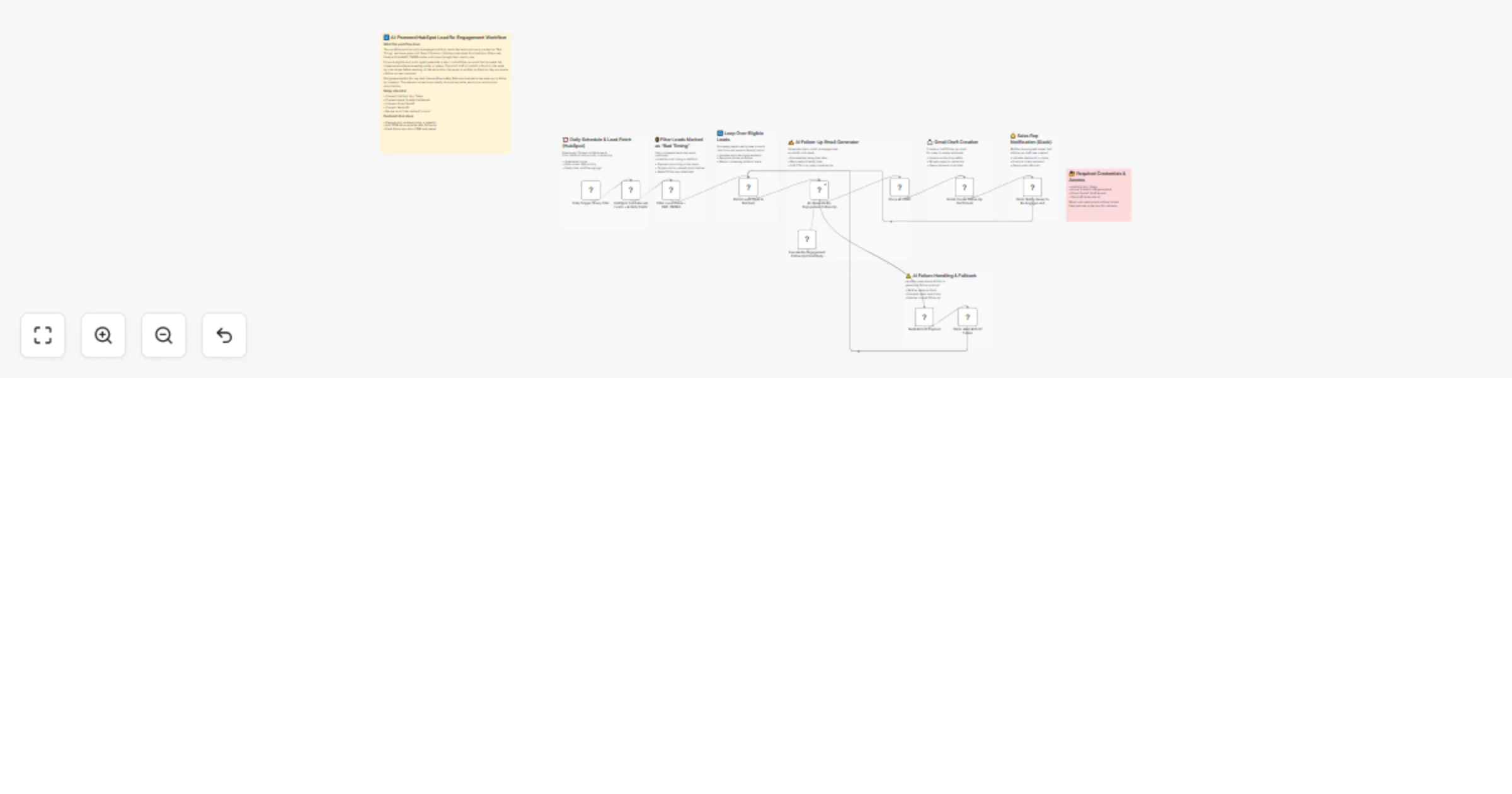
Original n8n.io sourceThis workflow automates daily re-engagement for HubSpot leads that were previously paused due to timing. It runs every 24 hours, fetches recent leads with activity data, and filters only those marked as “bad timing,” ensuring active opportunities are not disturbed. Qualified leads are processed in batches, and an AI agent generates a short, polite follow-up email designed to reopen the conversation without sounding salesy. Instead of sending automatically, the workflow creates a Gmail draft for human review and notifies the assigned owner in Slack. If AI generation fails, the workflow sends a Slack alert with the lead details so manual follow-up can still happen. This ensures consistent reactivation of cold leads without silent failures or missed opportunities.
⏰ Daily Trigger (Every 24h) Runs the workflow once per day. 📥 HubSpot: Fetch Recent Leads + Activity Fields Pulls up to 20 leads with key activity and lifecycle properties needed for follow-up timing. 🚦 Filter: Lead Status = BAD_TIMING Keeps only leads that were previously paused due to timing (targets cold opportunities only). 🔄 Batch Leads (Split In Batches) Processes leads one-by-one / in batches to prevent rate-limit issues and keep execution stable. ✍️ AI: Generate Re-Engagement Follow-Up Email Body Creates a short, friendly follow-up message based on lead context (no CRM labels, no salesy tone). 🧩 Parse AI JSON Normalizes AI output into usable fields (subject/body/toEmail/owner details). 📩 Gmail: Create Follow-Up Draft Email Creates a Gmail draft (human-in-the-loop; no auto-send). 🔔 Slack: Notify Owner to Re-Engage Lead Notifies the assigned owner that a draft is ready and the lead is worth revisiting. ⚠️ Build AI Error Payload Builds a clean error context (lead name/email + AI error message). 🚨 Slack: Alert AI Draft Failure Alerts the owner when AI fails so the lead can be followed up manually.
• n8n instance • HubSpot App Token (read access to leads + properties) • Azure OpenAI credentials (GPT-4o) for email generation • Gmail OAuth2 (draft creation permissions) • Slack API token (DM user messaging permissions)
✔ Daily automated re-engagement for paused leads ✔ Prevents random outreach to active leads ✔ Human-in-the-loop safety via Gmail drafts (no auto-send) ✔ Owner notifications ensure follow-up execution ✔ Batch processing avoids rate-limit instability ✔ Strong failure handling prevents silent lead drops
This catalog entry is organized from the workflow JSON. The node-level section below shows the executable blocks available for review before importing the template.
| Workflow | Re-engage HubSpot leads using Azure OpenAI GPT-4o, Gmail and Slack |
|---|---|
| Complexity | advanced |
| Nodes | 20 |
| Categories | Lead Nurturing, Multimodal AI |
| Author | Rahul Joshi |
| Published | 19 Feb 2026 |
Use the JSON export at /data/workflows/13518/13518.json as the source template for this automation.
Open n8n, import the downloaded JSON, and review each node before activating the workflow.
Replace placeholder credentials, API keys, webhook URLs, account IDs, and environment-specific values with your own settings.
Run the workflow manually or in a staging workspace, inspect node output, and confirm downstream systems receive the expected data.
Enable the workflow only after testing, then monitor executions, errors, and rate limits during the first production runs.
Review imported nodes carefully before activation. This catalog entry is intended to help you inspect the workflow structure, understand required services, and find related templates faster.
Node names, credentials, schedules, webhook paths, and external service limits may need adjustment for your workspace.
Description This workflow automates daily re engagement for HubSpot leads that were previously paused due to timing. It runs every 24 hours, fetches recent leads with activity data, and filters ...
Review the workflow JSON, configure any required credentials in n8n, and test the automation in a safe workspace before using it in production.
Yes. Use the block-by-block analysis and the downloadable JSON to inspect each node, then adjust credentials, prompts, schedules, filters, or destinations for your Lead Nurturing, Multimodal AI use case.