Publish Instagram Reels from Notion with Claude captions and UploadToUrl
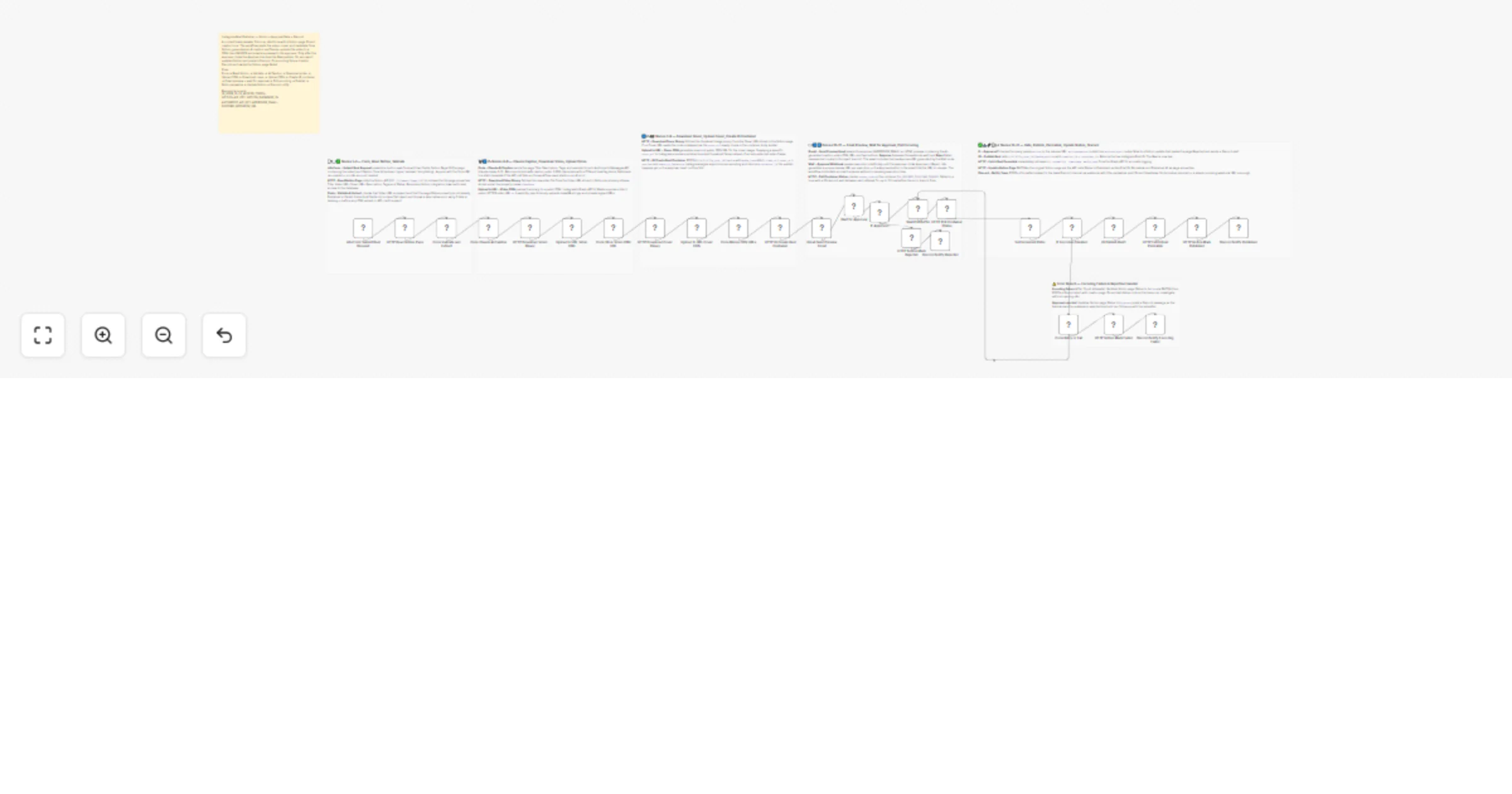
Workflow preview

$20/month : Unlimited workflows
2500 executions/month

THE #1 IN WEB SCRAPING
Scrape any website without limits
HOSTINGER  Early Deal
DISCOUNT 20% Try free
Early DealDISCOUNT 20%
Self-hosted n8n
Unlimited workflows - from $4.99/mo

#1 hub for scraping, AI & automation
6000+ actors - $5 credits/mo
Overview
Streamline your content pipeline by bridging Notion and Instagram with a professional "review-before-publish" safeguard. This workflow allows team members to submit content via a simple form, generates AI-optimized captions, and pauses for human approval before going live.
🎯 What This Workflow Does
This template manages the end-to-end lifecycle of a Reel, from submission to final community notification:
📝 Submission & Notion Integration
- n8n Form Trigger: Public form to submit a Notion Page ID and select caption tone (Hype, Minimal, Storytelling).
- Data Extraction: Pulls video file, cover image, and metadata (Title, Description, Tags) from Notion.
- Validation: Ensures content is not already published or failed.
🤖 AI Creative & Media Hosting
- Claude AI Captions: Uses Anthropic Claude-Haiku to generate brand-safe, tone-specific captions under 2,200 characters.
- Mandatory CDN Hosting: Uses UploadToURL to convert Notion files into public HTTPS URLs required by Instagram.
📧 The Approval Gate
- Email Approval Step: Sends preview email with:
- AI-generated caption
- Video preview link
- Approve / Reject buttons
🚀 Publication & Multi-Channel Sync
- Instagram Publishing: Polls encoding status before publishing Reel.
- Notion Audit Trail: Updates page with Permalink, Post ID, and Published status.
- Discord Alerts: Sends notifications for success, rejection, or failure.
✨ Key Features
- Human-in-the-Loop: Combines AI automation with manual approval.
- High-Quality AI Captions: Uses Claude for nuanced storytelling.
- CDN Media Bridge: UploadToURL ensures valid public media URLs.
- Error Resiliency: Handles encoding failures with retries and alerts.
🔧 Setup Requirements
Required Credentials
- Notion: Integration token
- Instagram Graph API: Business/Creator account token
- Anthropic API: For Claude captions
- UploadToURL: API key
Environment Variables
IG_USER_IDIG_ACCESS_TOKENNOTION_API_KEYANTHROPIC_API_KEYAPPROVER_EMAILDISCORD_WEBHOOK_URL
Empower your content team today. Import this template to turn your Notion database into a high-powered social media command center!