Block 1 - Workflow Overview
- Type / Role
- n8n-nodes-base.stickyNote - stickyNote
- Config choices
- Version 1


 Early Deal
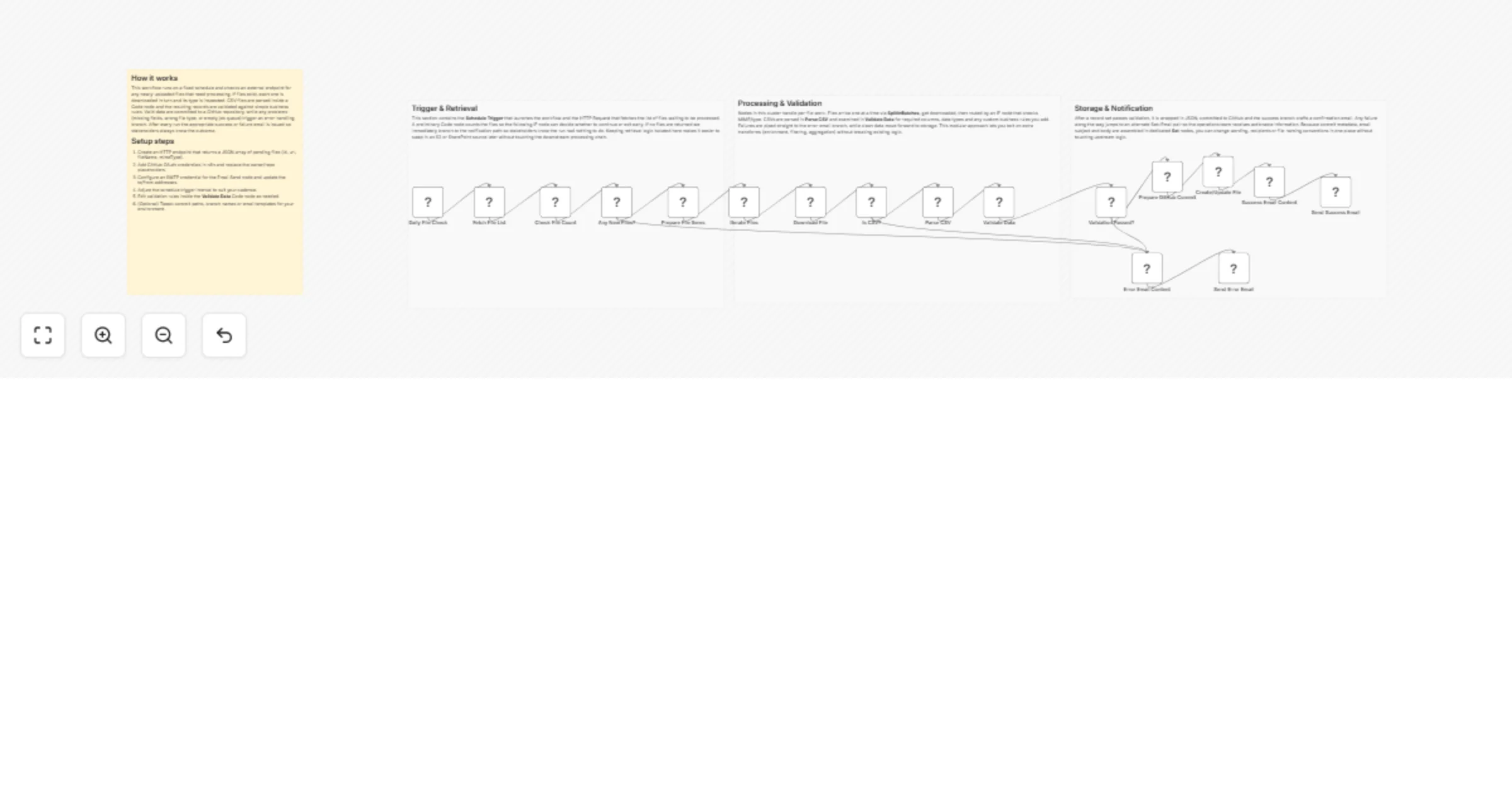
File Processing Pipeline with Email and GitHub This workflow automatically ingests newly uploaded files, validates and transforms their contents, stores the processed files in a GitHub repository, ...
n8n-nodes-base.stickynote, n8n-nodes-base.scheduletrigger, n8n-nodes-base.httprequest, n8n-nodes-base.code, n8n-nodes-base.if, n8n-nodes-base.splitinbatches, n8n-nodes-base.set, n8n-nodes-base.github
This workflow is cataloged by N8N Workflows and links back to its original n8n.io source page by vinci-king-01.
Original n8n.io sourceThis workflow automatically ingests newly-uploaded files, validates and transforms their contents, stores the processed files in a GitHub repository, and sends email notifications upon completion. It is ideal for teams that regularly receive data drops and need an auditable, automated pipeline to clean, version, and distribute those files.
| Credential | Purpose | Minimum Scope |
|---|---|---|
| GitHub OAuth2 | Commit transformed files to a repository | repo |
| SMTP (Email Send) | Dispatch success/failure notifications | send |
| Item | Example | Notes |
|---|---|---|
| GitHub Repository | [email protected]:org/data-pipeline.git |
Branch must exist (default: main) |
| Email Recipients | [email protected], [email protected] |
Comma-separated list |
This workflow automatically ingests newly-uploaded files, validates and transforms their contents, stores the processed files in a GitHub repository, and sends email notifications upon completion. It is ideal for teams that regularly receive data drops and need an auditable, automated pipeline to clean, version, and distribute those files.
Setup Time: 10-15 minutes
0 * * * * for hourly).processed/{{ $json.filename }}).true → Code (Transform) → Set → GitHub false → Set (Error)// Reject files larger than 5 MB or missing required columns
if (items[0].binary.data.size > 5 * 1024 * 1024) {
throw new Error('File exceeds 5MB limit');
}
const required = ['id', 'email', 'created_at'];
required.forEach(col => {
if (!items[0].json.headers.includes(col)) {
throw new Error(`Missing column: ${col}`);
}
});
return items;
const date = new Date().toISOString().split('T')[0]; // YYYY-MM-DD
item.json.gitPath = `archive/${date}/${item.json.filename}`;
return item;
The workflow outputs structured JSON data:
{
 "filename": "orders_2023-10-01.csv",
 "status": "committed",
 "commitSha": "a1b2c3d4",
 "linesProcessed": 523,
 "errors": []
}
repo scope.Pro Tips:
{{ $env["VAR_NAME"] }}) for endpoints and secrets.This is a community n8n workflow template provided “as-is.” Always review and adapt the workflow to meet your security, compliance, and operational requirements.
This catalog entry is organized from the workflow JSON. The node-level section below shows the executable blocks available for review before importing the template.
| Workflow | Process incoming files and notify via email with GitHub storage |
|---|---|
| Complexity | advanced |
| Nodes | 21 |
| Categories | File Management |
| Author | vinci-king-01 |
| Published | 03 Feb 2026 |
Use the JSON export at /data/workflows/13192/13192.json as the source template for this automation.
Open n8n, import the downloaded JSON, and review each node before activating the workflow.
Replace placeholder credentials, API keys, webhook URLs, account IDs, and environment-specific values with your own settings.
Run the workflow manually or in a staging workspace, inspect node output, and confirm downstream systems receive the expected data.
Enable the workflow only after testing, then monitor executions, errors, and rate limits during the first production runs.
Review imported nodes carefully before activation. This catalog entry is intended to help you inspect the workflow structure, understand required services, and find related templates faster.
Node names, credentials, schedules, webhook paths, and external service limits may need adjustment for your workspace.
File Processing Pipeline with Email and GitHub This workflow automatically ingests newly uploaded files, validates and transforms their contents, stores the processed files in a GitHub repository, ...
Review the workflow JSON, configure any required credentials in n8n, and test the automation in a safe workspace before using it in production.
Yes. Use the block-by-block analysis and the downloadable JSON to inspect each node, then adjust credentials, prompts, schedules, filters, or destinations for your File Management use case.