Process email invoices with OCR, GPT-4, Slack, QuickBooks and Google Sheets
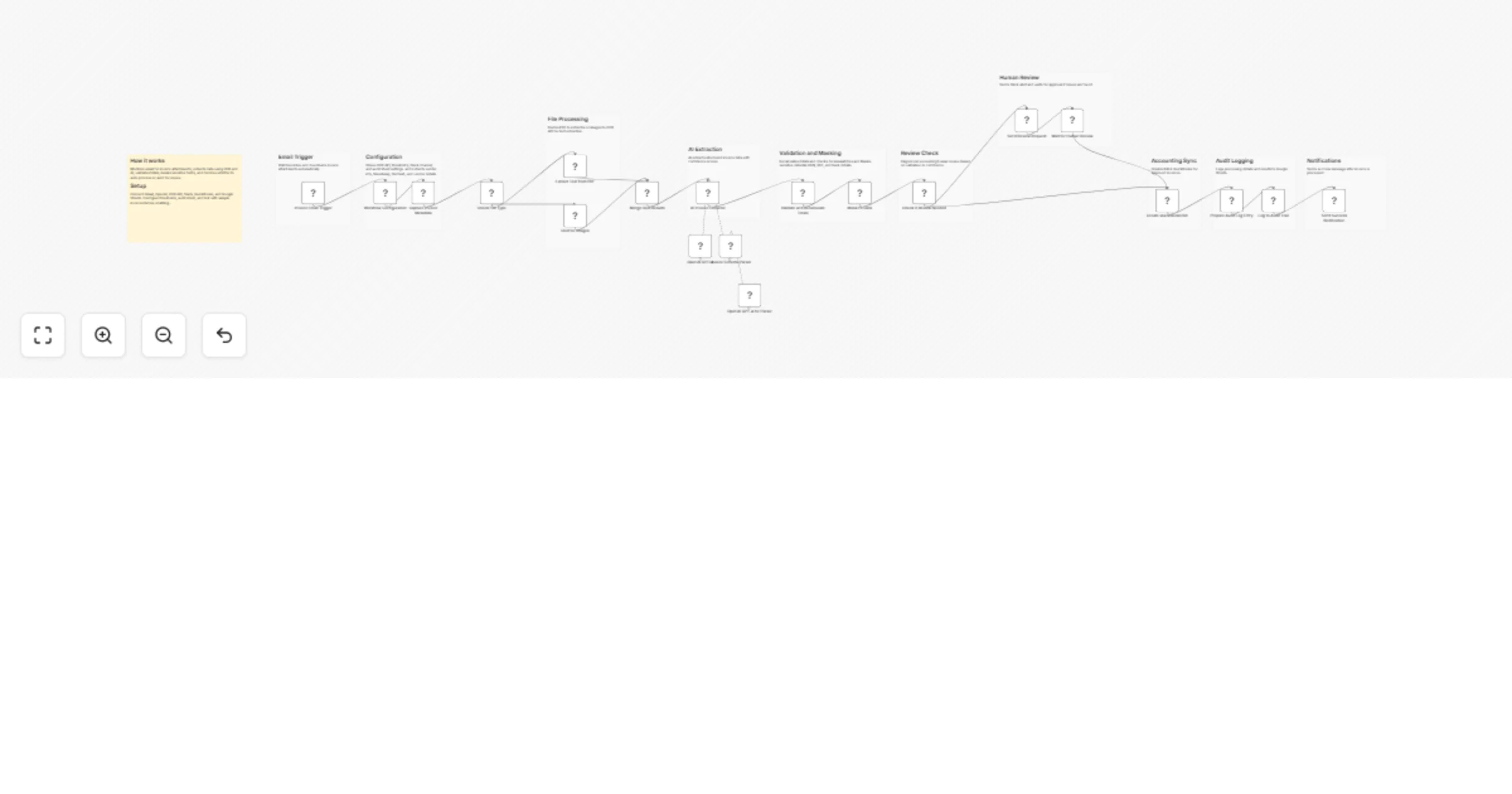
Workflow preview


 Early Deal
DISCOUNT 20%

Overview
Overview
This workflow automates invoice processing directly from your email inbox.
It captures invoice attachments, extracts structured data using OCR and AI, validates totals, and securely processes invoices. If issues are detected, it routes them for human review. Approved invoices are recorded in QuickBooks and logged for auditing.
How It Works
Email Trigger Monitors a Gmail label and downloads invoice attachments automatically.
Configuration & Metadata Sets OCR API, thresholds, and captures invoice details like vendor, timestamp, and file hash.
File Processing Routes PDFs to a text extractor and images to an OCR API.
AI Data Extraction AI converts raw text into structured invoice data with confidence scores.
Validation Recalculates totals and verifies subtotal, tax, and final amounts.
Data Privacy Masks sensitive fields like PAN, GST, and bank account details.
Review Decision Flags invoices for review if validation fails or confidence is low.
Human Review (if needed) Sends Slack alert and waits for approval before proceeding.
Accounting Integration Creates a bill in QuickBooks for approved invoices.
Audit Logging Stores processing details in Google Sheets for traceability.
Notifications Sends a success message after processing is complete.
Setup Instructions
- Connect Gmail trigger and configure the invoice label (e.g., "AP Inbox")
- Add OCR API endpoint in the configuration node
- Connect OpenAI credentials for data extraction
- Connect Slack for alerts and notifications
- Connect QuickBooks for bill creation
- Add Google Sheets ID for audit logging
- Configure:
- Validation tolerance
- Confidence threshold
- Test with sample invoice emails
- Activate the workflow
Use Cases
- Automating accounts payable workflows
- Reducing manual invoice data entry
- Validating invoices before accounting entry
- Handling invoice approvals with human-in-the-loop
- Maintaining audit logs for compliance
Requirements
- Gmail account (with label setup)
- OpenAI API credentials
- OCR API (e.g., OCR.space or Google Vision)
- Slack workspace
- QuickBooks account
- Google Sheets (for audit logs)
- n8n instance with file handling enabled
Notes
- You can adjust validation tolerance and confidence thresholds based on your needs.
- Extend validation logic in the Code node for stricter financial checks.
- Replace QuickBooks or Google Sheets with your preferred tools if needed.
- Ensure secure handling of sensitive financial data in production environments.