Post new product drops to Instagram using uploadtourl and Airtable
Workflow preview


 Early Deal
DISCOUNT 20%

Overview
📦 Automated Instagram Product Drop via uploadtourl
Streamline your e-commerce marketing with this end-to-end Instagram publishing pipeline. This workflow automates the transition from a new product entry to a live social media announcement, ensuring your brand stays active and consistent across platforms.
🎯 What This Workflow Does This template handles the complex multi-step process of social media publishing through a single trigger:
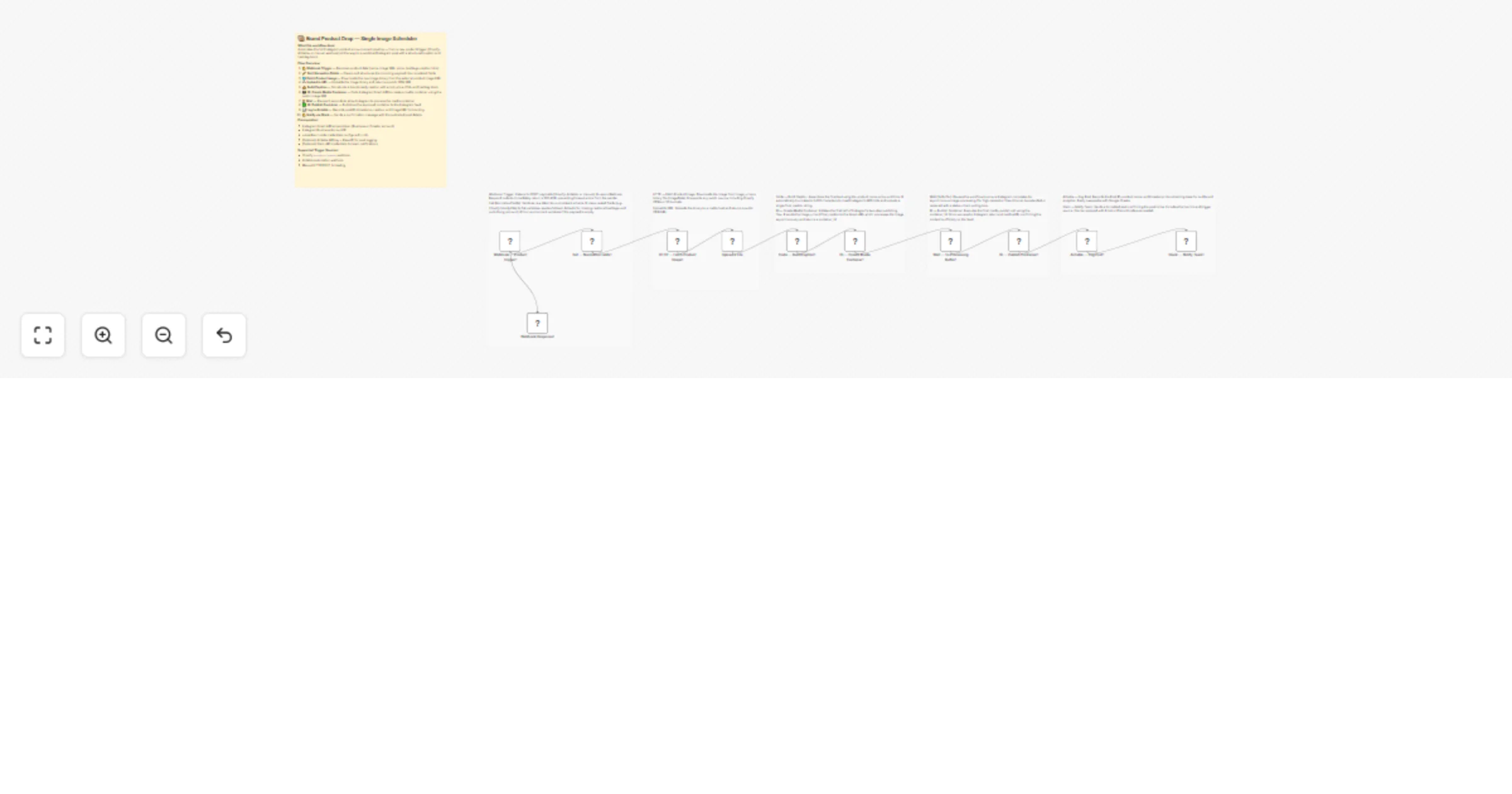
🔔 Smart Data Intake The Webhook Trigger accepts data from Shopify, Airtable, or manual inputs. A normalization node then sanitizes the raw data, mapping nested fields to a consistent schema and applying fallback defaults for missing captions or hashtags.
☁️ Image Processing & Hosting The system fetches your product image from any public source and passes the binary to the uploadtourl node. This converts your raw image into a public CDN URL, which is required for the Instagram Graph API to access the file.
📸 Instagram Publishing Flow A dedicated Code Node assembles a brand-ready caption with emojis, prices, and CTAs, automatically truncating text to 2,200 characters to meet API limits. The workflow then executes Instagram's two-step flow: creating a media container and publishing it after a safe 5-second buffer.
📊 Audit & Notification Once the post is live, the workflow records the Live Post ID, product name, and timestamp in Airtable for future analytics. Finally, it sends a formatted alert to your team via Slack with a direct link to the new post.
✨ Key Features
Multi-Source Support: Works natively with Shopify products/create webhooks and Airtable automations.
Automated CDN Hosting: Bypasses manual file uploads by using uploadtourl to generate API-compatible links.
Safe Buffer Logic: Built-in wait timers ensure Instagram finishes asynchronous image processing before the final publish call.
Brand Guardrails: Centralized caption builder ensures every post follows your brand's emoji and hashtag style.
💼 Perfect For
SMM Managers: Automating repetitive product announcement tasks.
E-commerce Owners: Linking Shopify new arrivals directly to Instagram.
Creative Agencies: Managing high-volume product drops for multiple clients.
Content Operations: Creating an automated audit log of all social media activity.
🔧 What You'll Need
Required Integrations
Instagram Graph API: A Business or Creator account access token.
uploadtourl Account: Credentials configured in n8n for media hosting.
Airtable & Slack: (Optional) For logging and team notifications.
Configuration Steps
API Keys: Connect your Instagram and uploadtourl credentials.
Environment Variables: Set your IG_ACCOUNT_ID, AIRTABLE_BASE_ID, and SLACK_CHANNEL_ID in n8n.