Monitor workflow errors via n8n API with Gemini analysis and Telegram alerts
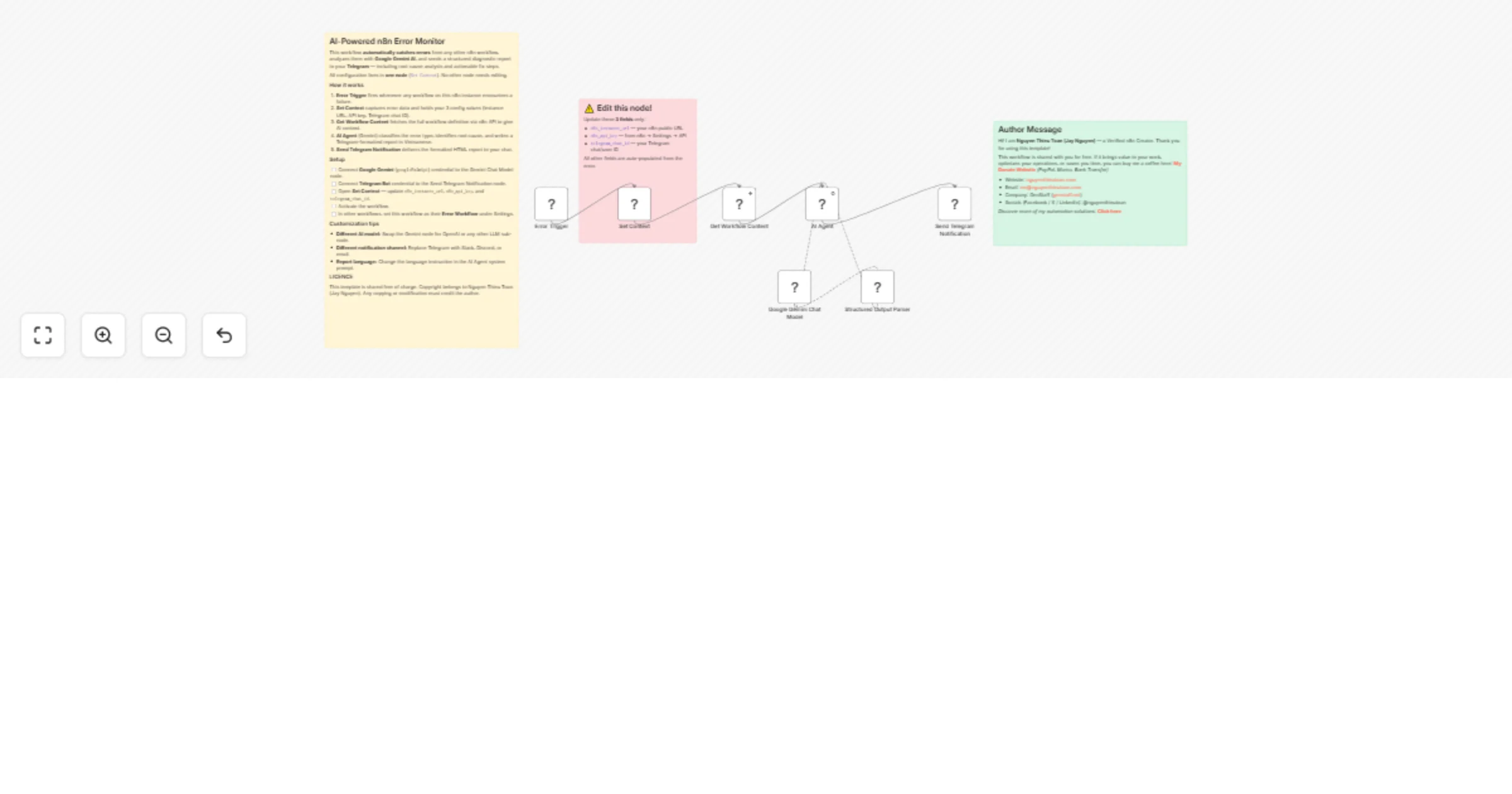
Workflow preview

$20/month : Unlimited workflows
2500 executions/month

THE #1 IN WEB SCRAPING
Scrape any website without limits
HOSTINGER  Early Deal
DISCOUNT 20% Try free
Early DealDISCOUNT 20%
Self-hosted n8n
Unlimited workflows - from $4.99/mo

#1 hub for scraping, AI & automation
6000+ actors - $5 credits/mo
Overview
Monitor n8n Workflow Errors with AI Diagnosis & Instant Telegram Alerts
This n8n template automatically catches errors from any workflow on your instance, analyzes them with Google Gemini AI, and delivers a structured diagnostic report directly to your Telegram — including error classification, root cause analysis, and specific fix steps.
If you manage multiple n8n workflows in production and want to stop manually debugging failures, this workflow is your always-on error watch.
How it works
- Error Trigger: Fires automatically whenever any workflow on the instance encounters a failure, capturing the full error context including the failed node name, error message, and stack trace.
- Set Context: Extracts all error data and holds your 3 configuration values. This is the only node you ever need to edit — making the workflow easy to adapt and redeploy.
- Get Workflow Content: Fetches the full workflow JSON definition via the n8n REST API, giving the AI meaningful context about what the failed workflow was actually trying to do.
- AI Agent (Gemini): Classifies the error type (Authentication, Rate Limit, Credential, Connection, etc.), identifies the root cause, and generates a Telegram HTML-formatted report with 2–3 actionable fix steps.
- Send Telegram Notification: Delivers the formatted report to your configured chat with proper HTML rendering — bold labels, code blocks for error messages, and a direct link to the failed execution.
How to use
- Connect credentials: Add your Google Gemini (
googlePalmApi) credential to the Google Gemini Chat Model node, and your Telegram Bot credential to the Send Telegram Notification node. - Configure Set Context: Open the Set Context node and update
n8n_instance_url(your public n8n URL),n8n_api_key(from n8n → Settings → API), andtelegram_chat_id. - Activate this workflow.
- Link to other workflows: In each workflow you want to monitor, go to Settings → Error Workflow and select this workflow.
Requirements
- n8n Version: Built and tested on n8n 2.9.4+. (It is highly recommended to update to the latest n8n version.)
- Google Gemini API key (
googlePalmApicredential type). - Telegram Bot token and a chat ID to receive notifications.
- n8n API key with read access to workflows (Settings → API → Create API Key).
- Your n8n instance must be accessible via a public URL for the API call.
Customizing this workflow
- Different AI model: Swap the Google Gemini Chat Model sub-node for OpenAI, Anthropic, or any other LLM — no other changes needed.
- Different notification channel: Replace the Telegram node with Slack, Discord, or Zoho Mail to fit your team's tooling.
- Report language: Change the language instruction at the end of the AI Agent's system prompt from Vietnamese to English or any other language.
- Filter specific workflows: Add an If node after Error Trigger to only process errors from high-priority workflows based on
workflow.name.
About the Author
Created by: Nguyễn Thiệu Toàn (Jay Nguyen) Email: [email protected] Website: nguyenthieutoan.com Company: GenStaff (genstaff.net) Socials (Facebook / X / LinkedIn): @nguyenthieutoan More templates: n8n.io/creators/nguyenthieutoan