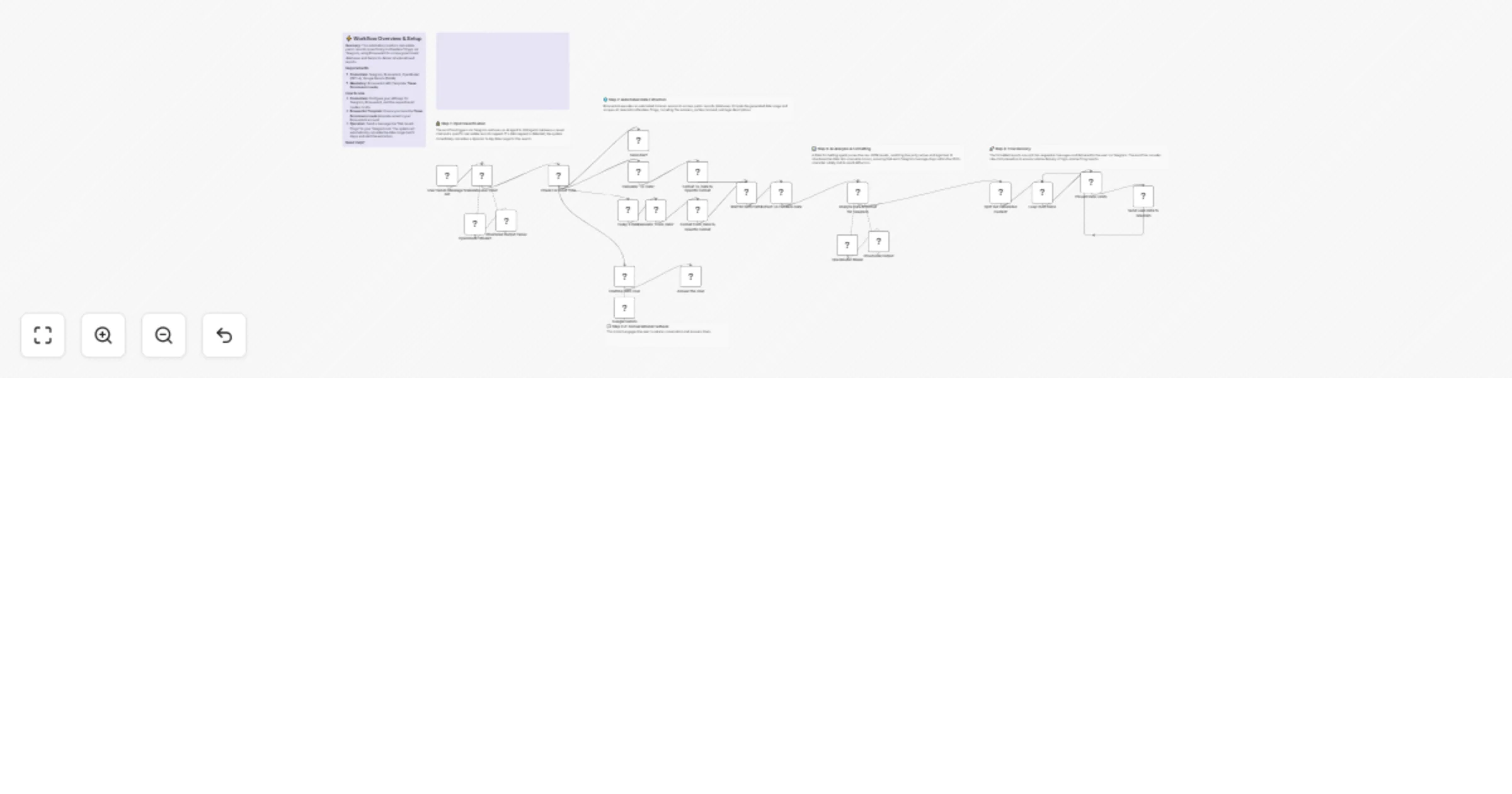
Monitor Lis Pendens real estate filings via Telegram, BrowserAct and Gemini

Workflow preview

Workflow preview
100%
Monitor Lis Pendens real estate filings via Telegram, BrowserAct and Gemini preview
Open on n8n.io

1. Workflow Overview

Monitor real estate filings via Telegram, BrowserAct and Gemini This workflow transforms your Telegram bot into an automated real estate monitoring tool. Send a message like "Check filings for the ...

Best for

  • Lead Generation automation workflows
  • AI Chatbot automation workflows
  • advanced n8n builders looking for reusable templates

Tools used

@n8n/n8n-nodes-langchain.outputparserstructured, @n8n/n8n-nodes-langchain.agent, @n8n/n8n-nodes-langchain.lmchatgooglegemini, n8n-nodes-base.telegram, @n8n/n8n-nodes-langchain.lmchatopenrouter, n8n-nodes-base.splitinbatches, n8n-nodes-base.switch, n8n-nodes-base.datetime

Source and attribution

This workflow is cataloged by N8N Workflows and links back to its original n8n.io source page by Madame AI Team | Kai.

Original n8n.io source

1.1 Workflow description

Title
Monitor Lis Pendens real estate filings via Telegram, BrowserAct and Gemini
Workflow name
Monitor Lis Pendens real estate filings via Telegram, BrowserAct and Gemini

Monitor real estate filings via Telegram, BrowserAct and Gemini

This workflow transforms your Telegram bot into an automated real estate monitoring tool. Send a message like "Check filings for the last 5 days," and the bot will scrape the official county clerk site for "Lis Pendens" (pre-foreclosure) filings, format the messy legal data into a readable report, and deliver it directly to your chat.

Target Audience

Real estate investors, wholesalers, and agents looking for pre-foreclosure leads.

How it works

  1. Understand Request: The workflow receives your Telegram message. An AI Agent classifies it: are you chatting, or asking for real estate data?
  2. Calculate Dates: If you don't specify a date range, the workflow automatically calculates a default window (e.g., Today minus 5 days) to search for recent filings.
  3. Scrape Records: BrowserAct executes a background task to search the public records site using the calculated dates and scrapes all matching "Lis Pendens" filings.
  4. Format Data: A second AI Agent processes the raw legal text. It cleans up party names, extracts file numbers, and formats everything into a clean HTML list with download links.
  5. Deliver Report: The bot splits the report into multiple messages (if necessary) and sends them to your Telegram chat.

How to set up

  1. Configure Credentials: Connect your Telegram, BrowserAct, Google Gemini, and OpenRouter accounts in n8n.
  2. Prepare BrowserAct: Ensure the Texas Foreclosure Leads template is saved in your BrowserAct account.
  3. Configure Telegram: Create a bot via BotFather and add the API token to your Telegram credentials.
  4. Activate: Turn on the workflow.
  5. Test: Send "Check filings" to your bot to start the search.

Requirements

  • BrowserAct account with the Texas Foreclosure Leads template.
  • Telegram account (Bot Token).
  • Google Gemini & OpenRouter accounts.

How to customize the workflow

  1. Change Search Query: Modify the BrowserAct template to search for different document types (e.g., "Divorce Decrees" or "Probate").
  2. Adjust Date Range: Update the From_Date node to search for a longer period (e.g., -30 days).
  3. Filter Results: Add logic to the Generate response agent to only show filings from specific banks or attorneys.

Need Help?


Workflow Guidance and Showcase Video

1.2 Logical Blocks

This catalog entry is organized from the workflow JSON. The node-level section below shows the executable blocks available for review before importing the template.

2. Block-by-Block Analysis

Block 1 - Structured Output Parser

Type / Role
@n8n/n8n-nodes-langchain.outputParserStructured - outputParserStructured
Config choices
Version 1.3

Block 2 - Validate user Input

Type / Role
@n8n/n8n-nodes-langchain.agent - agent
Config choices
Version 3

Block 3 - Google Gemini

Type / Role
@n8n/n8n-nodes-langchain.lmChatGoogleGemini - lmChatGoogleGemini
Config choices
Version 1

Block 4 - Send Alert

Type / Role
n8n-nodes-base.telegram - telegram
Config choices
Version 1.2

Block 5 - Structured Output

Type / Role
@n8n/n8n-nodes-langchain.outputParserStructured - outputParserStructured
Config choices
Version 1.3

Block 6 - OpenRouter Model

Type / Role
@n8n/n8n-nodes-langchain.lmChatOpenRouter - lmChatOpenRouter
Config choices
Version 1

Block 7 - Loop Over Items

Type / Role
n8n-nodes-base.splitInBatches - splitInBatches
Config choices
Version 3

Block 8 - OpenRouter Model1

Type / Role
@n8n/n8n-nodes-langchain.lmChatOpenRouter - lmChatOpenRouter
Config choices
Version 1

Block 9 - Check For Input Type

Type / Role
n8n-nodes-base.switch - switch
Config choices
Version 3.4

Block 10 - Today's Date

Type / Role
n8n-nodes-base.dateTime - dateTime
Config choices
Version 2

Block 11 - Calculate "To_Date"

Type / Role
n8n-nodes-base.dateTime - dateTime
Config choices
Version 2

Block 12 - Calculate "From_Date"

Type / Role
n8n-nodes-base.dateTime - dateTime
Config choices
Version 2

Block 13 - Format To_Date to Specific Format

Type / Role
n8n-nodes-base.code - code
Config choices
Version 2

Block 14 - Format From_Date to Specific Format

Type / Role
n8n-nodes-base.code - code
Config choices
Version 2

Block 15 - Wait for Both Paths

Type / Role
n8n-nodes-base.merge - merge
Config choices
Version 3.2

Block 16 - Extract Lis Pendens Data

Type / Role
n8n-nodes-browseract.browserAct - browserAct
Config choices
Version 1

Block 17 - Analyze Data & Format for Telegram

Type / Role
@n8n/n8n-nodes-langchain.agent - agent
Config choices
Version 3

Block 18 - Split Out Generated Content

Type / Role
n8n-nodes-base.splitOut - splitOut
Config choices
Version 1

Block 19 - Prevent Rate Limits

Type / Role
n8n-nodes-base.wait - wait
Config choices
Version 1.1

Block 20 - Send Lead Data to Telegram

Type / Role
n8n-nodes-base.telegram - telegram
Config choices
Version 1.2

Block 21 - Chatting With User

Type / Role
@n8n/n8n-nodes-langchain.agent - agent
Config choices
Version 3

Block 22 - Answer the User

Type / Role
n8n-nodes-base.telegram - telegram
Config choices
Version 1.2

Block 23 - Documentation

Type / Role
n8n-nodes-base.stickyNote - stickyNote
Config choices
Version 1

Block 24 - Step 1 Explanation

Type / Role
n8n-nodes-base.stickyNote - stickyNote
Config choices
Version 1

Showing the first 24 of 30 workflow blocks. Download the JSON for the full node graph.

3. Summary Table

Workflow Monitor Lis Pendens real estate filings via Telegram, BrowserAct and Gemini
Complexity advanced
Nodes 30
Categories Lead Generation, AI Chatbot
Author Madame AI Team | Kai
Published 03 Jan 2026

4. Reproducing the Workflow from Scratch

  1. 1. Download the workflow JSON

    Use the JSON export at /data/workflows/12433/12433.json as the source template for this automation.

  2. 2. Import the template into n8n

    Open n8n, import the downloaded JSON, and review each node before activating the workflow.

  3. 3. Configure credentials and variables

    Replace placeholder credentials, API keys, webhook URLs, account IDs, and environment-specific values with your own settings.

  4. 4. Test with sample data

    Run the workflow manually or in a staging workspace, inspect node output, and confirm downstream systems receive the expected data.

  5. 5. Activate and monitor

    Enable the workflow only after testing, then monitor executions, errors, and rate limits during the first production runs.

5. General Notes & Resources

Review imported nodes carefully before activation. This catalog entry is intended to help you inspect the workflow structure, understand required services, and find related templates faster.

Node names, credentials, schedules, webhook paths, and external service limits may need adjustment for your workspace.

Frequently asked questions

What does Monitor Lis Pendens real estate filings via Telegram, BrowserAct and Gemini do?

Monitor real estate filings via Telegram, BrowserAct and Gemini This workflow transforms your Telegram bot into an automated real estate monitoring tool. Send a message like "Check filings for the ...

What do I need before importing this workflow?

Review the workflow JSON, configure any required credentials in n8n, and test the automation in a safe workspace before using it in production.

Can I customize this workflow?

Yes. Use the block-by-block analysis and the downloadable JSON to inspect each node, then adjust credentials, prompts, schedules, filters, or destinations for your Lead Generation, AI Chatbot use case.