Migrate large Hugging Face datasets to MongoDB with a looping subworkflow
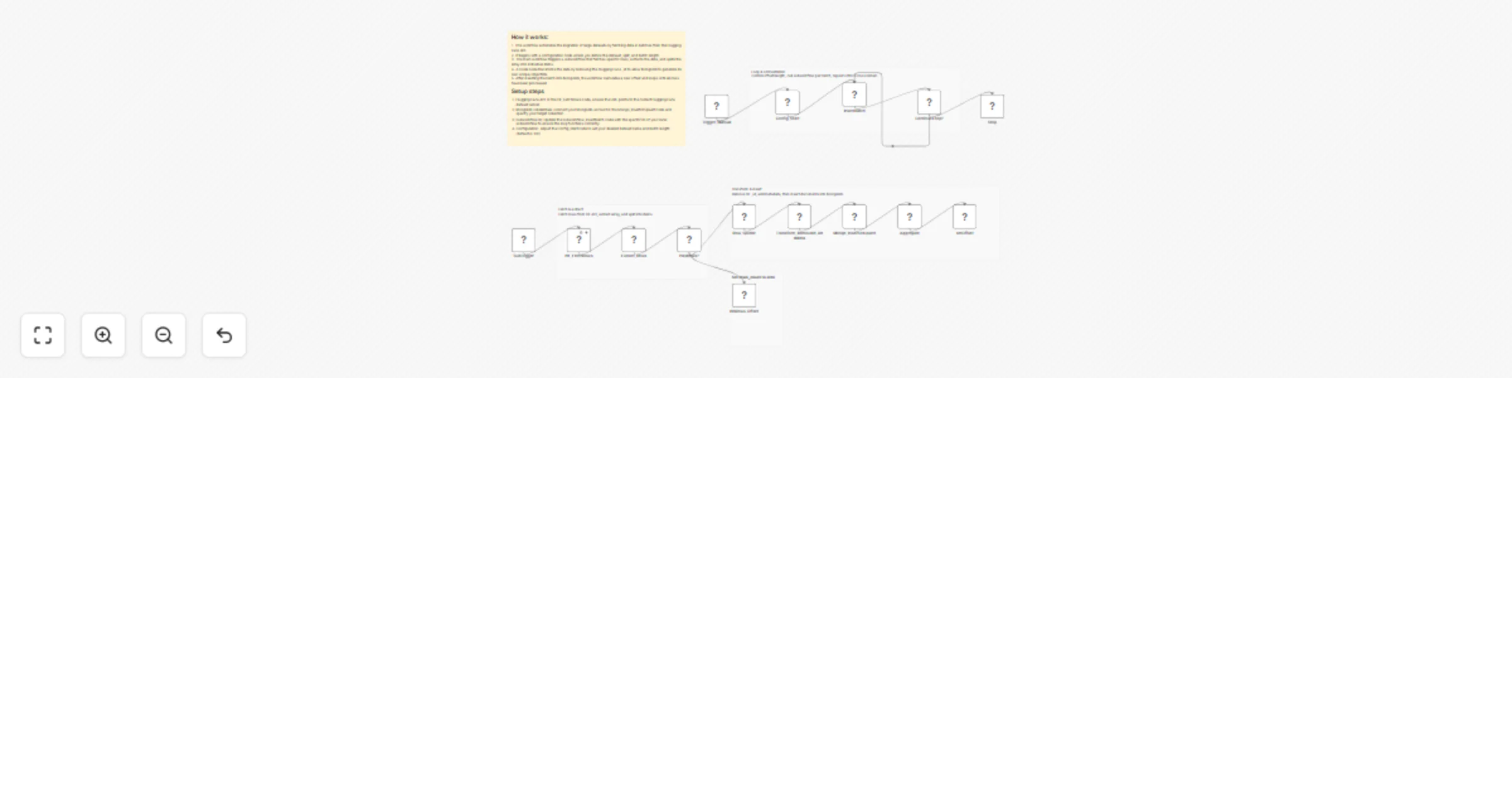
Workflow preview


 Early Deal
DISCOUNT 20%

Overview
This n8n template provides a production-ready, memory-safe pipeline for ingesting large Hugging Face datasets into MongoDB using batch pagination. It is designed as a reusable data ingestion layer for RAG systems, recommendation engines, analytics pipelines, and ML workflows.
The template includes:
- A main workflow that orchestrates pagination and looping
- A subworkflow that fetches dataset rows, sanitizes them, and inserts them into MongoDB safely
🚀 What This Template Does
- Fetches rows from a Hugging Face dataset using the
datasets-serverAPI - Processes data in configurable batches (offset + length)
- Removes Hugging Face
_idfields to avoid MongoDB duplicate key errors - Inserts clean documents into MongoDB
- Automatically loops until all dataset rows are ingested
- Handles large datasets without memory overflow
🧩 Architecture Overview
Main Workflow (Orchestrator)
- Starts the ingestion process
- Defines dataset, batch size, and MongoDB collection
- Repeatedly calls the subworkflow until no rows remain
Subworkflow (Batch Processor)
- Fetches a single batch of rows from Hugging Face
- Splits rows into individual items
- Removes
_idfields - Inserts documents into MongoDB
- Returns batch statistics to the main workflow
🔁 Workflow Logic (High-Level)
- Set initial configuration:
- Dataset name
- Split (
train,test, etc.) - Batch size
- Offset
- Fetch rows from Hugging Face
- If rows exist:
- Split rows into items
- Remove
_id - Insert into MongoDB
- Increase offset
- Repeat until no rows are returned
📦 Default Configuration
| Parameter | Default Value |
|---|---|
| Dataset | MongoDB/airbnb_embeddings |
| Config | default |
| Split | train |
| Batch Size | 100 |
| MongoDB Collection | airbnb |
All values can be changed easily from the Config_Start node.
🛠 Prerequisites
- n8n (self-hosted or cloud)
- MongoDB (local or hosted)
- MongoDB credentials configured in n8n
- Internet access to
datasets-server.huggingface.co
▶️ How to Use
- Import the workflow JSON into n8n
- Configure MongoDB credentials in the MongoDB node
- Update dataset parameters if needed:
- Dataset name
- Split
- Batch size
- Collection name
- Run the workflow using the Manual Trigger
- Monitor execution until completion
🧠 Why _id Is Removed
Hugging Face dataset rows often include an _id field.
MongoDB requires _id values to be unique, so reusing these values can cause insertion failures.
This template:
- Removes the Hugging Face
_id - Lets MongoDB generate its own
ObjectId - Prevents duplicate key errors
- Allows safe re-runs and incremental ingestion
🔍 Ideal Use Cases
✅ RAG (Retrieval-Augmented Generation)
- Store dataset content as source documents
- Add embeddings later using OpenAI, Mistral, or local models
- Connect MongoDB to a vector database or hybrid search
✅ Recommendation Systems
- Build item catalogs from public datasets
- Use embeddings or metadata for similarity search
- Combine with user behavior data downstream
✅ ML & Analytics Pipelines
- Centralize dataset ingestion
- Normalize data before training or analysis
⚙️ Recommended Enhancements
You can easily extend this template with:
- Upsert logic using a deterministic hash (idempotent ingestion)
- Embedding generation before or after insertion
- Schema validation or field filtering
- Rate-limit handling & backoff
- Parallel ingestion for faster processing
⚠️ Notes & Best Practices
- Reduce batch size if you encounter memory limits
- Verify dataset license before production use
- Add indexes in MongoDB for faster downstream querying
- Use upserts if you plan to re-run ingestion frequently
📄 License & Disclaimer
This workflow template is provided as-is. You are responsible for:
- Dataset licensing compliance
- Infrastructure costs
- Downstream data usage
Hugging Face datasets are subject to their respective licenses.
⭐ Template Summary
Category: Data Ingestion Complexity: Intermediate Scalability: High Memory Safe: Yes Production Ready: Yes
If you want a version with:
- Upserts instead of inserts
- Built-in embeddings
- Vector database support
- Logging & monitoring
Just say the word and I’ll generate the enhanced workflow JSON.