Manage LinkedIn outreach sequences with Linked API and Google Sheets
Workflow preview

$20/month : Unlimited workflows
2500 executions/month

THE #1 IN WEB SCRAPING
Scrape any website without limits
HOSTINGER  Early Deal
DISCOUNT 20% Try free
Early DealDISCOUNT 20%
Self-hosted n8n
Unlimited workflows - from $4.99/mo

#1 hub for scraping, AI & automation
6000+ actors - $5 credits/mo
Overview
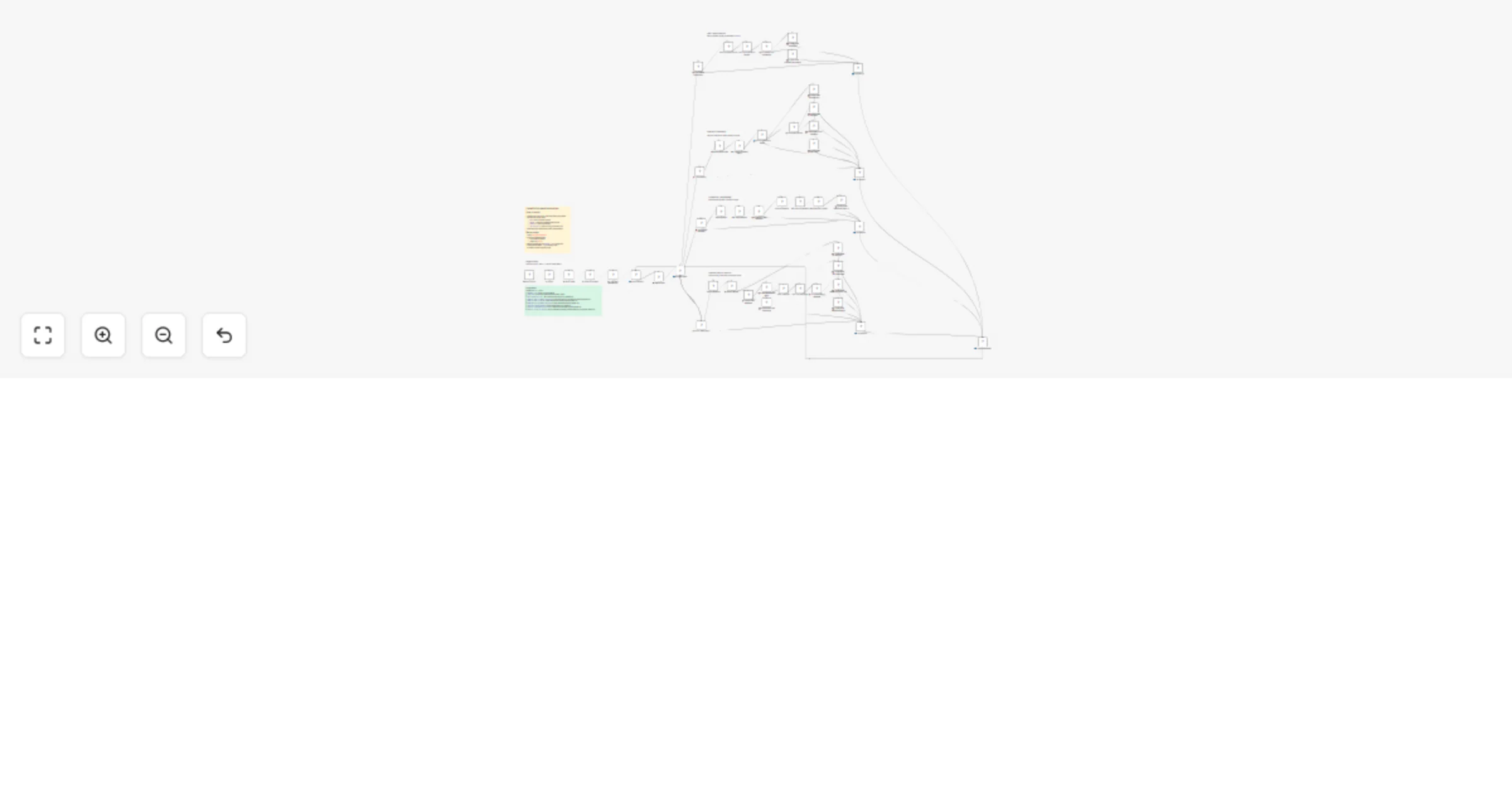
Automate your LinkedIn outreach with this n8n workflow powered by Linked API. Sends connection requests, monitors acceptance, delivers your pre-written messages, and follows up automatically – all tracked in Google Sheets.
How it works
- Connection phase – Sends connection requests to leads with status
NEW, respects daily limits - Monitoring – Checks if connections were accepted, expired, or declined
- Messaging – Sends your pre-written messages (up to 3) after connection is accepted
- Follow-up – Automatically follows up if no reply, marks leads as
NO_RESPONSEafter timeout - Tracking – All statuses and timestamps are saved to Google Sheets
Setup steps
Copy the Google Sheet template
Connect credentials:
- Google Sheets (OAuth2)
- Linked API (get key here)
Configure
DOCUMENT_LINKin the Config node (paste your spreadsheet URL)Add leads with
Status=NEWand fill inMessage 1,Message 2,Message 3Activate the workflow
Configuration
| Setting | Default | Description |
|---|---|---|
| DOCUMENT_LINK | – | URL to your Google Sheet |
| SHEET_NAME | Leads | Name of the sheet with leads |
| DAILY_CONNECTION_LIMIT | 25 | Max connection requests per day |
| HOURS_TO_CHECK_IF_CONNECTION_ACCEPTED | 24 | Check frequency for connection acceptance |
| HOURS_TO_CHECK_IF_REPLIED | 4 | Check frequency for message replies |
| HOURS_DELAY_AFTER_CONNECTION_ACCEPTED | 24 | Delay before first message |
| DAYS_DELAY_BETWEEN_MESSAGES | 2 | Delay between follow-ups |
| DAYS_WAIT_FOR_CONNECTION_ACCEPTANCE | 10 | Timeout for connection requests |
| DAYS_WAIT_AFTER_LAST_MESSAGE | 4 | Days to wait after last message before marking as no response |