Block 1 - When clicking ‘Test workflow’
- Type / Role
- n8n-nodes-base.manualTrigger - manualTrigger
- Config choices
- Version 1


 Early Deal
This workflow is provided as-is. Please review and test before using in production.
Who this is for? The LinkedIn Profile Extract and JSON Resume Builder is a powerful workflow that scrapes professional profile data from LinkedIn using Bright Data's infrastructure, then transforms...
n8n-nodes-base.manualtrigger, n8n-nodes-base.set, n8n-nodes-base.httprequest, @n8n/n8n-nodes-langchain.chainllm, @n8n/n8n-nodes-langchain.lmchatgooglegemini, @n8n/n8n-nodes-langchain.informationextractor, n8n-nodes-base.function, n8n-nodes-base.readwritefile
This workflow is cataloged by N8N Workflows and links back to its original n8n.io source page by Ranjan Dailata.
Original n8n.io sourceThe LinkedIn Profile Extract and JSON Resume Builder is a powerful workflow that scrapes professional profile data from LinkedIn using Bright Data's infrastructure, then transforms that data into a clean, structured JSON resume using Google Gemini. The workflow is ideal for automating resume parsing, candidate profiling, or integrating into recruiting platforms.
This workflow is tailored for:
HR professionals & recruiters automating resume screening
Talent acquisition platforms enriching candidate profiles
Developers & AI builders creating resume-parsing AI pipelines
Data scientists working on labor market analytics
Growth hackers profiling prospects via public data
Parsing resumes or LinkedIn profiles into machine-readable formats is often a manual, error-prone process. Most scraping tools either fail due to anti-bot protections or return unstructured HTML that's hard to work with.
This workflow solves that by:
Using Bright Data's Web Unlocker for reliable, CAPTCHA-free LinkedIn scraping
Extracting clean text and structured profile data via Google Gemini LLM
Automatically generating a standards-compliant JSON Resume and Skills
Sending the resume to webhooks or storing it for downstream usage
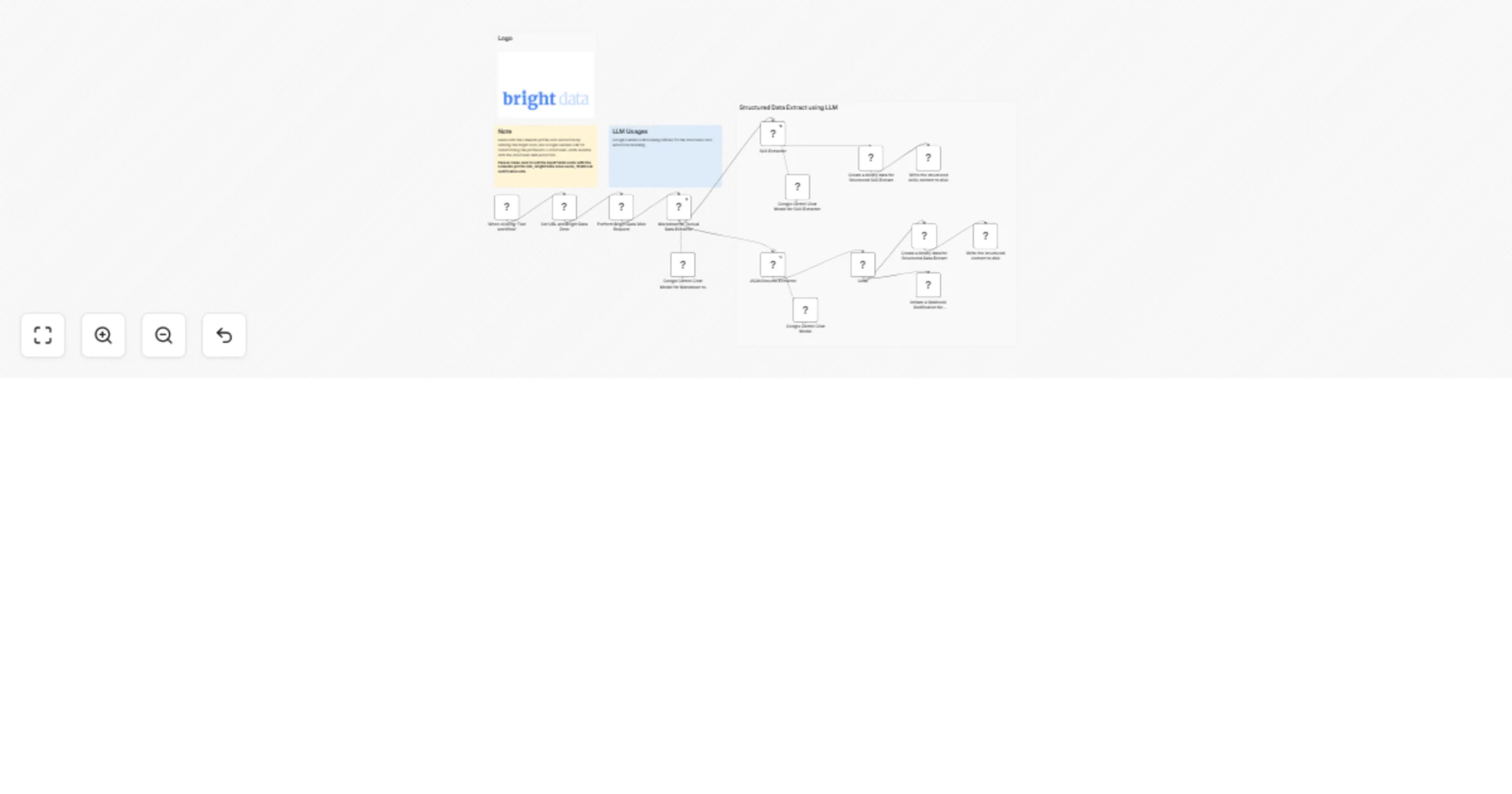
Accepts LinkedIn Profile URL and required metadata (Bright Data zone, webhook)
Scrapes LinkedIn profile using Bright Data Web Unlocker
Extracts clean content and skills using Google Gemini LLM
Builds a JSON-formatted resume following the JSON resume schema
Sends the JSON resume via Webhook Notification
Persists the output by saving the file to disk
Add Language Translation
Insert a translation LLM node to support multilingual profiles.
Generate PDF Resumes
Convert JSON to formatted PDF resumes using an HTML-to-PDF module.
Push to ATS or CRM
Add integration nodes to pipe data into applicant tracking systems (ATS), CRMs, or databases.
Use Alternative LLMs
Swap Gemini with OpenAI or Anthropic Claude if preferred.
This catalog entry is organized from the workflow JSON. The node-level section below shows the executable blocks available for review before importing the template.
| Workflow | LinkedIn profile extract and build JSON resume with Bright Data & Google Gemini |
|---|---|
| Complexity | advanced |
| Nodes | 19 |
| Categories | HR, AI Summarization |
| Author | Ranjan Dailata |
| Published | 04 Jun 2025 |
Use the JSON export at /data/workflows/4653/4653.json as the source template for this automation.
Open n8n, import the downloaded JSON, and review each node before activating the workflow.
Replace placeholder credentials, API keys, webhook URLs, account IDs, and environment-specific values with your own settings.
Run the workflow manually or in a staging workspace, inspect node output, and confirm downstream systems receive the expected data.
Enable the workflow only after testing, then monitor executions, errors, and rate limits during the first production runs.
Review imported nodes carefully before activation. This catalog entry is intended to help you inspect the workflow structure, understand required services, and find related templates faster.
Node names, credentials, schedules, webhook paths, and external service limits may need adjustment for your workspace.
Who this is for? The LinkedIn Profile Extract and JSON Resume Builder is a powerful workflow that scrapes professional profile data from LinkedIn using Bright Data's infrastructure, then transforms...
Review the workflow JSON, configure any required credentials in n8n, and test the automation in a safe workspace before using it in production.
Yes. Use the block-by-block analysis and the downloadable JSON to inspect each node, then adjust credentials, prompts, schedules, filters, or destinations for your HR, AI Summarization use case.