Google Drive to Supabase contextual vector database sync for RAG applications
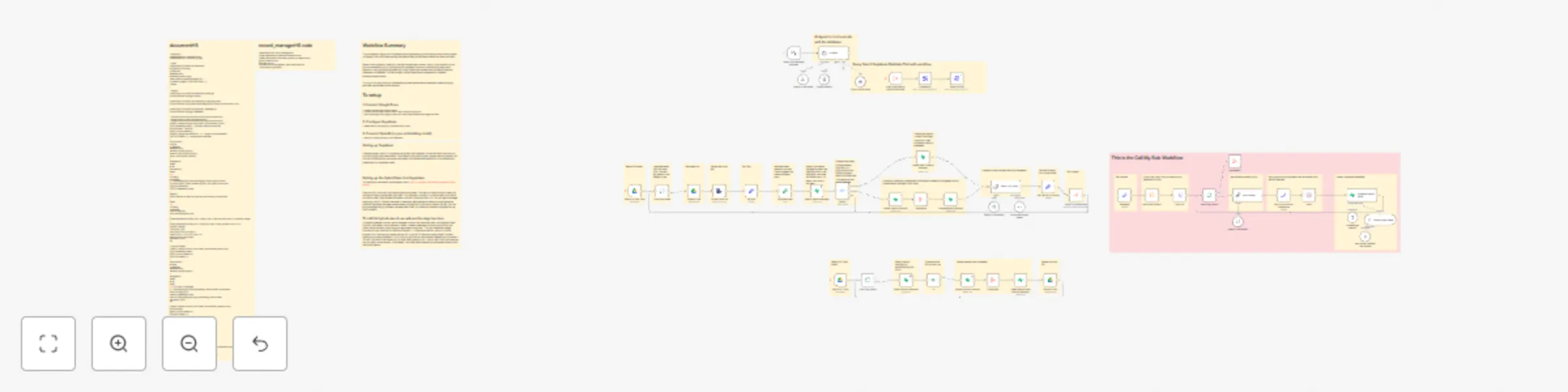
Workflow preview

$20/month : Unlimited workflows
2500 executions/month

THE #1 IN WEB SCRAPING
Scrape any website without limits
HOSTINGER  Early Deal
DISCOUNT 20% Try free
Early DealDISCOUNT 20%
Self-hosted n8n
Unlimited workflows - from $4.99/mo

#1 hub for scraping, AI & automation
6000+ actors - $5 credits/mo
Important notice
This workflow is provided as-is. Please review and test before using in production.
Overview
Workflow Summary
This automation keeps your Supabase vector database synchronized with documents stored in Google Drive, while also making the data contextual and vector based for better retrieval.
When a file is added or modified, the workflow extracts its text, splits it into smaller chunks, and enriches each chunk with contextual metadata (such as summaries and document details). It then generates embeddings using OpenAI and stores both the vector data and metadata in Supabase. If a file changes, the old records are replaced with updated, contextualized content.
The result is a continuously updated and context-aware vector database, enabling highly accurate hybrid search and retrieval.
To setup
1. Connect Google Drive
• Create a Google Drive folder to watch. • Connect your Google Drive account in n8n and authorize access. • Point the Google Drive Trigger node to this folder (new/modified files trigger the flow).
2. Configure Supabase
• Please refer to the Setting Up Supabase Sticky Note.
3. Connect OpenAI (or your embedding model)
• Add your OpenAI API key in n8n credentials.