M

Michael Taleb

3
Workflows

Workflows by Michael Taleb
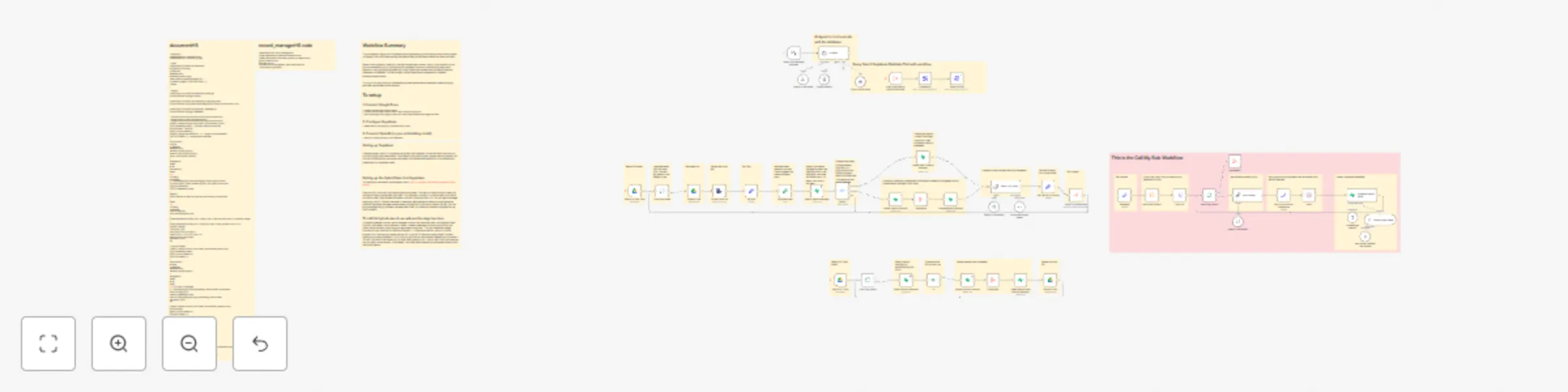
Workflow preview: Google Drive to Supabase contextual vector database sync for RAG applications
Free advanced

Google Drive to Supabase contextual vector database sync for RAG applications

# Workflow Summary ### This automation keeps your Supabase vector database synchronized with documents stored in Google Drive, while also making the data contextual and vector based for better retrieval. ### When a file is added or modified, the workflow extracts its text, splits it into smaller chunks, and enriches each chunk with contextual metadata (such as summaries and document details). It then generates embeddings using OpenAI and stores both the vector data and metadata in Supabase. If a file changes, the old records are replaced with updated, contextualized content. ### The result is a continuously updated and context-aware vector database, enabling highly accurate hybrid search and retrieval. # To setup ## 1. Connect Google Drive • Create a Google Drive folder to watch. • Connect your Google Drive account in n8n and authorize access. • Point the Google Drive Trigger node to this folder (new/modified files trigger the flow). ## 2. Configure Supabase • Please refer to the Setting Up Supabase Sticky Note. ## 3. Connect OpenAI (or your embedding model) • Add your OpenAI API key in n8n credentials.

M
Michael Taleb
Engineering
3 Sep 2025
689
0

Workflow preview: Automate content research with Reddit scraping, AI analysis, and Google Sheets
Free intermediate

Automate content research with Reddit scraping, AI analysis, and Google Sheets

# Workflow Summary This workflow automatically scrapes new Reddit posts from your chosen subreddits and keywords, analyzes them with AI to extract summaries, pain points, and content angles, and then saves the insights into a Google Sheet. It’s a fully automated Content Research Engine that delivers fresh marketing ideas and community pain points straight into your database. # Setting up the workflow 1. Connect Reddit • In n8n, create a Reddit credential. • Add the subreddits and keywords you want to track. 2. Connect Google Sheets • Make a copy of the database sheet. • Connect your Google account in n8n. 3. Connect OpenAI • Add your OpenAI API key as a credential. • The AI will summarize posts, extract pain points, and suggest content ideas. 4. Run the workflow • The workflow will search Reddit on a schedule. • Results are processed by AI and automatically added to your Google Sheet.

M
Michael Taleb
Market Research
2 Sep 2025
3205
0

Workflow preview: Automate invoice processing with OCR.Space, GPT-4 & Google Drive to Gmail
Free advanced

Automate invoice processing with OCR.Space, GPT-4 & Google Drive to Gmail

# How it works - Watches a Google Drive folder for new (scanned) invoices. Each new file automatically triggers the workflow. - Downloads and processes each invoice through OCR Space to extract the text. - Extracts the company name (e.g. from the “billed to” field) and uses an AI agent to cross-reference it against a database in Google Sheets. - If a match is found, retrieves the correct recipient email and sends the invoice as an attachment. - If no match or an error occurs, the workflow alerts an operator by email for manual review. ## Setting up the workflow 1. Connect Google Drive • In n8n, connect your Google Drive account. • Create or select a folder where you will upload scanned invoices. 2. Connect Gmail (or another email service) • Add your Gmail account as a credential in n8n. • This will be used to send the processed invoice to the correct recipient. 3. Set up OCR.Space • Create a free OCR.Space account: https://ocr.space • In n8n, create a Generic Credential (Header Auth). • Use apikey as the name and your OCR API key as the value. 4. Connect the AI Agent • Add your OpenAI API key as a credential in n8n. • The AI Agent will extract the company name from the invoice text and match it against your database. • If a match is found, it retrieves the correct email. 5. Prepare the Google Sheet database • Make a copy of the database sheet: Google Sheet Template • Fill it with company names and recipient emails. • Connect your Google account to n8n and link this sheet to the workflow. 6. Run the workflow • When a new invoice is uploaded to your Google Drive folder, the workflow will: • Extract the text with OCR.Space • Use the AI Agent to identify the company name • Cross-reference it with your Google Sheet database • Send the invoice automatically to the correct recipient via Gmail • If no match is found, an error email is sent to you for manual review

M
Michael Taleb
Invoice Processing
2 Sep 2025
306
0