Block 1 - Extract Email Data
- Type / Role
- n8n-nodes-base.set - set
- Config choices
- Version 3.3


 Early Deal
This workflow is provided as-is. Please review and test before using in production.
Description Streamline customer support with a real time, AI powered answer engine that detects incoming support emails, classifies intent, identifies the customer’s GEO region, and generates a ...
n8n-nodes-base.set, n8n-nodes-base.slack, n8n-nodes-base.gmailtrigger, @n8n/n8n-nodes-langchain.lmchatopenai, @n8n/n8n-nodes-langchain.memorybufferwindow, @n8n/n8n-nodes-langchain.outputparserstructured, @n8n/n8n-nodes-langchain.agent, n8n-nodes-base.gmail
This workflow is cataloged by N8N Workflows and links back to its original n8n.io source page by Rahul Joshi.
Original n8n.io sourceStreamline customer support with a real-time, AI-powered answer engine that detects incoming support emails, classifies intent, identifies the customer’s GEO region, and generates a tailored reply ready to send. 📧
🤖 This workflow intelligently adjusts tone and clarity based on region (US, UK, India, Canada, Australia, etc.) and ensures every outgoing message is structured, compliant, and highly contextual. Valid queries receive an automated reply via Gmail and a Slack summary, while non-support messages are flagged for manual review. A perfect automation for scaling support operations with precision and personalization. 🌍⚡
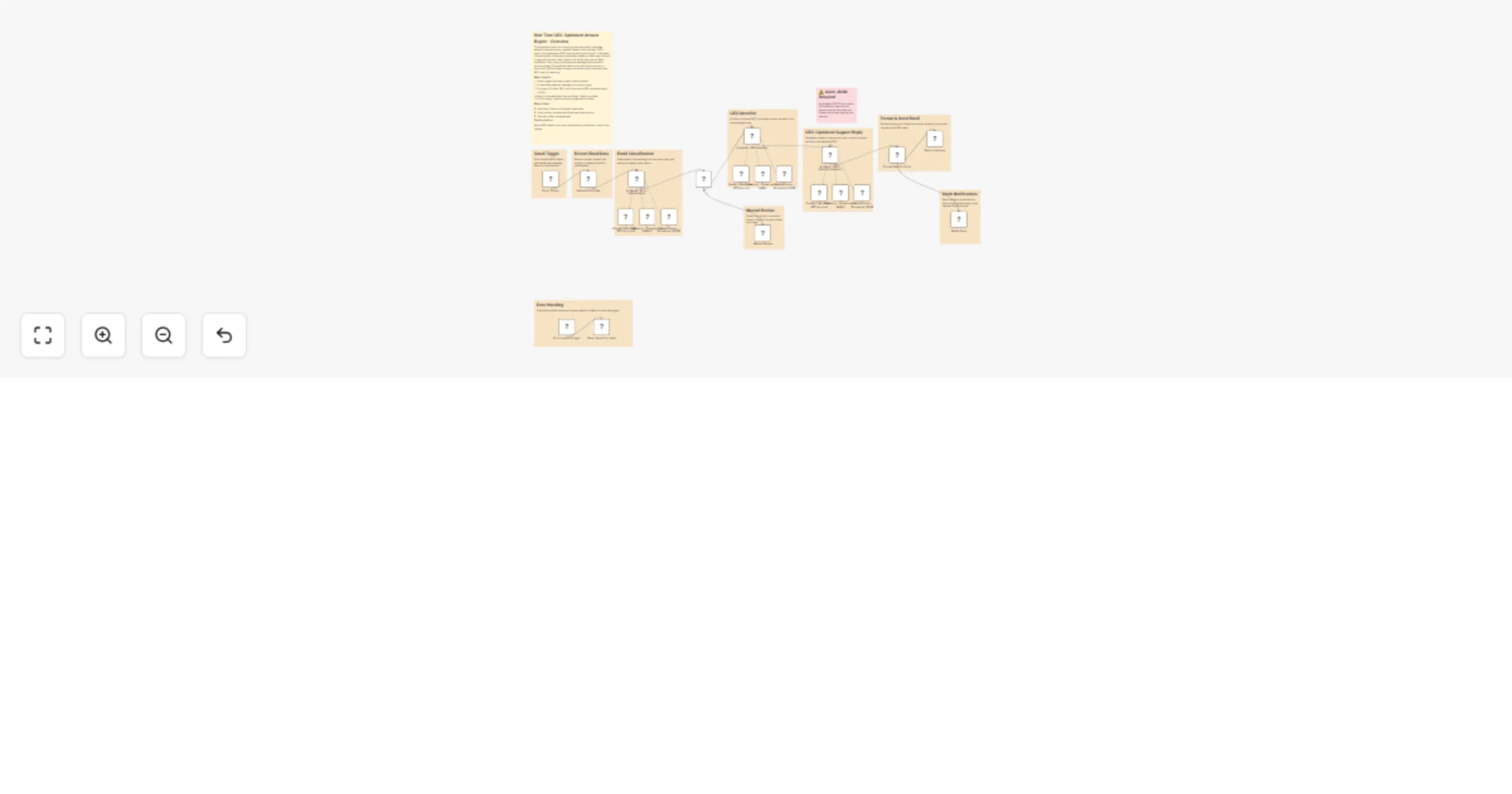
1️⃣ Listens for unread incoming emails using Gmail Trigger. 📥 2️⃣ Extracts sender, subject, and message snippet for analysis. 🔍 3️⃣ Uses AI to classify if the email is a real support query. 🤖 4️⃣ If valid, predicts the customer’s GEO region (US/UK/India/Canada/EU/etc.). 🌍 5️⃣ Generates a GEO-optimized reply in structured JSON (subject, body, tone). ✍️ 6️⃣ Formats the AI response and sends the final email via Gmail. 📤 7️⃣ Sends a Slack notification summarizing the reply, GEO used, and outcome. 💬 8️⃣ Routes non-query emails to Slack for manual human review. ⚠️ 9️⃣ Includes strict JSON validation to avoid malformed AI outputs. 📐 🔟 Logs summary details for reporting and operations visibility. 📊
✅ Automates personalized support replies with region-specific tone ✅ Eliminates manual triage of common support queries ✅ Ensures consistent, professional, and compliant customer communication ✅ Reduces response time with real-time processing ✅ Flags edge-cases and non-queries for manual review ✅ Integrates seamlessly with Gmail + Slack for end-to-end visibility
This catalog entry is organized from the workflow JSON. The node-level section below shows the executable blocks available for review before importing the template.
Showing the first 24 of 32 workflow blocks. Download the JSON for the full node graph.
| Workflow | Generate GEO-optimized support replies from Gmail to Gmail and Slack |
|---|---|
| Complexity | advanced |
| Nodes | 32 |
| Categories | Ticket Management, Multimodal AI |
| Author | Rahul Joshi |
| Published | 21 Nov 2025 |
Use the JSON export at /data/workflows/11077/11077.json as the source template for this automation.
Open n8n, import the downloaded JSON, and review each node before activating the workflow.
Replace placeholder credentials, API keys, webhook URLs, account IDs, and environment-specific values with your own settings.
Run the workflow manually or in a staging workspace, inspect node output, and confirm downstream systems receive the expected data.
Enable the workflow only after testing, then monitor executions, errors, and rate limits during the first production runs.
Review imported nodes carefully before activation. This catalog entry is intended to help you inspect the workflow structure, understand required services, and find related templates faster.
Node names, credentials, schedules, webhook paths, and external service limits may need adjustment for your workspace.
Description Streamline customer support with a real time, AI powered answer engine that detects incoming support emails, classifies intent, identifies the customer’s GEO region, and generates a ...
Review the workflow JSON, configure any required credentials in n8n, and test the automation in a safe workspace before using it in production.
Yes. Use the block-by-block analysis and the downloadable JSON to inspect each node, then adjust credentials, prompts, schedules, filters, or destinations for your Ticket Management, Multimodal AI use case.