Generate business research reports with Claude, web search and Google Drive
Workflow preview


 Early Deal
DISCOUNT 20%

Overview
This workflow is a fully automated AI-powered business intelligence agent. It accepts a research topic or company name via webhook, autonomously collects data from multiple live sources (web search, news feeds, financial APIs), runs a multi-stage Claude AI analysis pipeline, and delivers a structured professional business report — all without human intervention.
What's the Goal?
To eliminate the hours analysts spend manually gathering data, switching between tools, and writing reports. This workflow does it all in under 3 minutes:
- Collects live market and competitor data
- Pulls recent news and sentiment signals
- Runs deep AI analysis across all sources
- Generates a structured executive report with SWOT, risks, and opportunities
- Delivers the final report via email and saves to Google Drive
Why Does It Matter?
Manual business research is slow, inconsistent, and expensive. This workflow:
- Saves 4-8 hours of analyst time per report
- Produces consistent, structured outputs every time
- Runs on a schedule or on-demand via API
- Scales to any number of topics or companies
- Integrates directly into your CRM, Slack, or email
- Generates billable deliverables for consulting agencies
How It Works
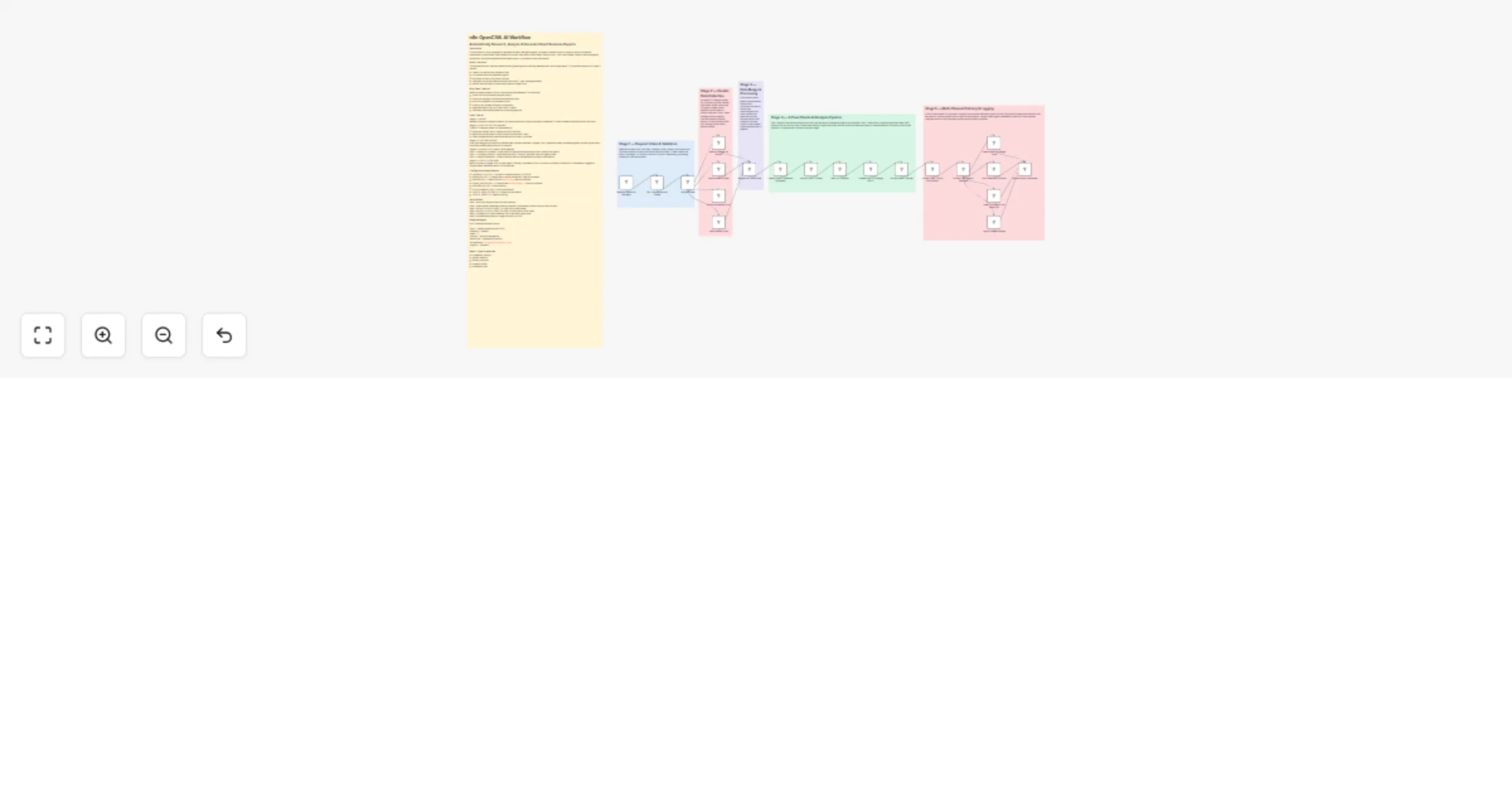
Stage 1 — INTAKE Webhook receives a research request. Set node normalizes all inputs and stores credentials. IF node validates the request has a valid topic.
Stage 2 — DATA COLLECTION (parallel) Three HTTP Request nodes run simultaneously:
- Serper.dev fetches top 10 Google results for the topic
- NewsAPI pulls the latest 10 news articles from the past 7 days
- Alpha Vantage fetches financial/market data if a ticker is provided
Stage 3 — DATA PROCESSING Code node merges and cleans all collected data. Extracts headlines, snippets, URLs, publication dates, sentiment signals, and key figures into a structured context object ready for AI analysis.
Stage 4 — AI ANALYSIS (3-pass Claude pipeline) Pass 1 — Research Synthesis: Claude reads all raw data and extracts key facts, trends, and signals Pass 2 — Strategic Analysis: Claude performs SWOT analysis, identifies risks and opportunities Pass 3 — Report Generation: Claude writes the final structured executive report in Markdown
Stage 5 — OUTPUT & DELIVERY Report is saved to Google Drive as a document. Summary is posted to Slack. Full report is emailed via SendGrid. All metadata is logged to Google Sheets. Webhook returns JSON response.
Configuration Requirements
- ANTHROPIC_API_KEY — Claude AI (claude-sonnet-4-20250514)
- SERPER_API_KEY — Google Search results (serper.dev, free tier available)
- NEWSAPI_KEY — News articles (newsapi.org, free tier available)
- ALPHA_VANTAGE_KEY — Financial data (alphavantage.co, free tier available)
- SENDGRID_API_KEY — Email delivery
- SLACK_WEBHOOK_URL — Slack notifications
- GOOGLE_DRIVE_FOLDER_ID — Where to save reports
- GOOGLE_SHEET_ID — Report audit log
Setup Guide
Step 1: Import this workflow into your n8n instance Step 2: Open the Set Credentials node and replace all placeholder values with your real API keys Step 3: Set your GOOGLE_SHEET_ID in the Log to Sheets node Step 4: Set your GOOGLE_DRIVE_FOLDER_ID in the Save to Drive node Step 5: Configure your Slack webhook URL in the Notify Slack node Step 6: Activate the workflow or trigger manually via POST
Sample Request
POST /webhook/business-report { "topic": "OpenAI market position 2025", "company": "OpenAI", "ticker": "", "industry": "Artificial Intelligence", "reportType": "competitive_analysis", "recipientEmail": "[email protected]", "urgency": "standard" }
Report Types Supported
- competitive_analysis
- market_research
- industry_overview
- company_profile
- investment_brief