Block 1 - Main Overview
- Type / Role
- n8n-nodes-base.stickyNote - stickyNote
- Config choices
- Version 1


 Early Deal
This workflow is a fully automated AI powered business intelligence agent. It accepts a research topic or company name via webhook, autonomously collects data from multiple live sources (web search...
n8n-nodes-base.stickynote, n8n-nodes-base.webhook, n8n-nodes-base.set, n8n-nodes-base.if, n8n-nodes-base.respondtowebhook, n8n-nodes-base.httprequest, n8n-nodes-base.code, n8n-nodes-base.googlesheets
This workflow is cataloged by N8N Workflows and links back to its original n8n.io source page by Oneclick AI Squad.
Original n8n.io sourceThis workflow is a fully automated AI-powered business intelligence agent. It accepts a research topic or company name via webhook, autonomously collects data from multiple live sources (web search, news feeds, financial APIs), runs a multi-stage Claude AI analysis pipeline, and delivers a structured professional business report — all without human intervention.
To eliminate the hours analysts spend manually gathering data, switching between tools, and writing reports. This workflow does it all in under 3 minutes:
Manual business research is slow, inconsistent, and expensive. This workflow:
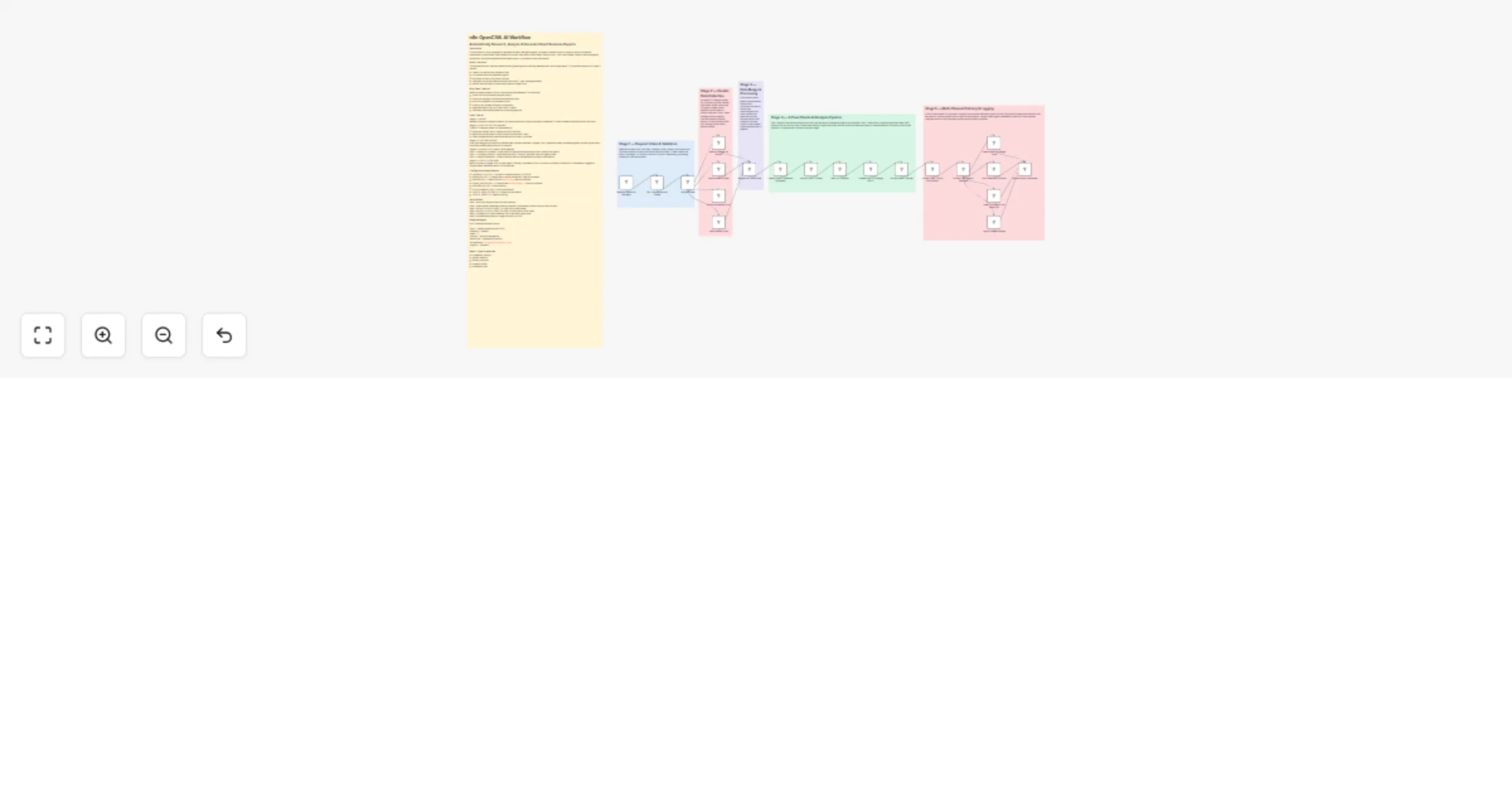
Stage 1 — INTAKE Webhook receives a research request. Set node normalizes all inputs and stores credentials. IF node validates the request has a valid topic.
Stage 2 — DATA COLLECTION (parallel) Three HTTP Request nodes run simultaneously:
Stage 3 — DATA PROCESSING Code node merges and cleans all collected data. Extracts headlines, snippets, URLs, publication dates, sentiment signals, and key figures into a structured context object ready for AI analysis.
Stage 4 — AI ANALYSIS (3-pass Claude pipeline) Pass 1 — Research Synthesis: Claude reads all raw data and extracts key facts, trends, and signals Pass 2 — Strategic Analysis: Claude performs SWOT analysis, identifies risks and opportunities Pass 3 — Report Generation: Claude writes the final structured executive report in Markdown
Stage 5 — OUTPUT & DELIVERY Report is saved to Google Drive as a document. Summary is posted to Slack. Full report is emailed via SendGrid. All metadata is logged to Google Sheets. Webhook returns JSON response.
Step 1: Import this workflow into your n8n instance Step 2: Open the Set Credentials node and replace all placeholder values with your real API keys Step 3: Set your GOOGLE_SHEET_ID in the Log to Sheets node Step 4: Set your GOOGLE_DRIVE_FOLDER_ID in the Save to Drive node Step 5: Configure your Slack webhook URL in the Notify Slack node Step 6: Activate the workflow or trigger manually via POST
POST /webhook/business-report { "topic": "OpenAI market position 2025", "company": "OpenAI", "ticker": "", "industry": "Artificial Intelligence", "reportType": "competitive_analysis", "recipientEmail": "[email protected]", "urgency": "standard" }
This catalog entry is organized from the workflow JSON. The node-level section below shows the executable blocks available for review before importing the template.
Showing the first 24 of 26 workflow blocks. Download the JSON for the full node graph.
| Workflow | Generate business research reports with Claude, web search and Google Drive |
|---|---|
| Complexity | advanced |
| Nodes | 26 |
| Categories | Market Research, Multimodal AI |
| Author | Oneclick AI Squad |
| Published | 02 Mar 2026 |
Use the JSON export at /data/workflows/13805/13805.json as the source template for this automation.
Open n8n, import the downloaded JSON, and review each node before activating the workflow.
Replace placeholder credentials, API keys, webhook URLs, account IDs, and environment-specific values with your own settings.
Run the workflow manually or in a staging workspace, inspect node output, and confirm downstream systems receive the expected data.
Enable the workflow only after testing, then monitor executions, errors, and rate limits during the first production runs.
Review imported nodes carefully before activation. This catalog entry is intended to help you inspect the workflow structure, understand required services, and find related templates faster.
Node names, credentials, schedules, webhook paths, and external service limits may need adjustment for your workspace.
This workflow is a fully automated AI powered business intelligence agent. It accepts a research topic or company name via webhook, autonomously collects data from multiple live sources (web search...
Review the workflow JSON, configure any required credentials in n8n, and test the automation in a safe workspace before using it in production.
Yes. Use the block-by-block analysis and the downloadable JSON to inspect each node, then adjust credentials, prompts, schedules, filters, or destinations for your Market Research, Multimodal AI use case.