Generate and send AI newsletters with OpenAI, Tavily, Google Sheets and Gmail
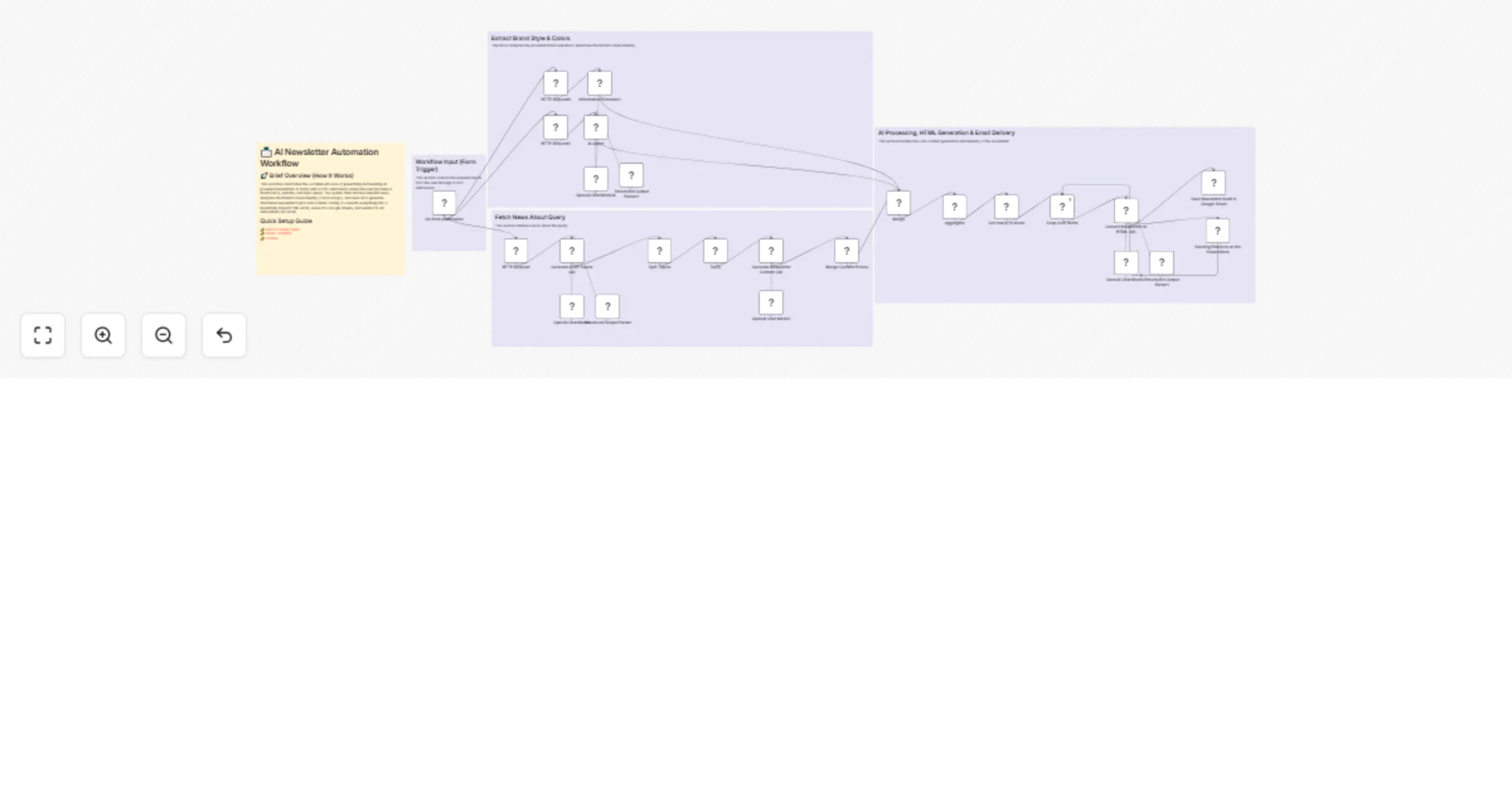
Workflow preview


 Early Deal
DISCOUNT 20%

Overview
📨 AI Newsletter Automation Workflow
🚀 Brief Overview (How It Works)
This workflow automates the complete process of generating and sending AI-powered newsletters. It starts with a form submission where the user provides a brand name, website, and topic query. The system then fetches relevant news, analyzes the brand’s visual identity (colors & logo), and uses AI to generate structured newsletter topics and content. Finally, it converts everything into a beautifully styled HTML email, saves it to Google Sheets, and sends it to all subscribers via Gmail.
Quick Setup Guide
👉 Demo & Setup Video 👉 Sheet Template 👉 Course
🔑 Nodes of Interest
On Form Submission (Trigger)
Entry point for brand details and query input
HTTP Request (Tavily API)
Fetches latest news based on the query
Generate Draft Topics (AI)
Creates newsletter title + 3 key topics using LLM
Split Topics
Breaks topics into individual items for processing
Generate Newsletter Content (AI)
Writes detailed content for each topic with sources
Merge Content Pieces
Combines all sections into one dataset
AI Agent (Brand Analyzer)
Extracts brand colors from website HTML
Information Extractor
Extracts logo URL from brand website
Convert Newsletter to HTML (AI)
Formats content into styled email HTML using brand theme
Google Sheets
Saves generated newsletter drafts
Gmail Node
Sends newsletter to all subscribers
🔐 What You’ll Need (Credentials)
OpenAI API Key
Used for all AI content generation (GPT-4.1-mini)
Tavily API Key
For fetching real-time news data
Google Sheets OAuth
To store newsletter drafts & manage subscribers
Gmail OAuth
To send emails to subscribers
⚙️ Recommended Settings & Best Practices
- Use structured output parsers to ensure consistent AI responses
- Keep topic count fixed (3) for predictable flow
- Limit newsletter length to ≤ 1000 words for readability
- Use Split + Aggregate pattern for scalable content generation
- Maintain strict prompt engineering (system messages already optimized)
- Always validate real URLs for citations (avoid hallucinations)
- Use Loop Over Items for controlled email sending
- Store drafts before sending (fail-safe logging)
🎯 Customization Ideas
- Add weekly automation trigger (Cron node) instead of manual form
- Integrate Notion / Airtable instead of Google Sheets
- Add unsubscribe & email tracking (SendGrid / Mailchimp)
- Personalize emails using user segmentation (AI-based)
- Add multi-language newsletter generation
- Include image generation (DALL·E / Stable Diffusion) for visuals
- Connect to Telegram / WhatsApp bot for distribution
- Add analytics dashboard for open/click rates
🏷️ Tags
AI Automation, n8n Workflow, Newsletter Automation, Email Marketing, GPT Integration, LangChain, Tavily API, No-Code AI, Content Generation, Marketing Automation, GenAI Workflow, AI Agents